
Перед началом
- Поддерживаемое исходное видео.
- Аккаунт с выполненным входом и доступными кредитами.
Что получится:
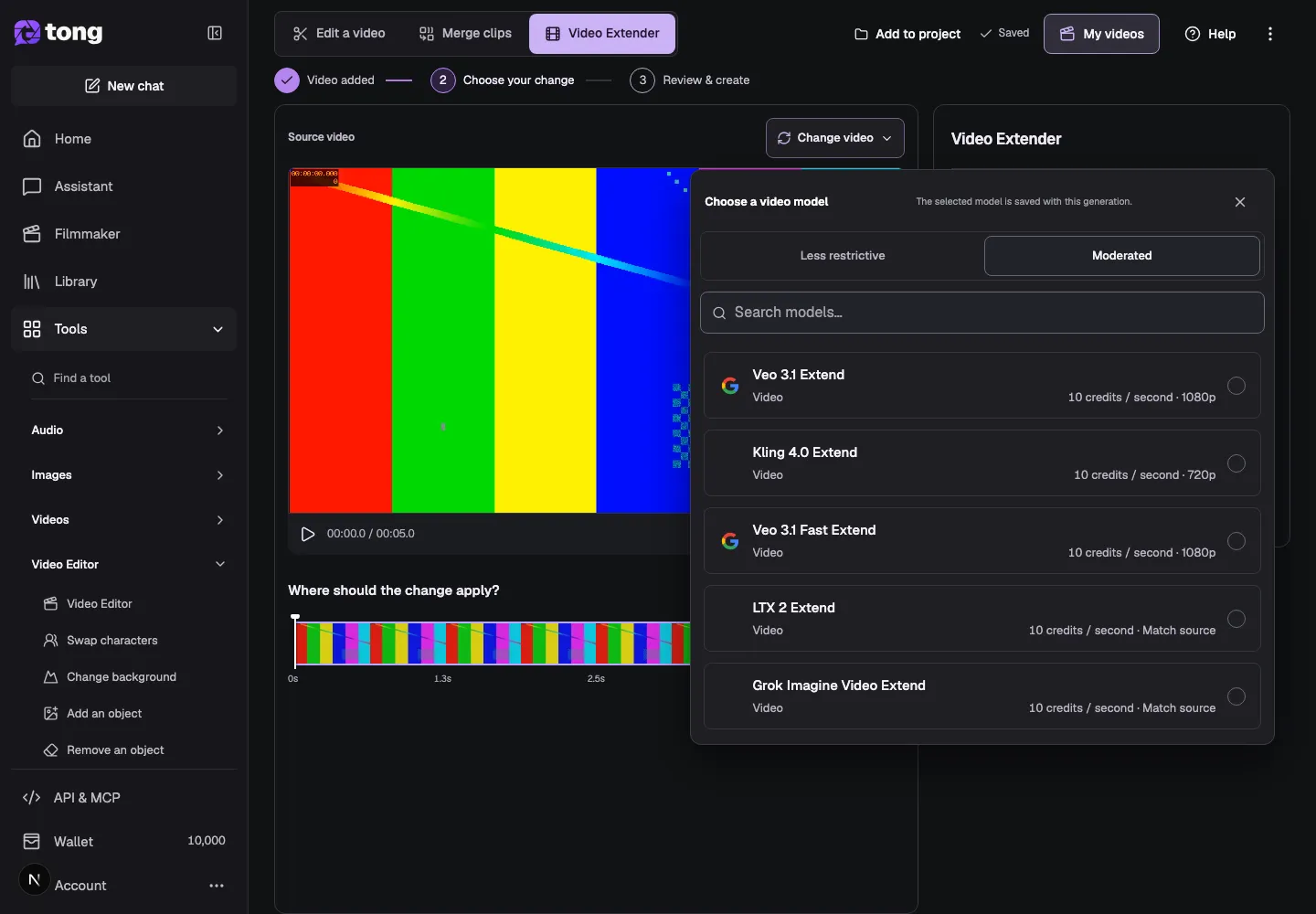
Выбор моделей
Video Extender offers unrestricted continuation models alongside Moderated choices. The selected model determines supported source ranges, added duration, resolution, audio and price.
Добавить исходное видео
Open Video Extender and upload a video or choose a saved clip. Wait for the source preview and duration to finish loading before choosing how the continuation should begin.
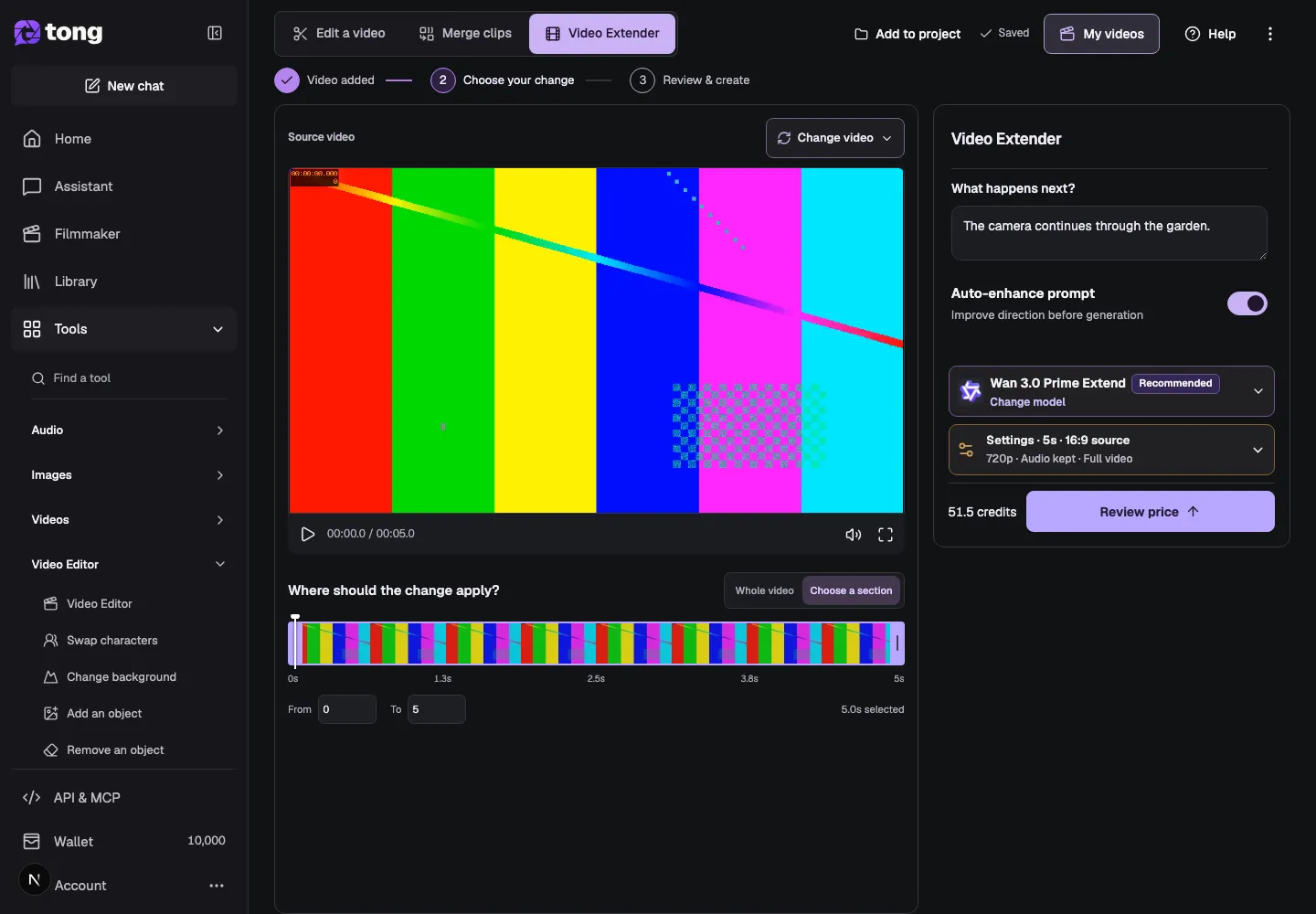
Choose the part to extend
Select Whole video when the new footage should continue from the end of the full source. Choose a section when you want to extend only a valid range inside the video, then check the From and To values.
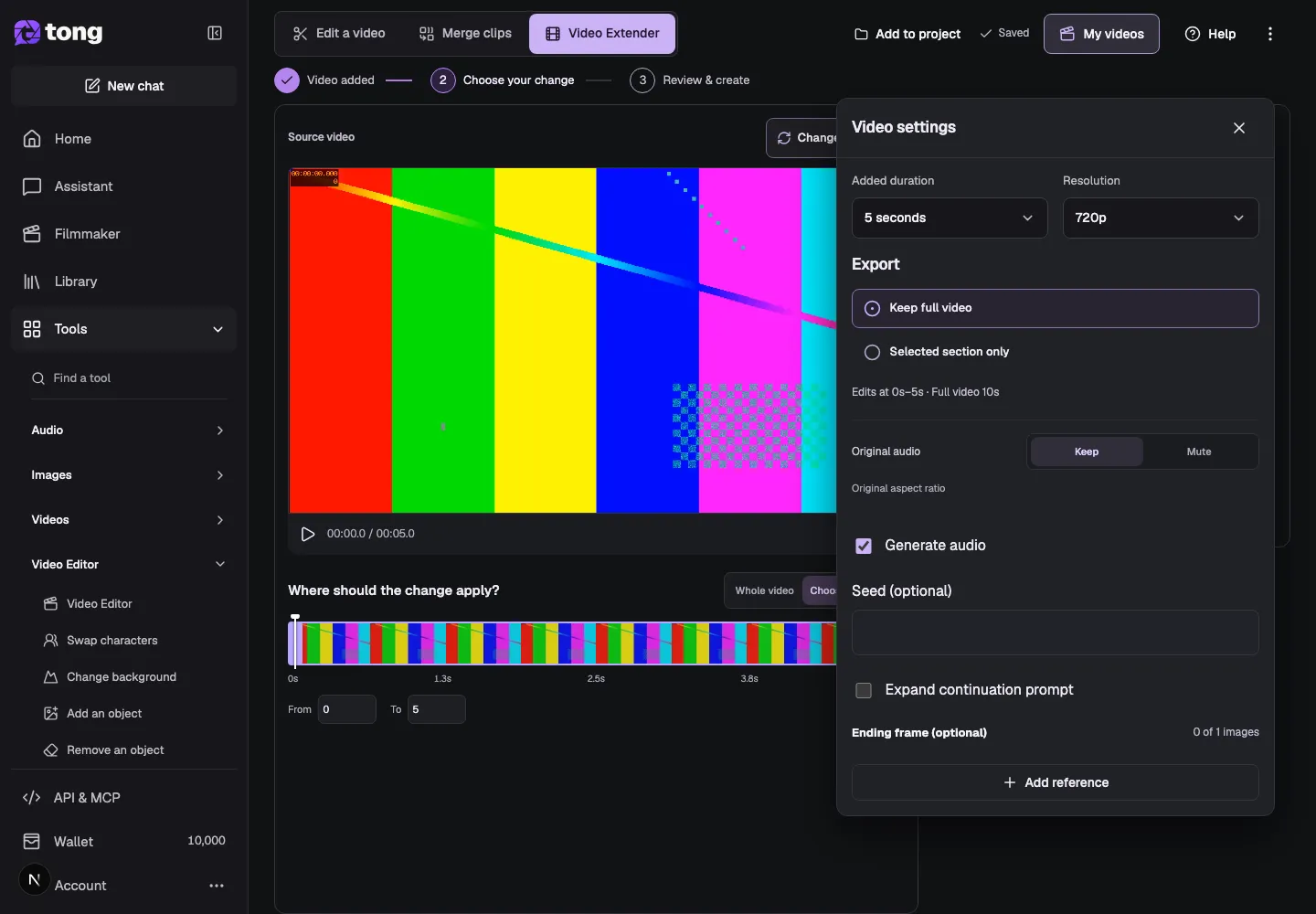
Describe what happens next
Type a short description in What happens next? Explain the action, camera movement or ending you want to follow the source. For example: Continue the camera movement through the garden, keeping the same light and pace.
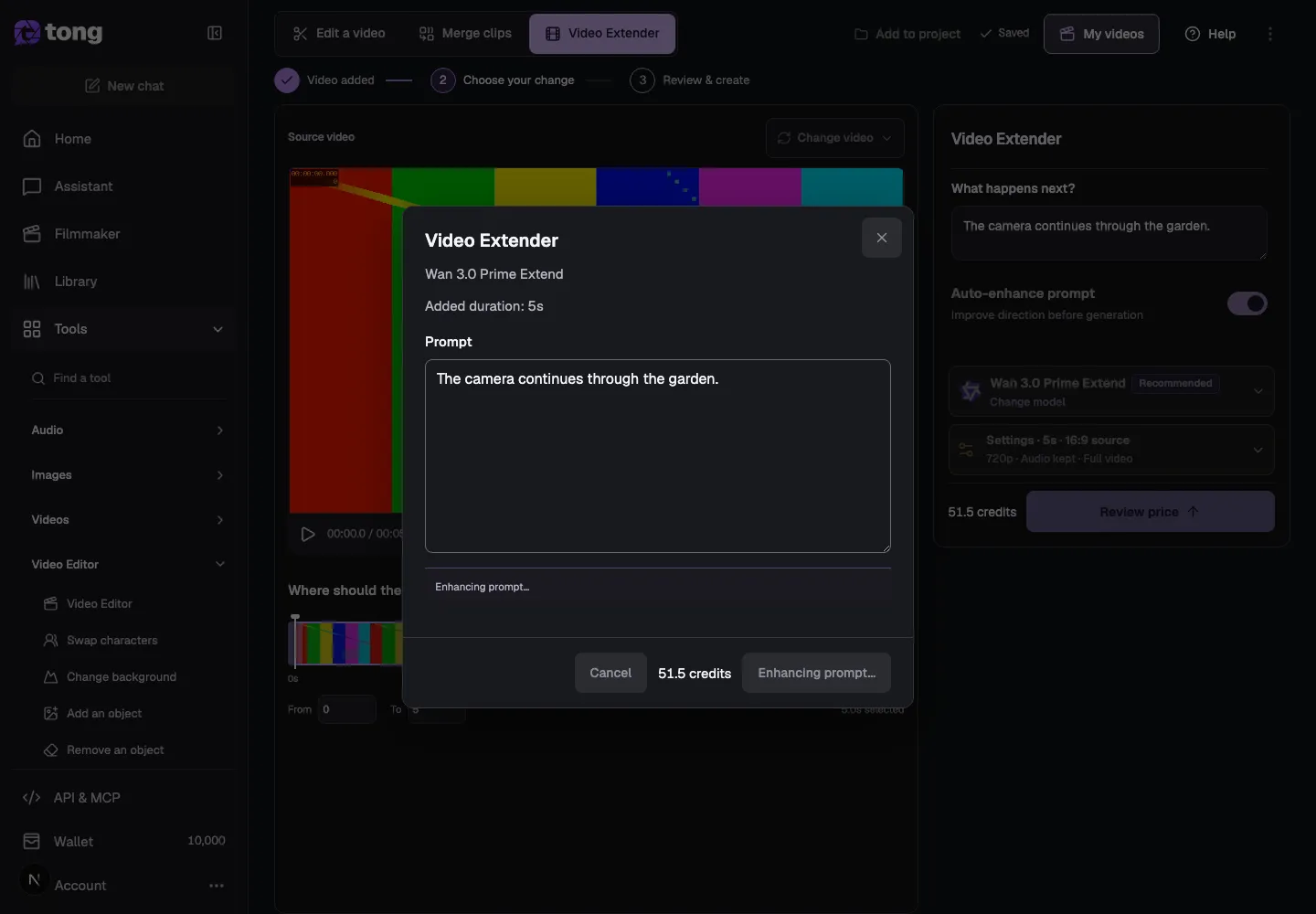
Choose a model and settings
Choose a compatible Video Extender model, then open Settings to review added duration, resolution, audio and whether the output keeps the full video or only the selected section. The selected model controls which options are available.
Review the price and extend
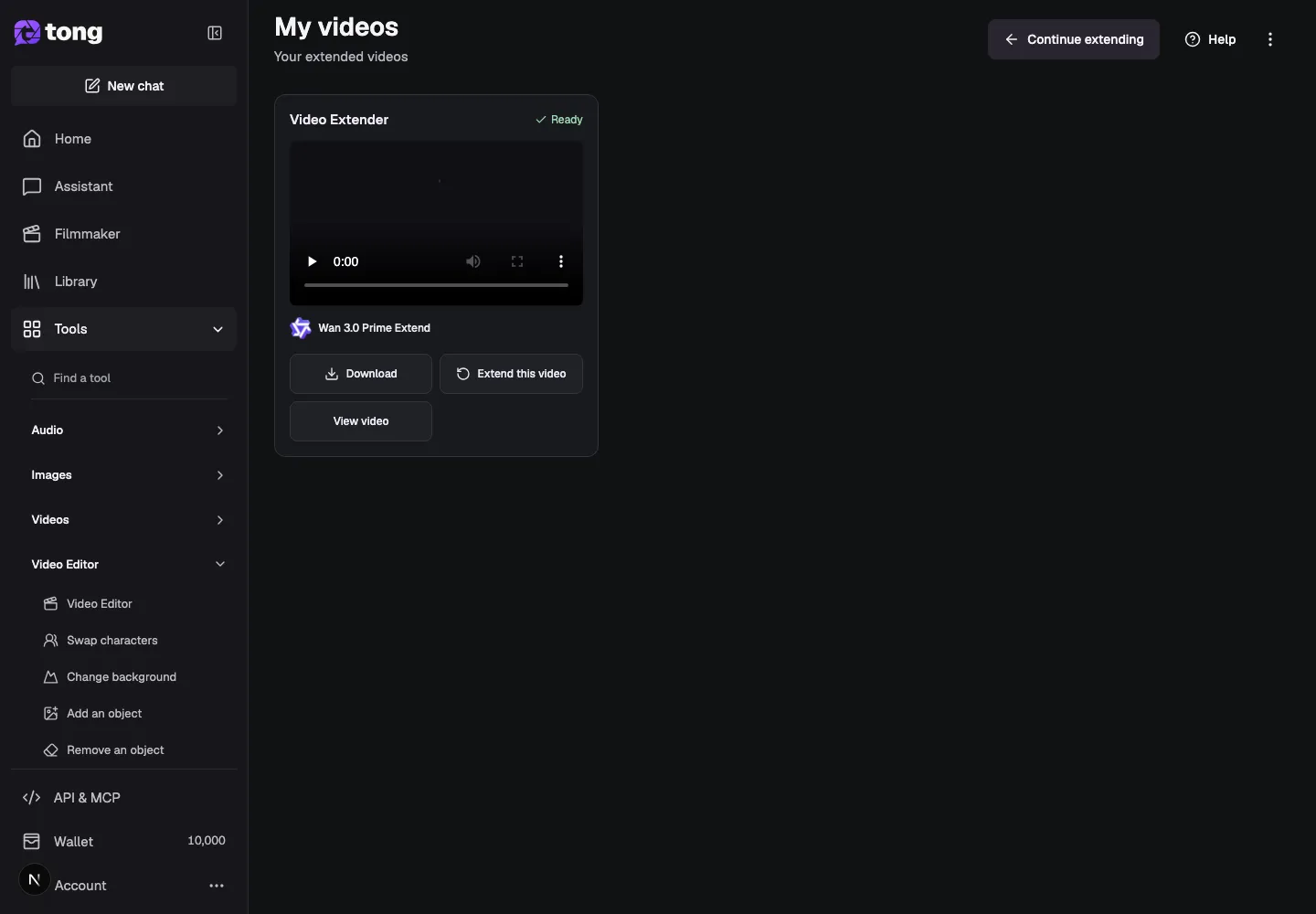
Select Review price and check the source range, added duration, model, audio and credit total. When everything matches your request, choose Extend video. Inspect the finished clip in My videos and download it or continue extending it.
Полезный совет
Keep the prompt focused on what should happen after the source ends. If you want the whole clip to continue, select Whole video instead of guessing a range.
Если возникла проблема
If Review price is disabled, wait for the source duration to load and check that the selected range stays inside the video. If the continuation starts from the wrong moment, reselect the section and review the From and To values before requesting another quote.
Сначала прочитайте, затем создавайте
Руководство можно читать бесплатно. Инструмент по ссылке показывает требования и текущую цену в кредитах. Скриншоты используют демонстрационные данные; проверьте свои входные данные и указанную стоимость перед платной работой.
Проверено 2026-10-18 · Tong Academy