
开始前
- 支持的源视频。
- 已登录且有可用积分的账户。
你将完成:
模型选择
Video Extender offers unrestricted continuation models alongside Moderated choices. The selected model determines supported source ranges, added duration, resolution, audio and price.
添加源视频
Open Video Extender and upload a video or choose a saved clip. Wait for the source preview and duration to finish loading before choosing how the continuation should begin.
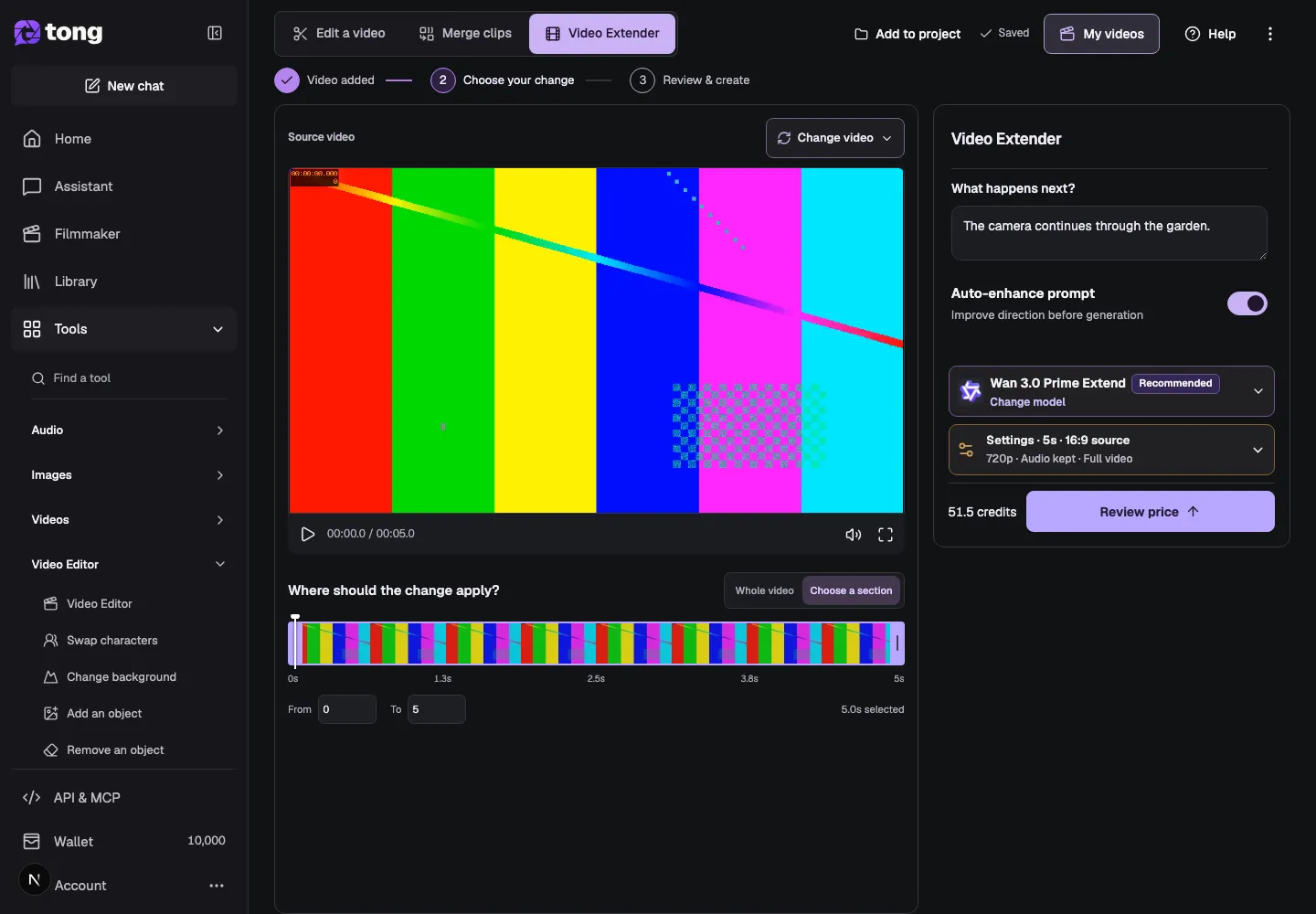
Choose the part to extend
Select Whole video when the new footage should continue from the end of the full source. Choose a section when you want to extend only a valid range inside the video, then check the From and To values.
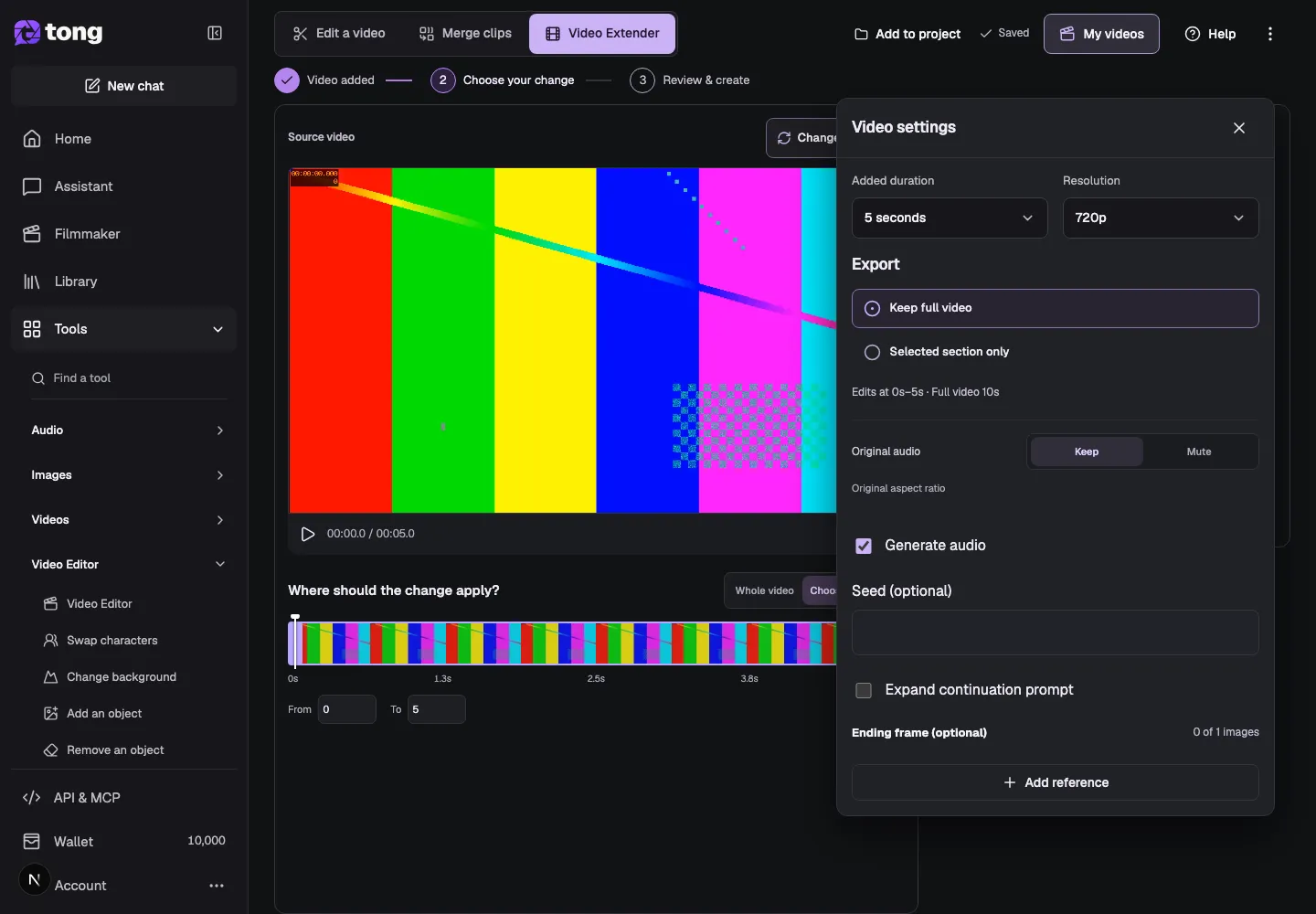
Describe what happens next
Type a short description in What happens next? Explain the action, camera movement or ending you want to follow the source. For example: Continue the camera movement through the garden, keeping the same light and pace.
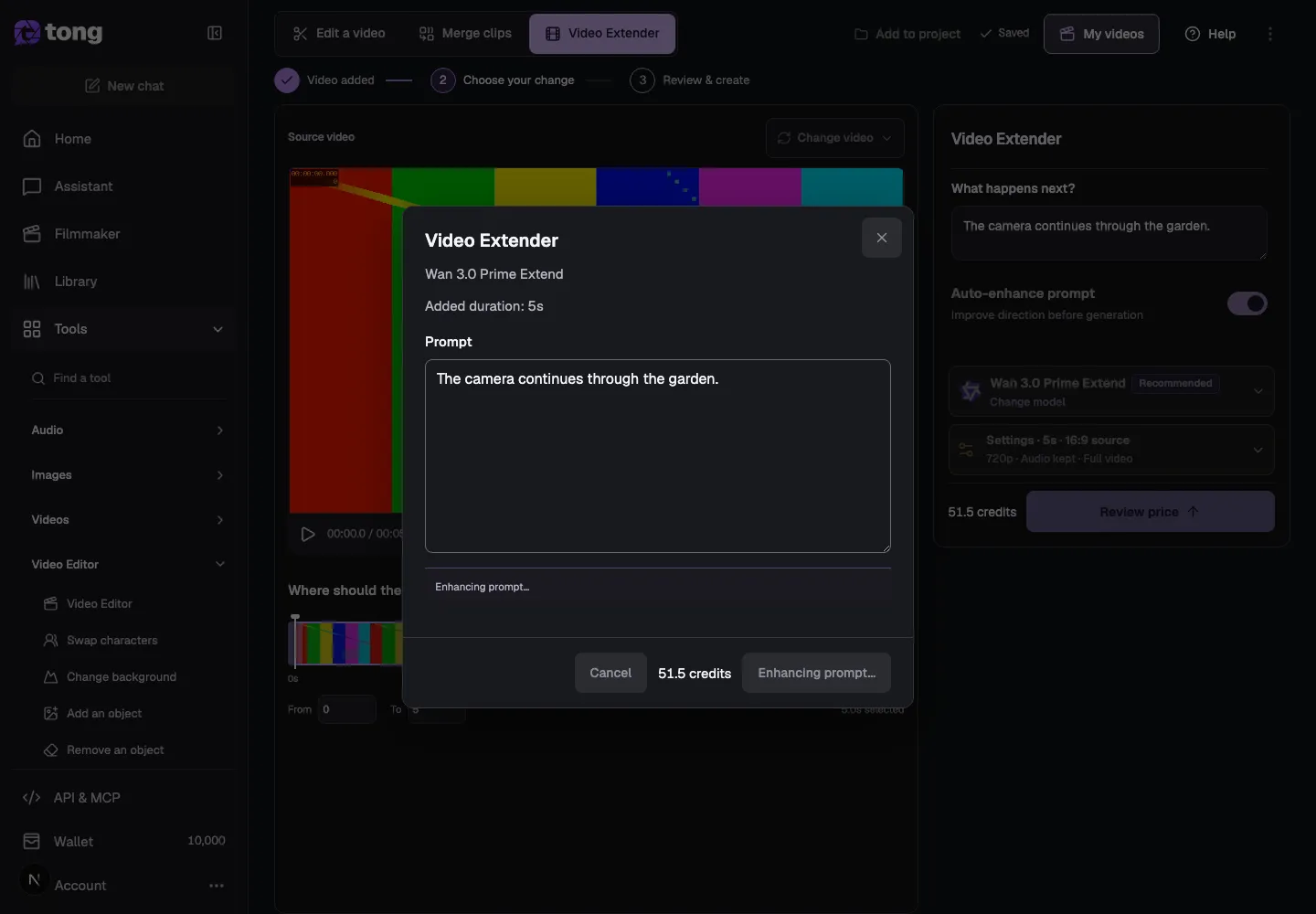
Choose a model and settings
Choose a compatible Video Extender model, then open Settings to review added duration, resolution, audio and whether the output keeps the full video or only the selected section. The selected model controls which options are available.
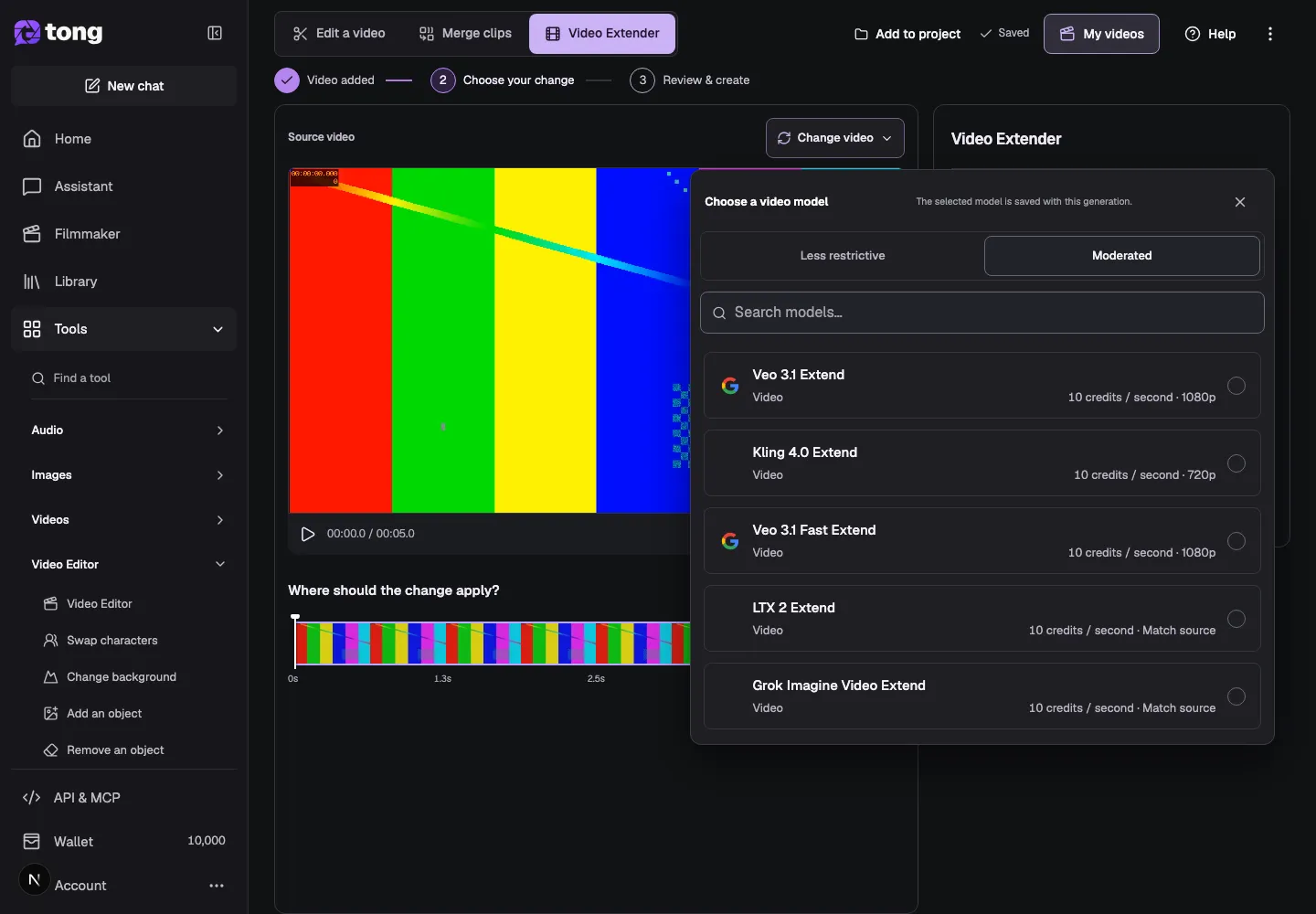
Review the price and extend
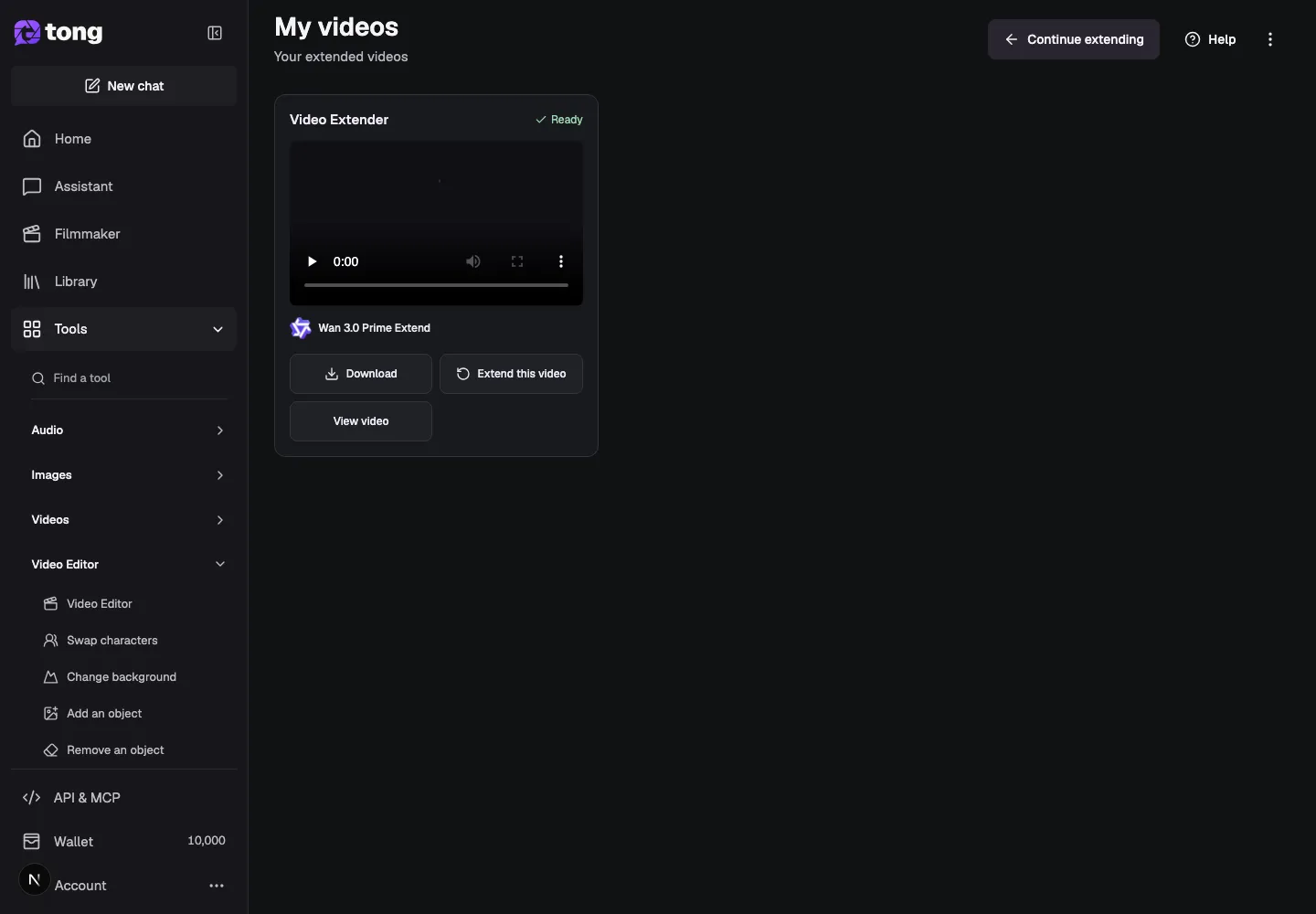
Select Review price and check the source range, added duration, model, audio and credit total. When everything matches your request, choose Extend video. Inspect the finished clip in My videos and download it or continue extending it.
实用提示
Keep the prompt focused on what should happen after the source ends. If you want the whole clip to continue, select Whole video instead of guessing a range.
遇到问题时
If Review price is disabled, wait for the source duration to load and check that the selected range stays inside the video. If the continuation starts from the wrong moment, reselect the section and review the From and To values before requesting another quote.
先阅读,准备好后再创作
本指南可免费阅读。链接中的工具会显示自身要求及当前积分价格。截图使用演示数据;提交付费工作前,请检查自己的输入和所显示的费用。
审核日期:2026-10-18 · Tong Academy