
Avant de commencer
- Une vidéo source prise en charge.
- Un compte connecté avec des crédits disponibles.
Ce que vous obtiendrez :
Choix des modèles
Video Extender offers unrestricted continuation models alongside Moderated choices. The selected model determines supported source ranges, added duration, resolution, audio and price.
Ajouter une vidéo source
Open Video Extender and upload a video or choose a saved clip. Wait for the source preview and duration to finish loading before choosing how the continuation should begin.
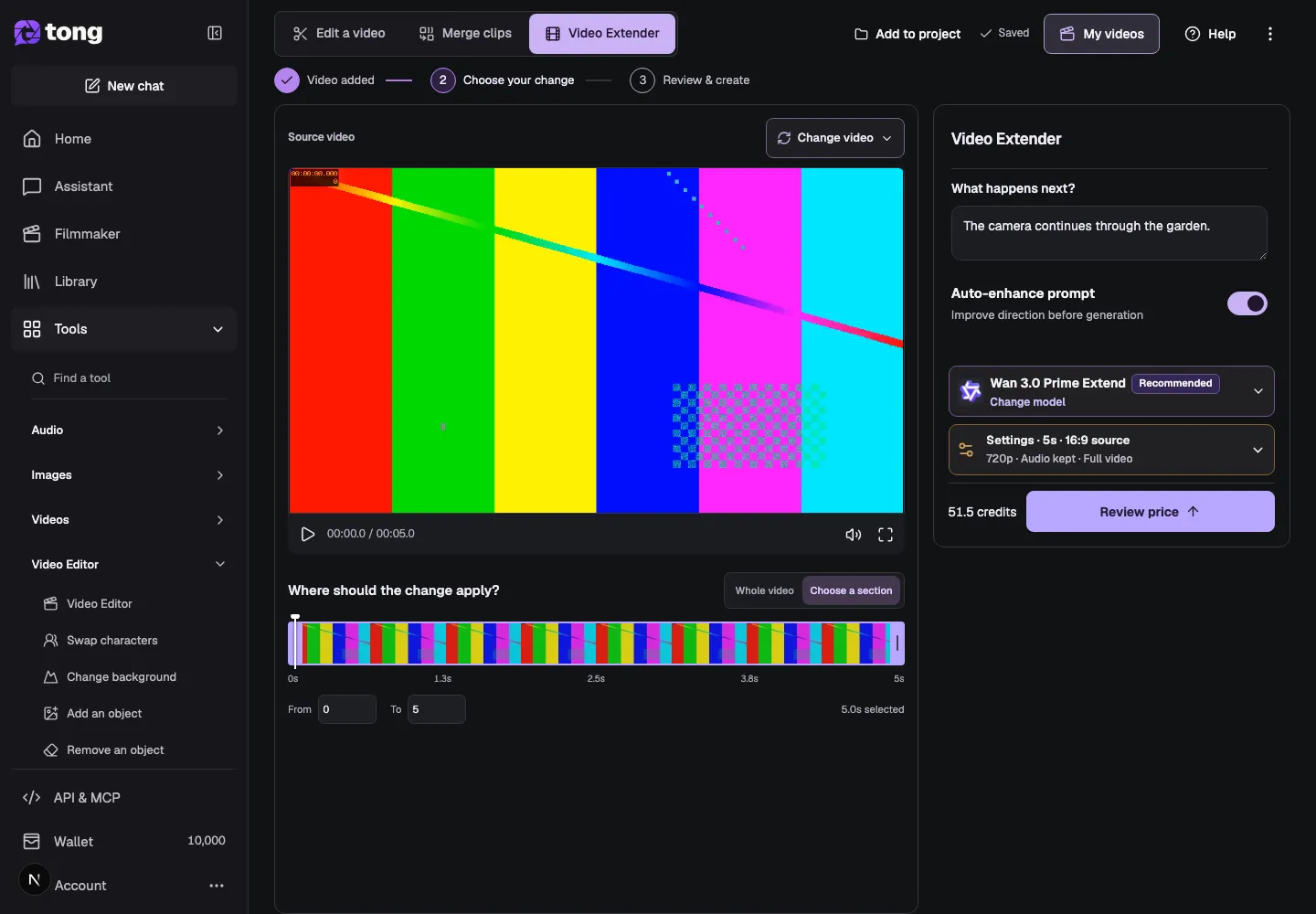
Choose the part to extend
Select Whole video when the new footage should continue from the end of the full source. Choose a section when you want to extend only a valid range inside the video, then check the From and To values.
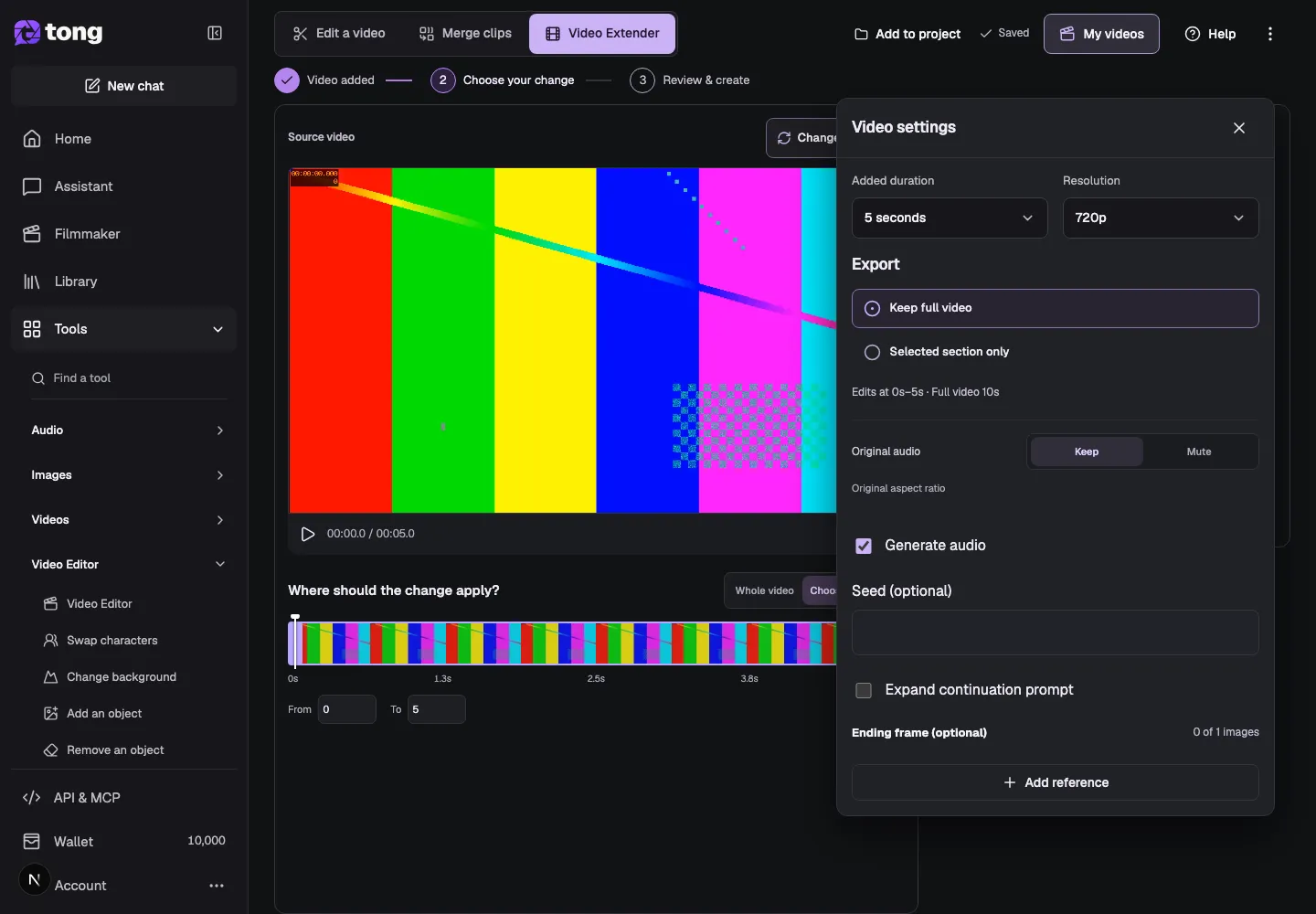
Describe what happens next
Type a short description in What happens next? Explain the action, camera movement or ending you want to follow the source. For example: Continue the camera movement through the garden, keeping the same light and pace.
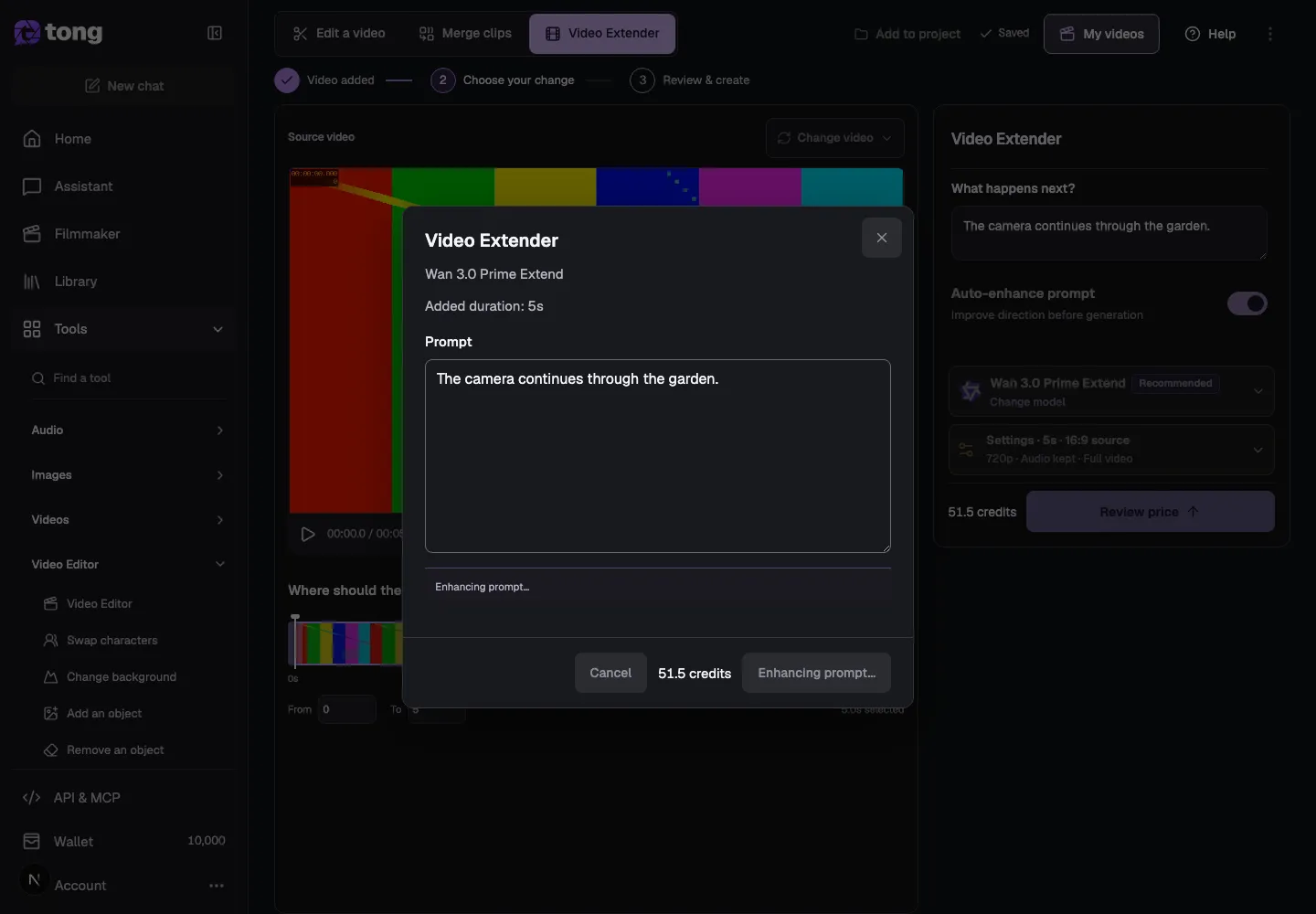
Choose a model and settings
Choose a compatible Video Extender model, then open Settings to review added duration, resolution, audio and whether the output keeps the full video or only the selected section. The selected model controls which options are available.
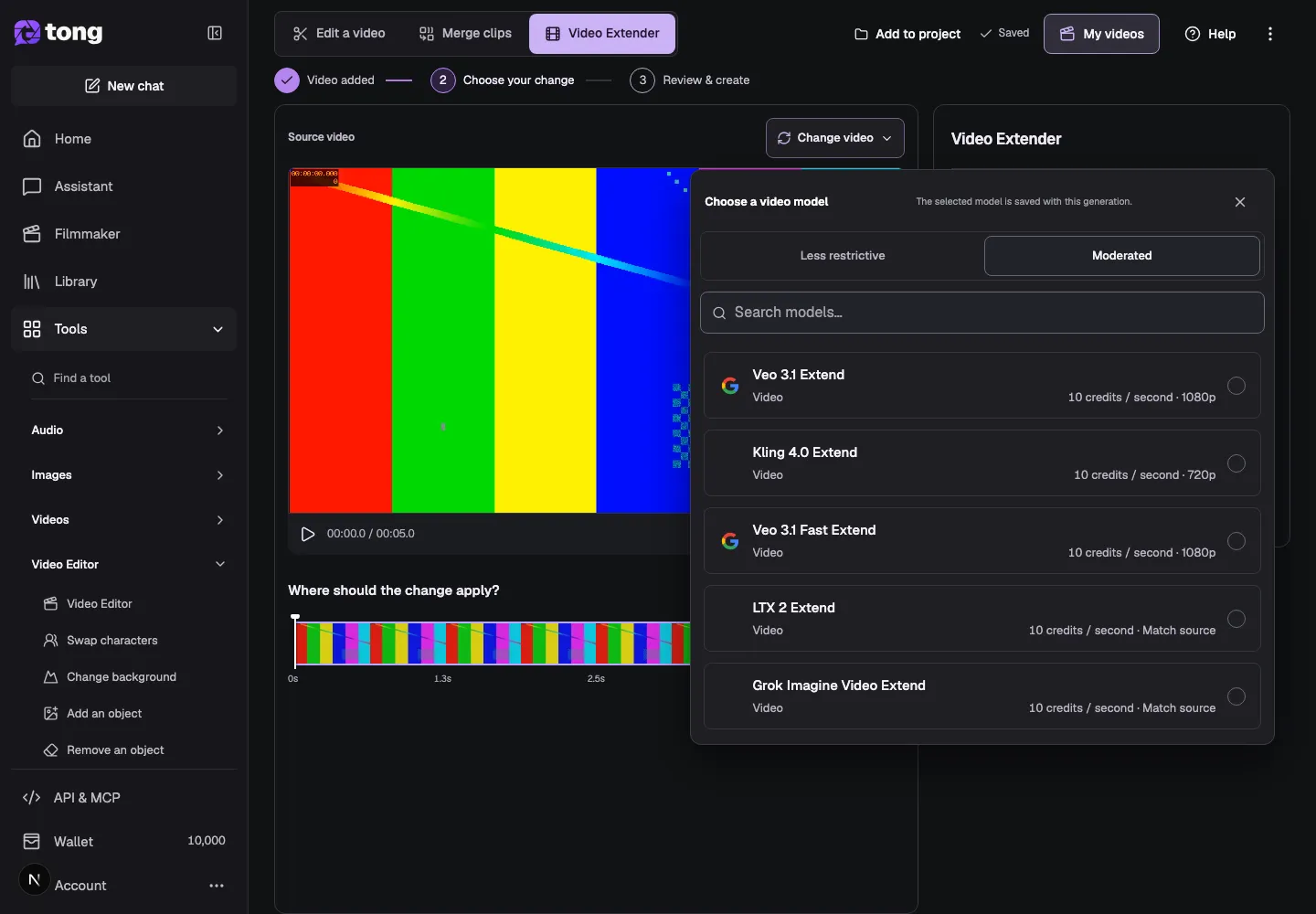
Review the price and extend
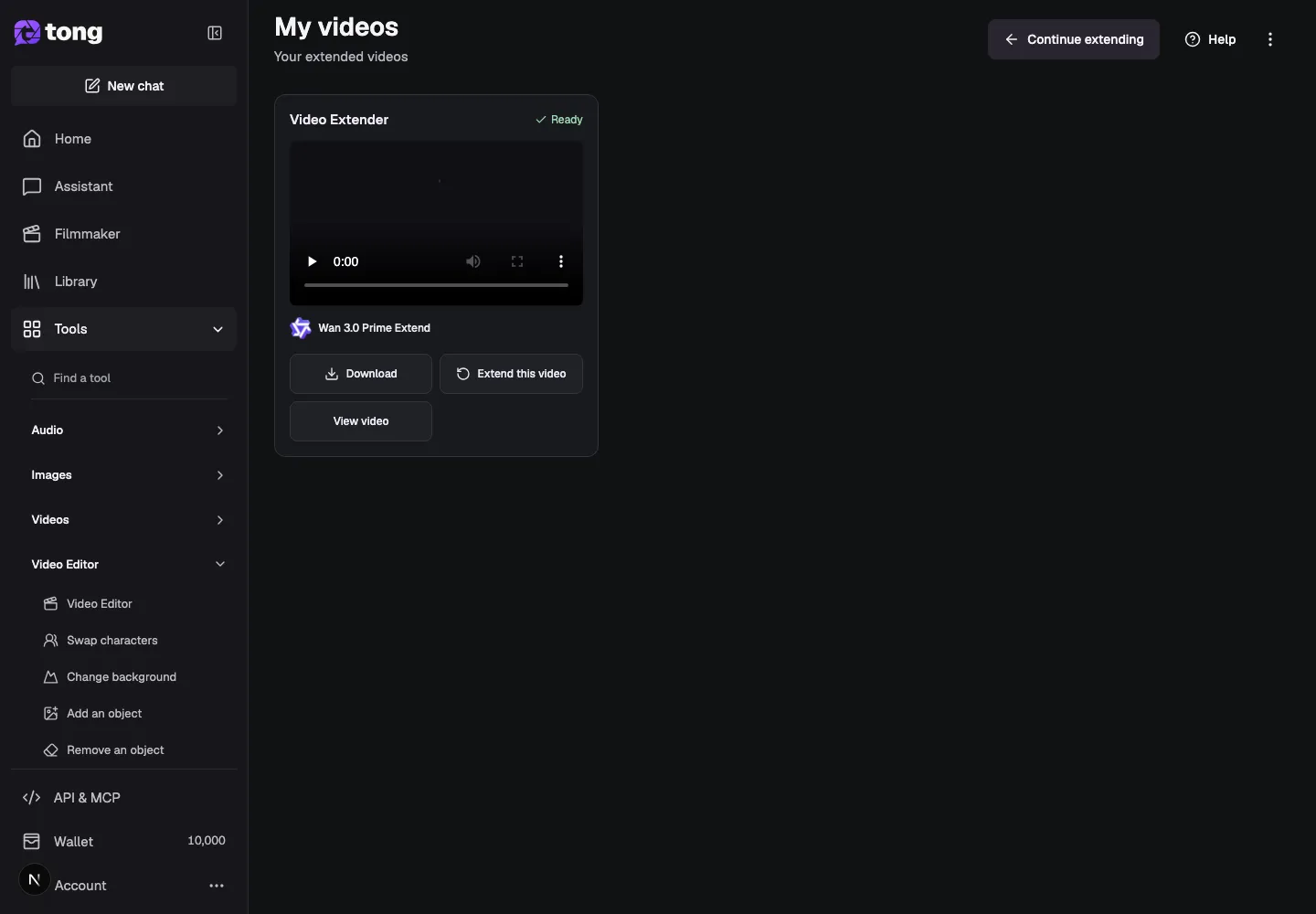
Select Review price and check the source range, added duration, model, audio and credit total. When everything matches your request, choose Extend video. Inspect the finished clip in My videos and download it or continue extending it.
Un conseil utile
Keep the prompt focused on what should happen after the source ends. If you want the whole clip to continue, select Whole video instead of guessing a range.
En cas de problème
If Review price is disabled, wait for the source duration to load and check that the selected range stays inside the video. If the continuation starts from the wrong moment, reselect the section and review the From and To values before requesting another quote.
Lisez d’abord, créez quand vous êtes prêt
La lecture de ce guide est gratuite. L’outil lié affiche ses exigences et son prix actuel en crédits. Les captures utilisent des données de démonstration ; vérifiez vos entrées et le coût indiqué avant d’envoyer un travail payant.
Révisé le 2026-10-18 · Tong Academy