
Before you begin
- An email address you can access.
- Your own account details and a secure password.
What you’ll achieve:
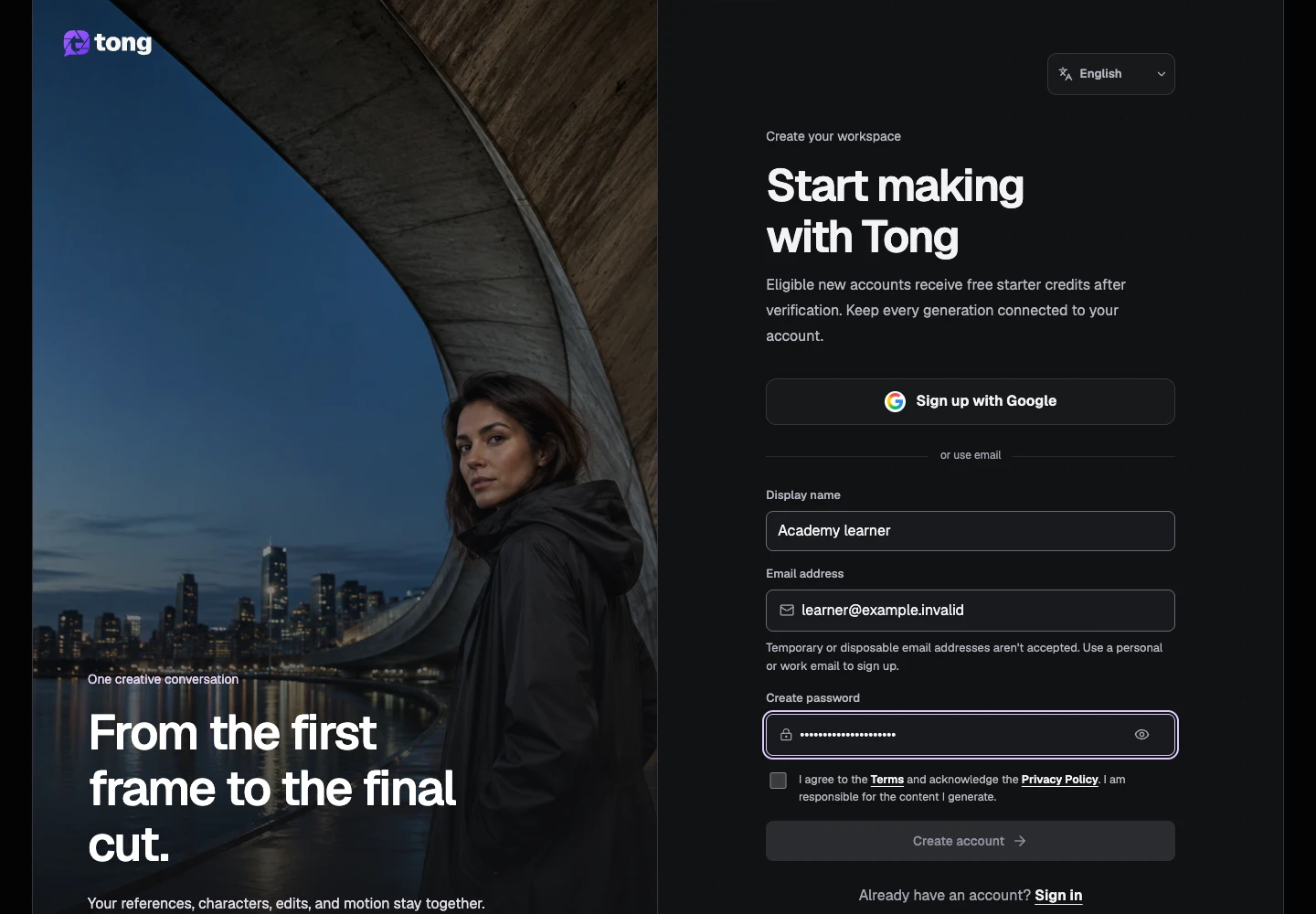
Enter your name and email
Open the sign-up page and enter the name you want to use in Tong and an email address you control. Check the address before continuing: verification and account recovery depend on it.
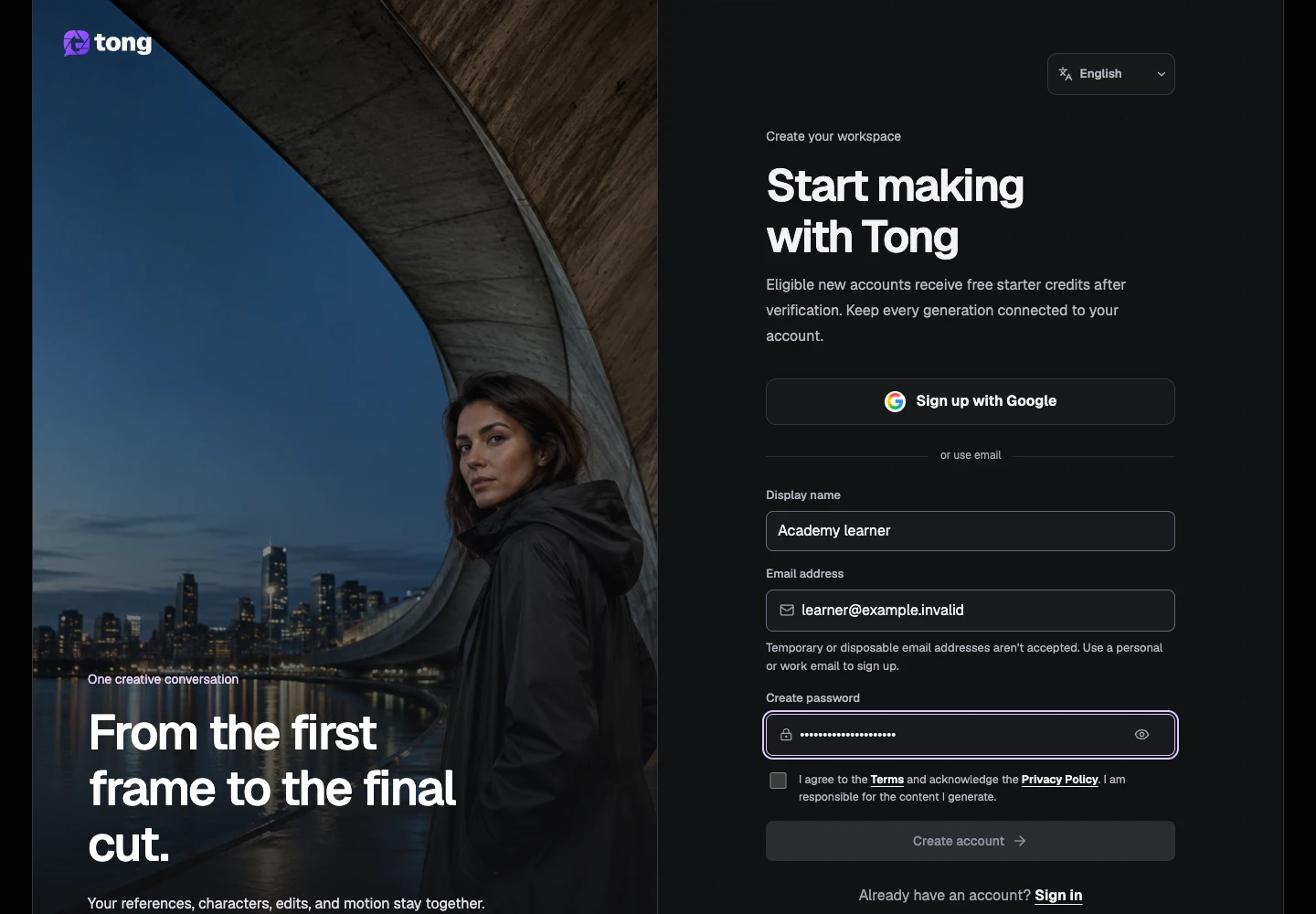
Choose a password
Enter a strong password that meets the requirements shown in the form. Keep it in your password manager so you can return to your work later.
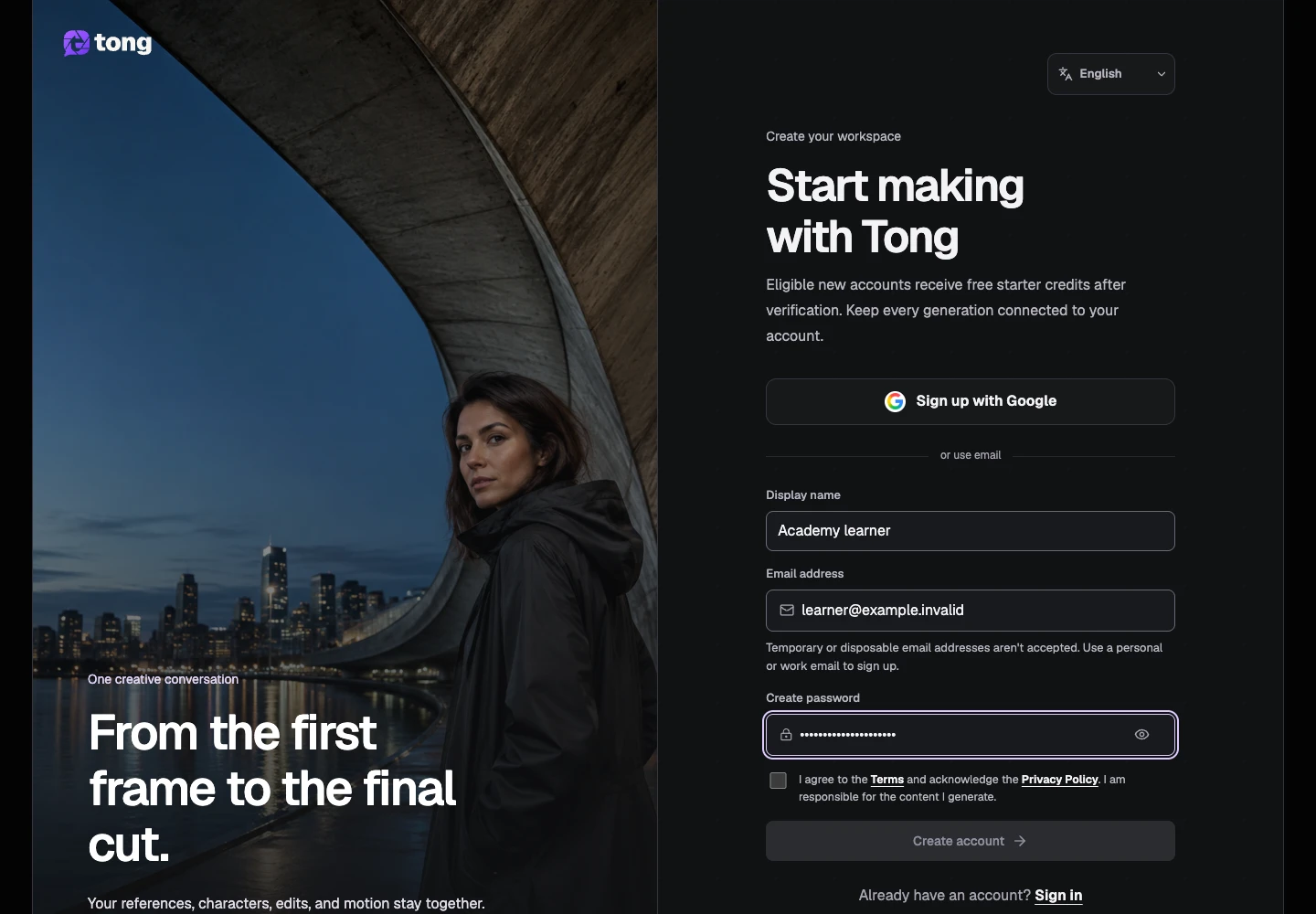
Review the account terms
Read the linked Terms and Privacy Policy, then choose their acceptance controls if you agree. The form explains any additional eligibility requirements.
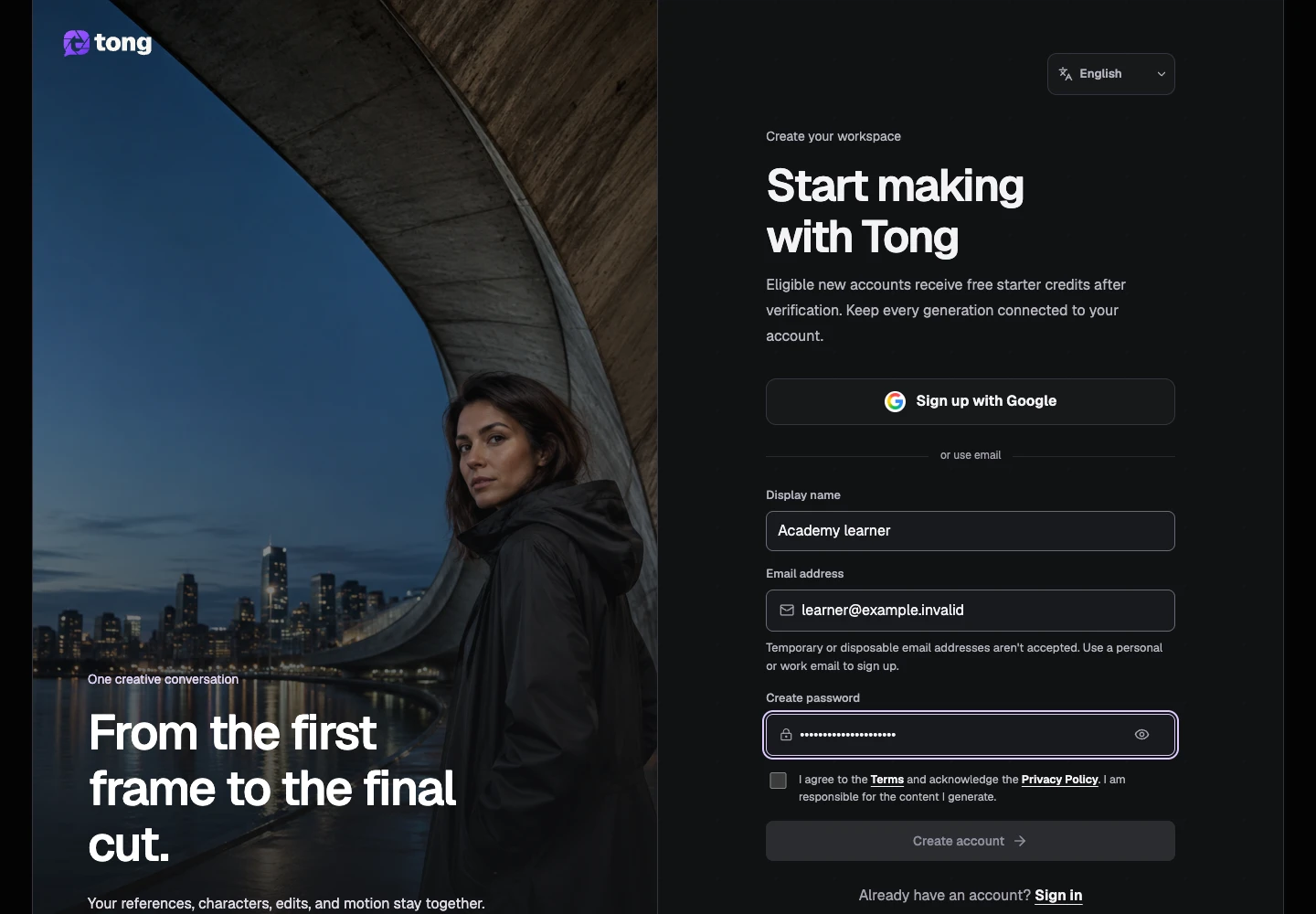
Create your account and verify email
Select the sign-up action. Open the verification email and follow its link before starting a creation. If the email does not arrive, check spam and use the verification page's resend option.
A useful tip
You can read the Academy without an account. Creating media requires signing in and any credits shown by the tool.
If something goes wrong
If an address is rejected, check the spelling and use an email account you can keep. A verification or password-reset link can expire; request a fresh link instead of repeatedly retrying the old one.
Read first, create when you’re ready
Reading this guide is free. The linked tool shows its own requirements and current credit price. Screenshots use demonstration data; review your own inputs and the quoted cost before submitting paid work.
Reviewed 2026-10-18 · Tong Academy