
AI video creation & editing.
Create, edit and direct moving images.
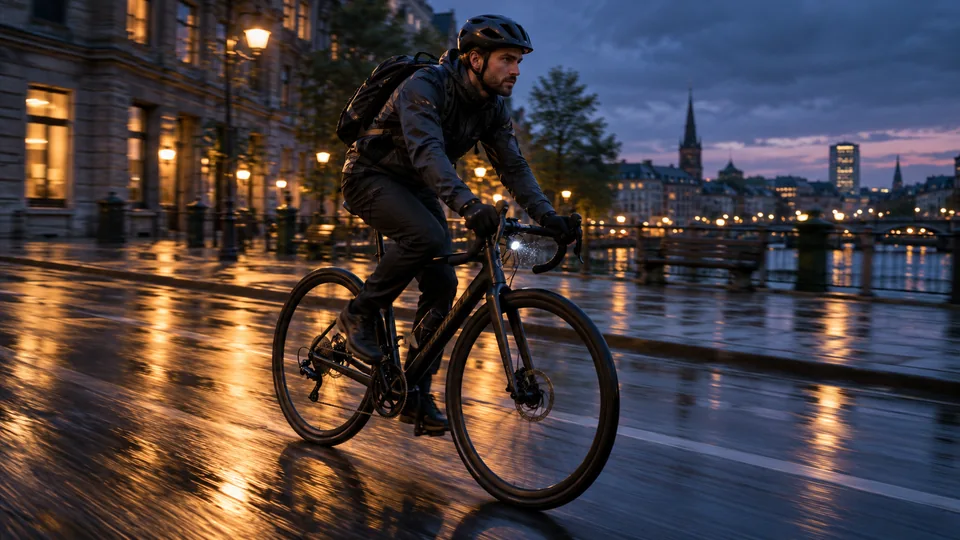
Learn video generation, face swap, background changes, object editing and restyling, with unrestricted model options where supported. Motion Control has its own performance-transfer guide. Compare the current model requirements, then assemble your ready clips.
Explore the guides
Start with the basics, then choose the task you want to complete.
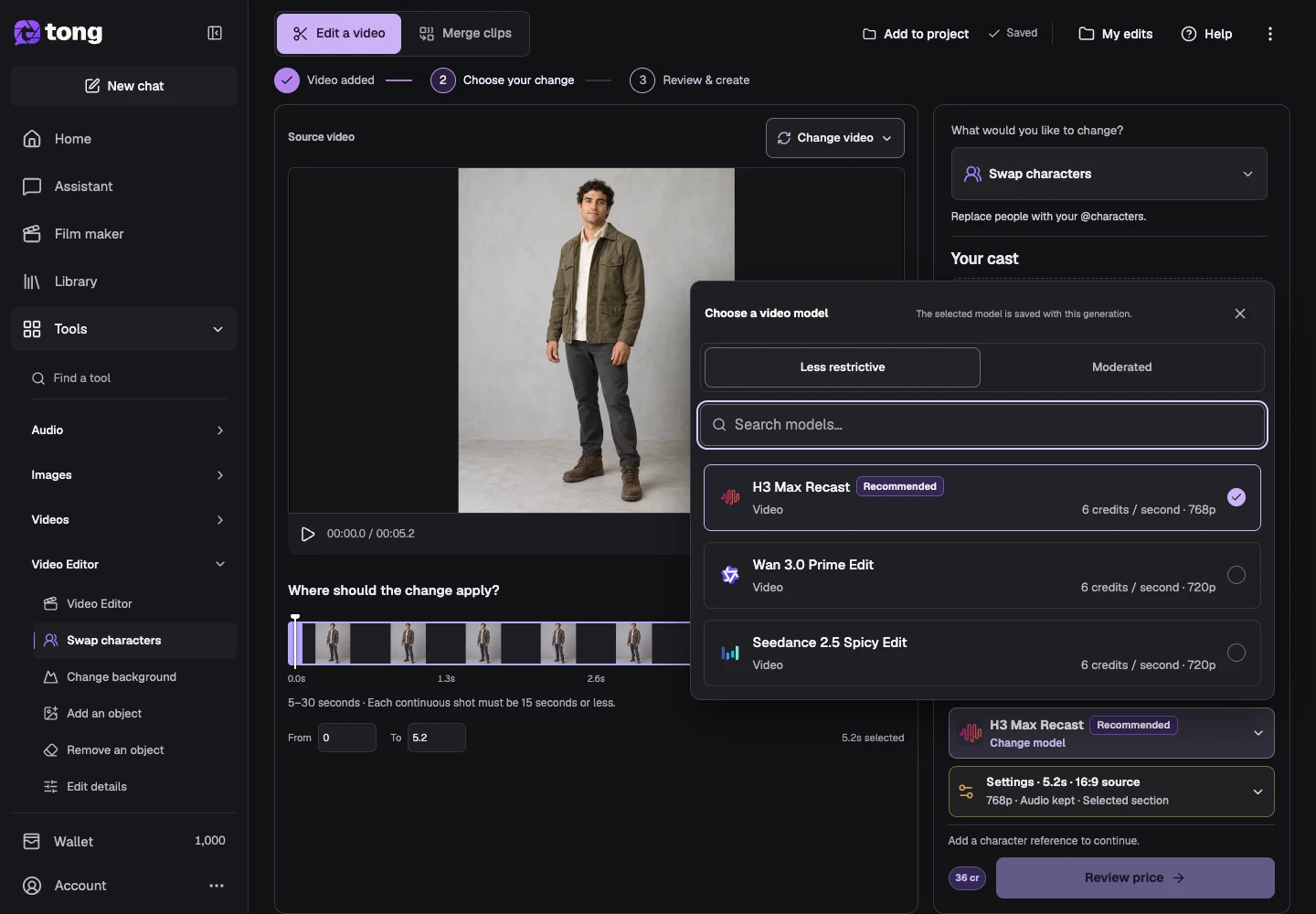
How to use unrestricted AI video face swap
Swap faces or recast characters with reference images and a compatible Less restrictive model in Video Editor.
Read guide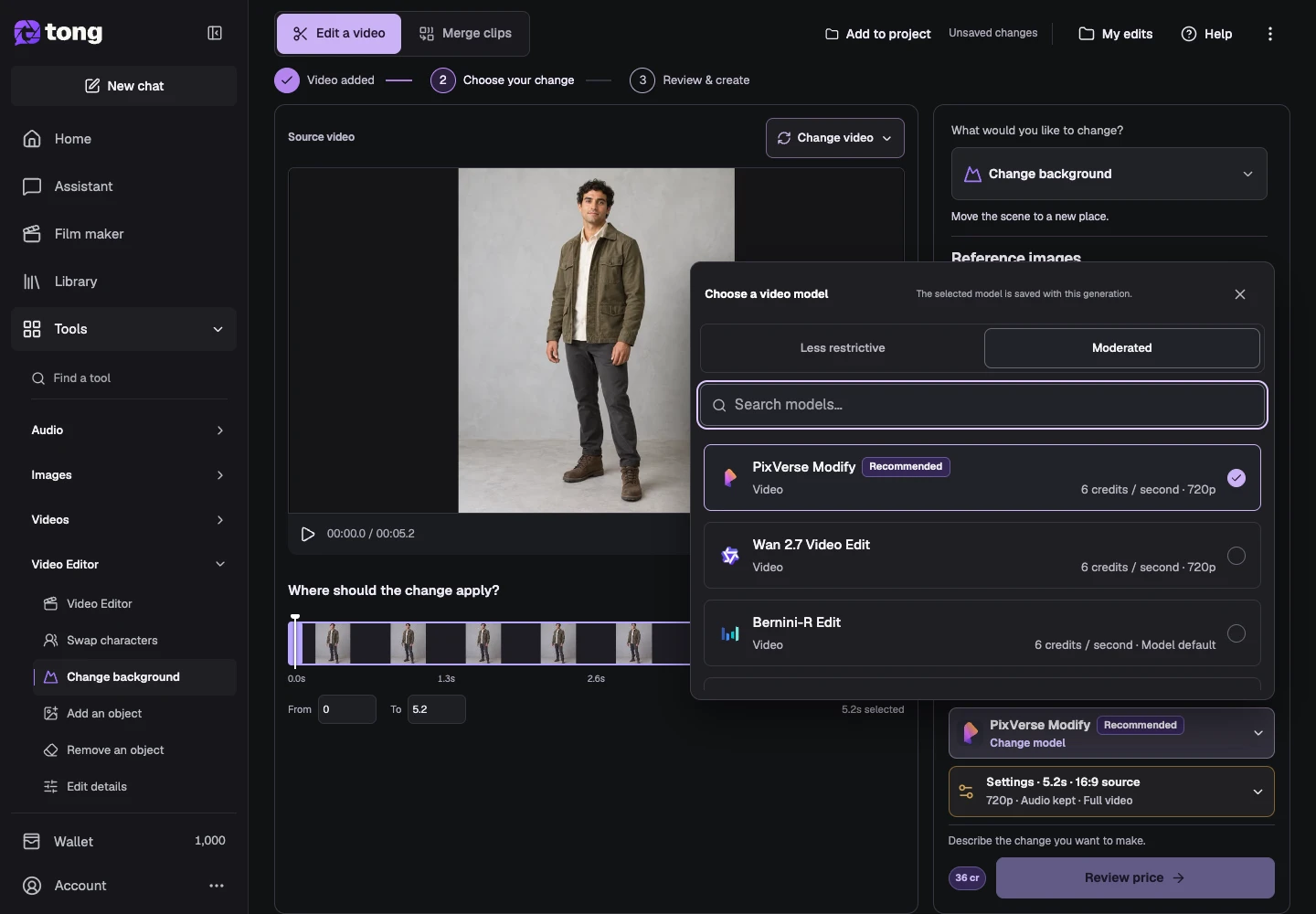
How to change a video's background with AI
Move a scene to a new setting while describing the people and movement you want to preserve.
Read guide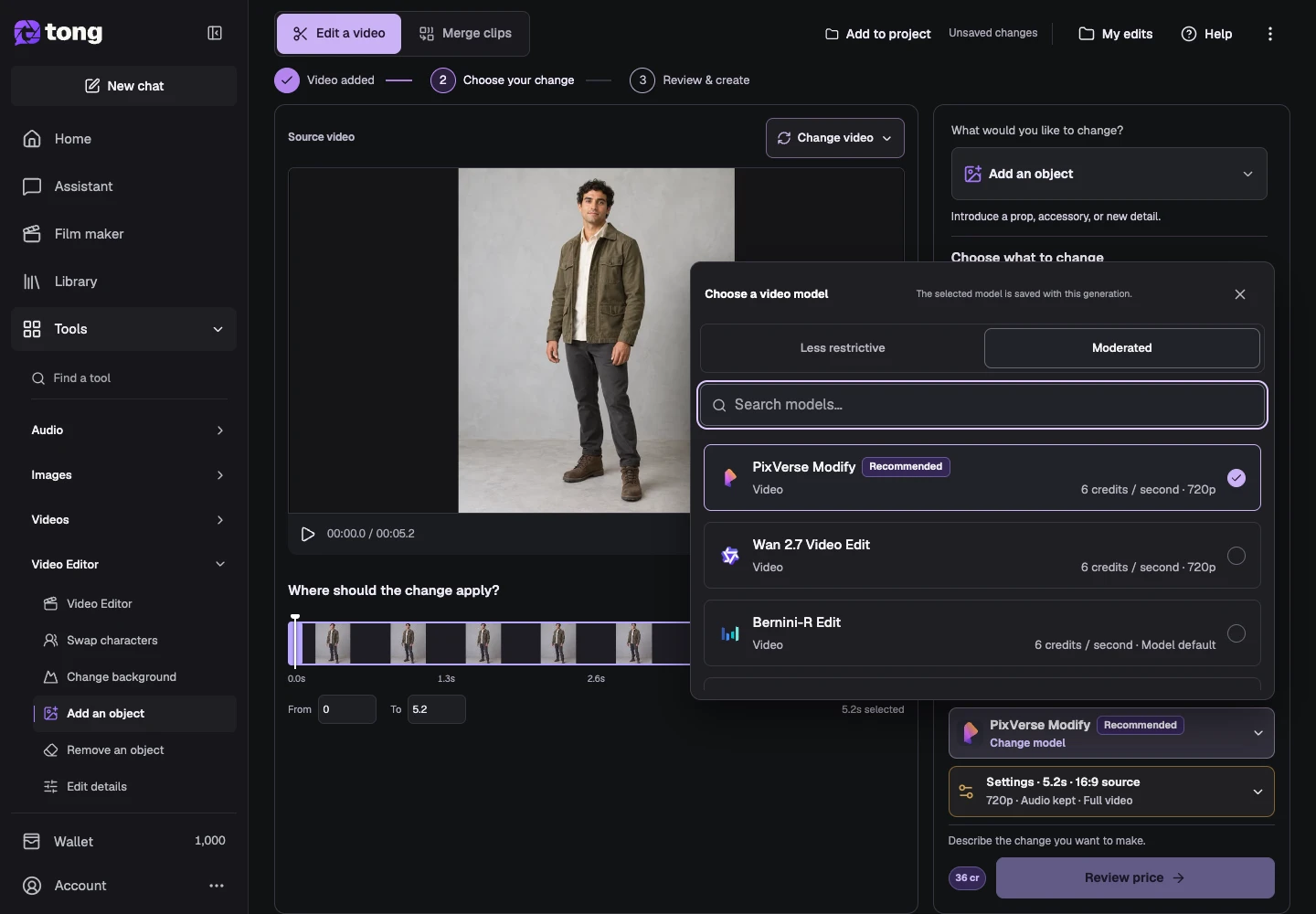
How to add an object or prop to a video with AI
Introduce a prop, accessory or scene detail using written direction and optional supported references.
Read guide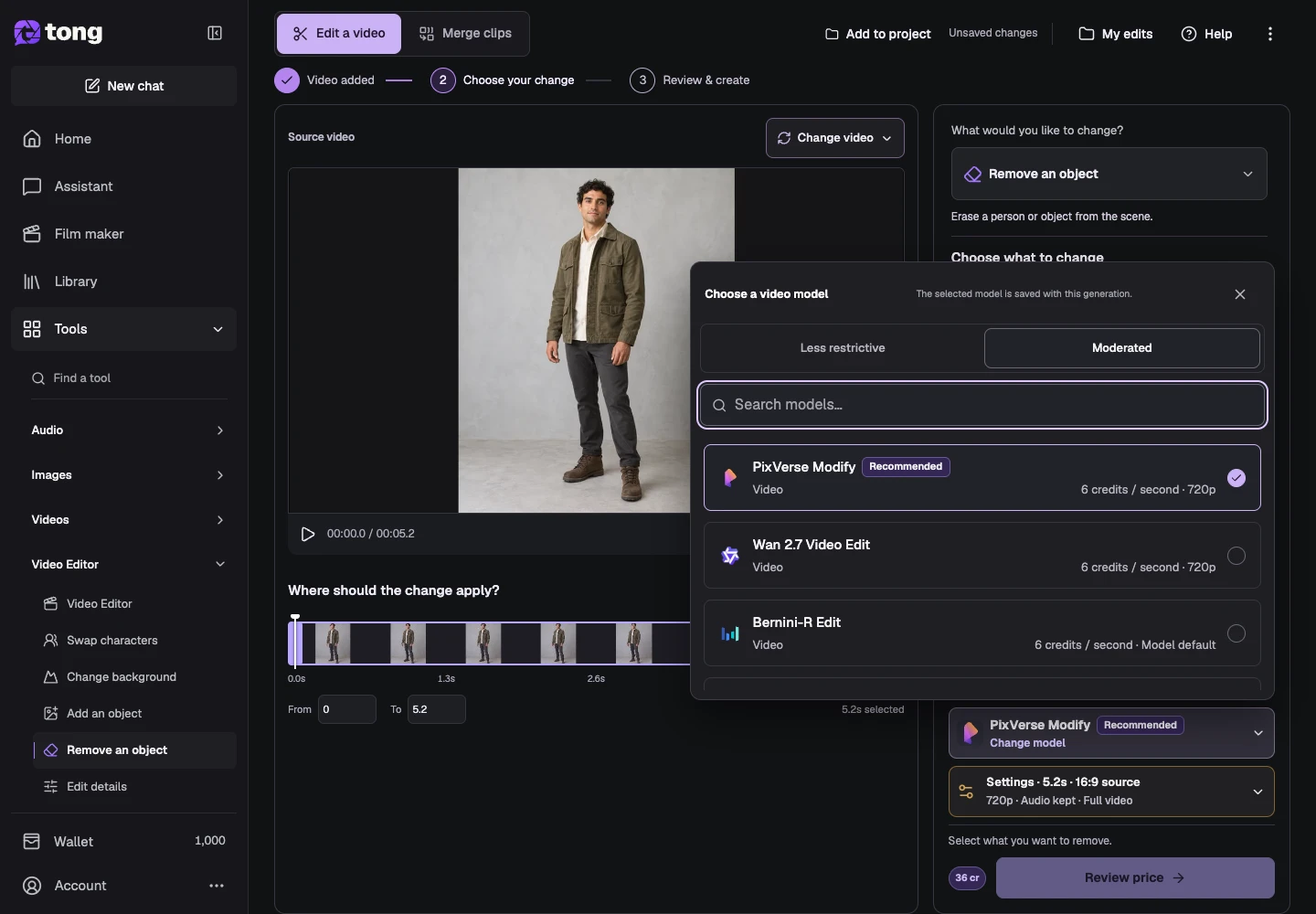
How to remove a person or object from a video with AI
Erase a specified subject using written direction or the selected model's detection workflow.
Read guide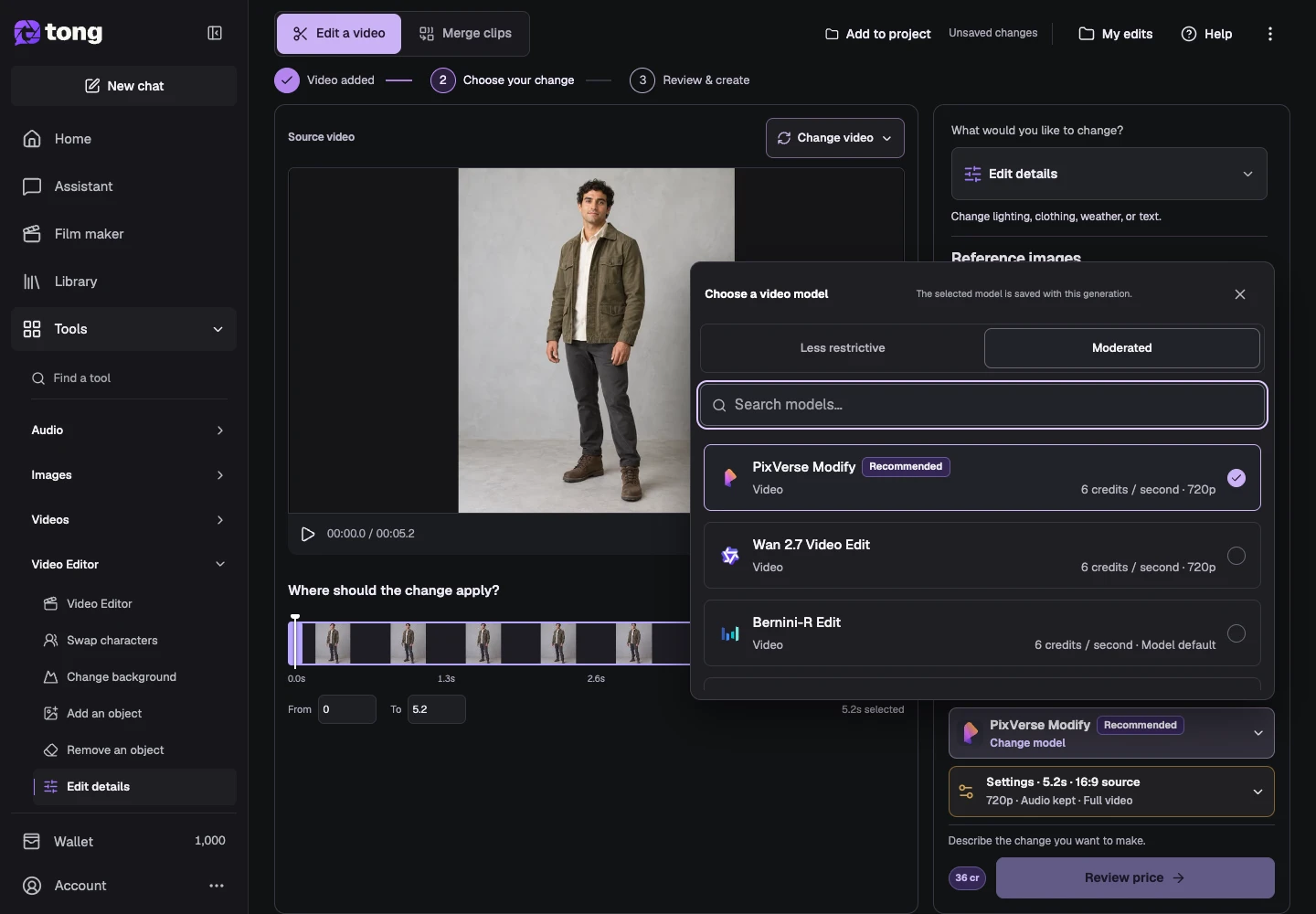
How to edit clothing, lighting and details in a video
Make a focused change to a scene while naming the appearance and movement you want to keep.
Read guide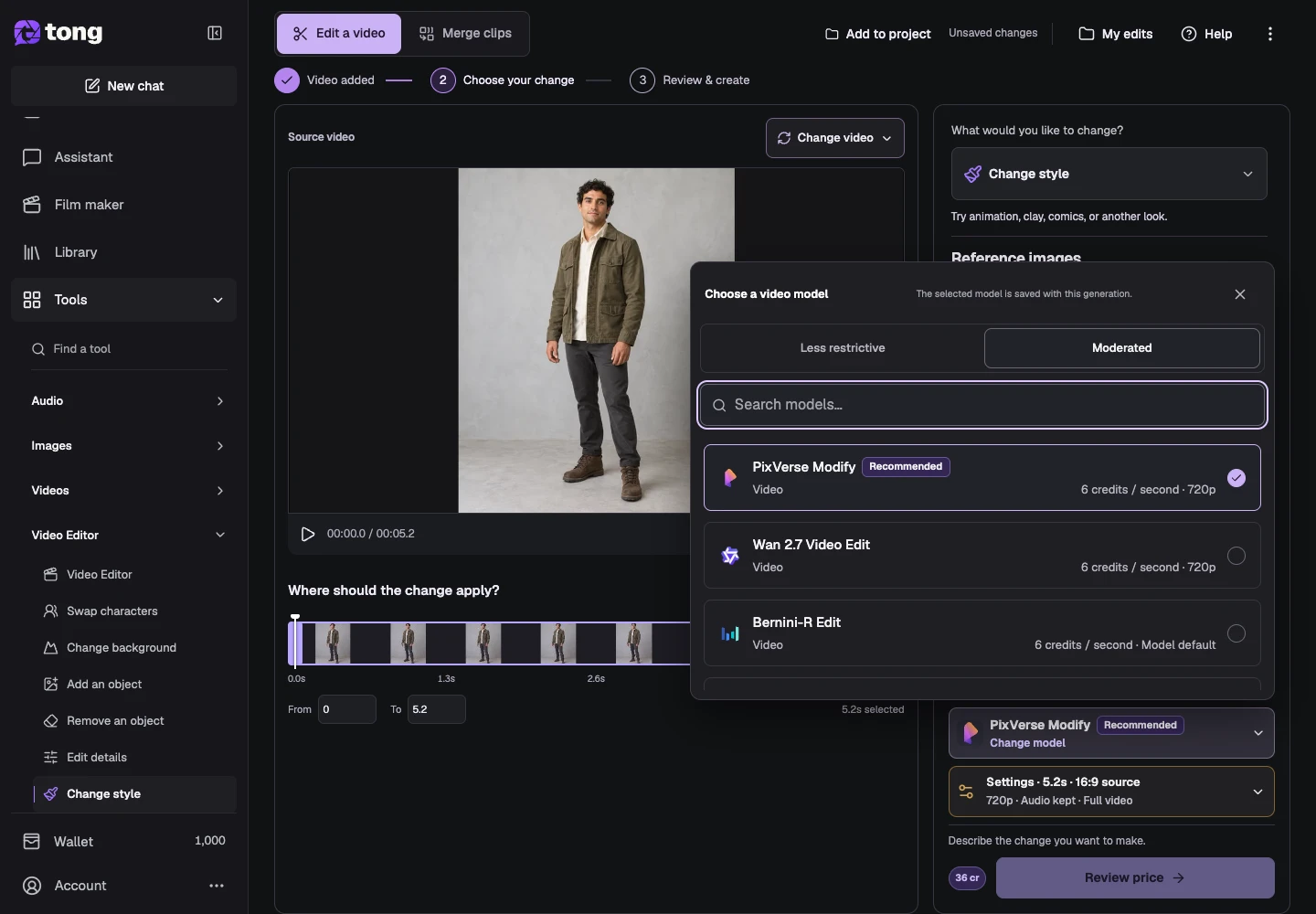
How to restyle a video with AI
Give existing footage a clay, illustrated or other visual treatment using a supported editing model.
Read guide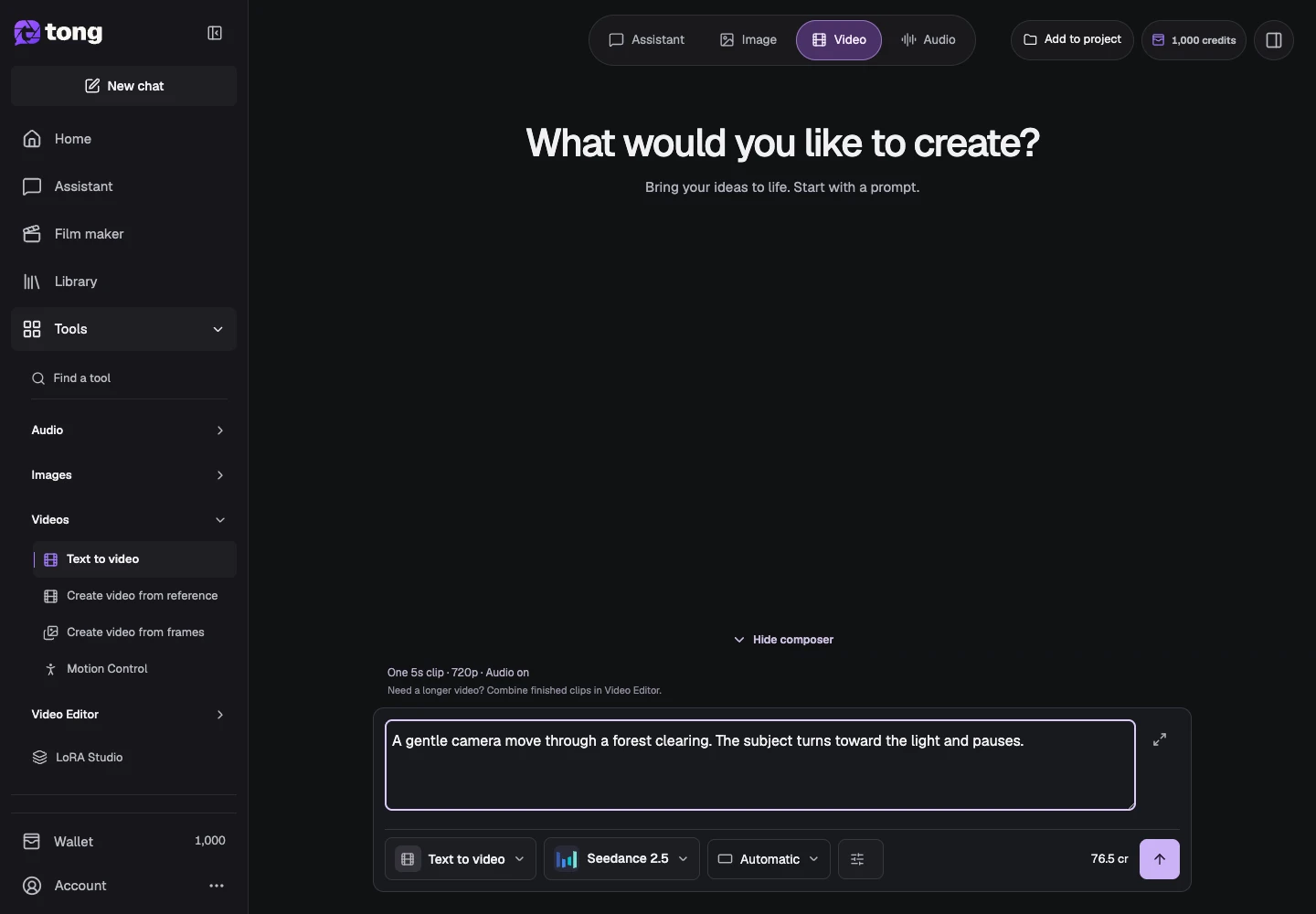
How to create an AI video from text
Describe motion, choose supported settings and generate a clip without an image.
Read guide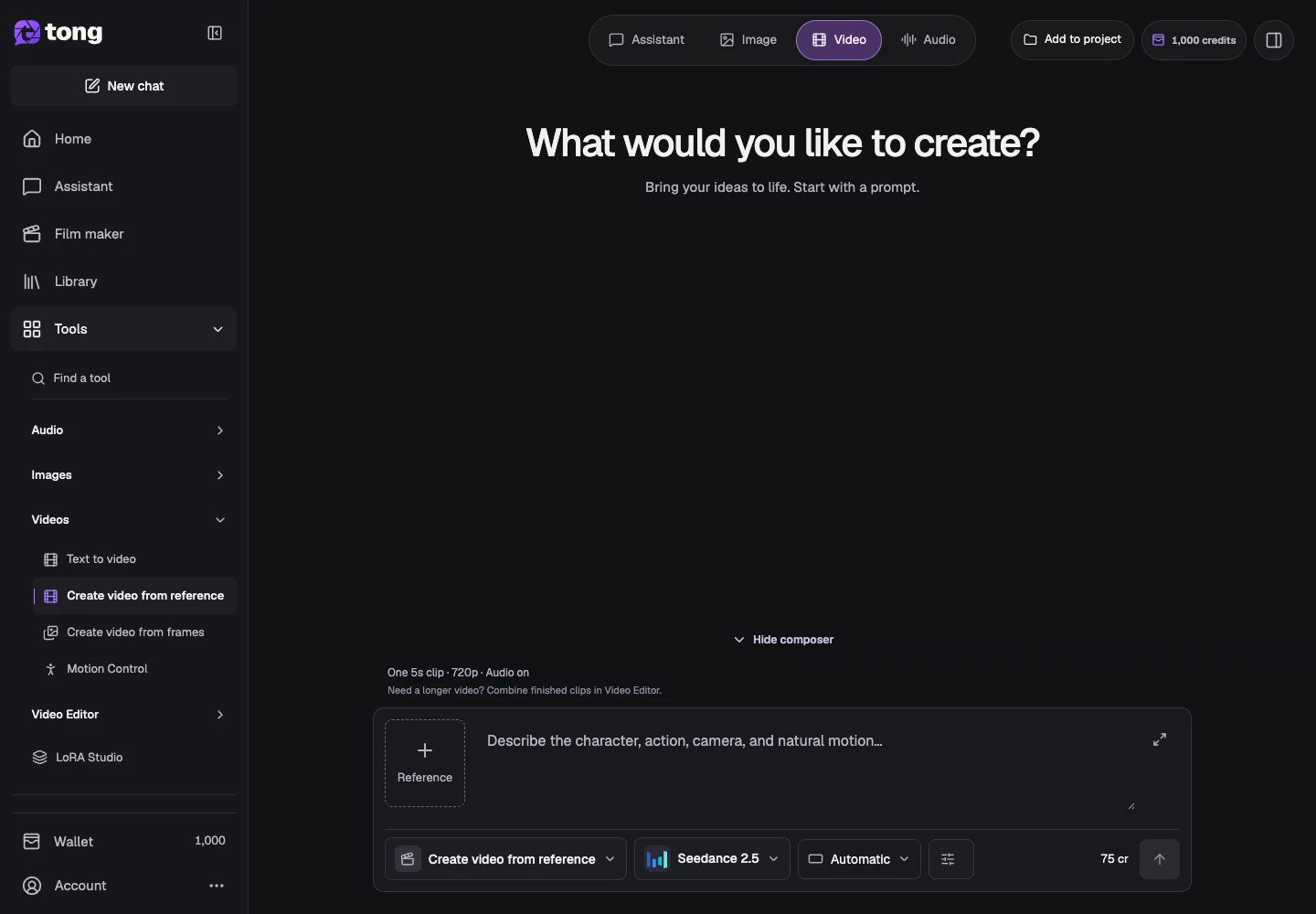
How to create a video from reference media
Choose a model, attach supported references and describe the movement.
Read guide
How to animate a still image
Use one starting image and write the motion you want to add.
Read guide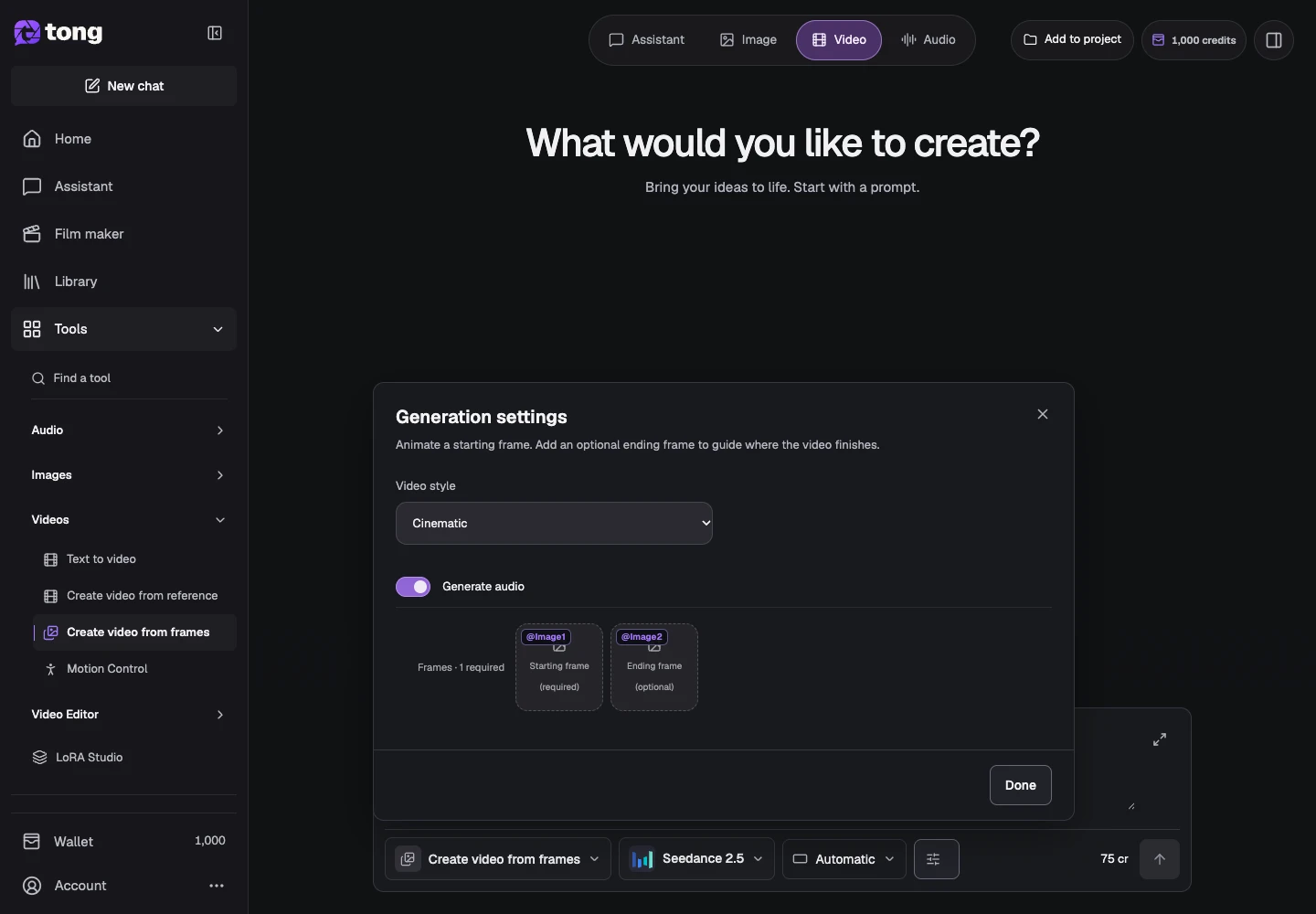
How to create a video from starting and ending frames
Provide a starting frame and optionally guide the ending with a second image.
Read guide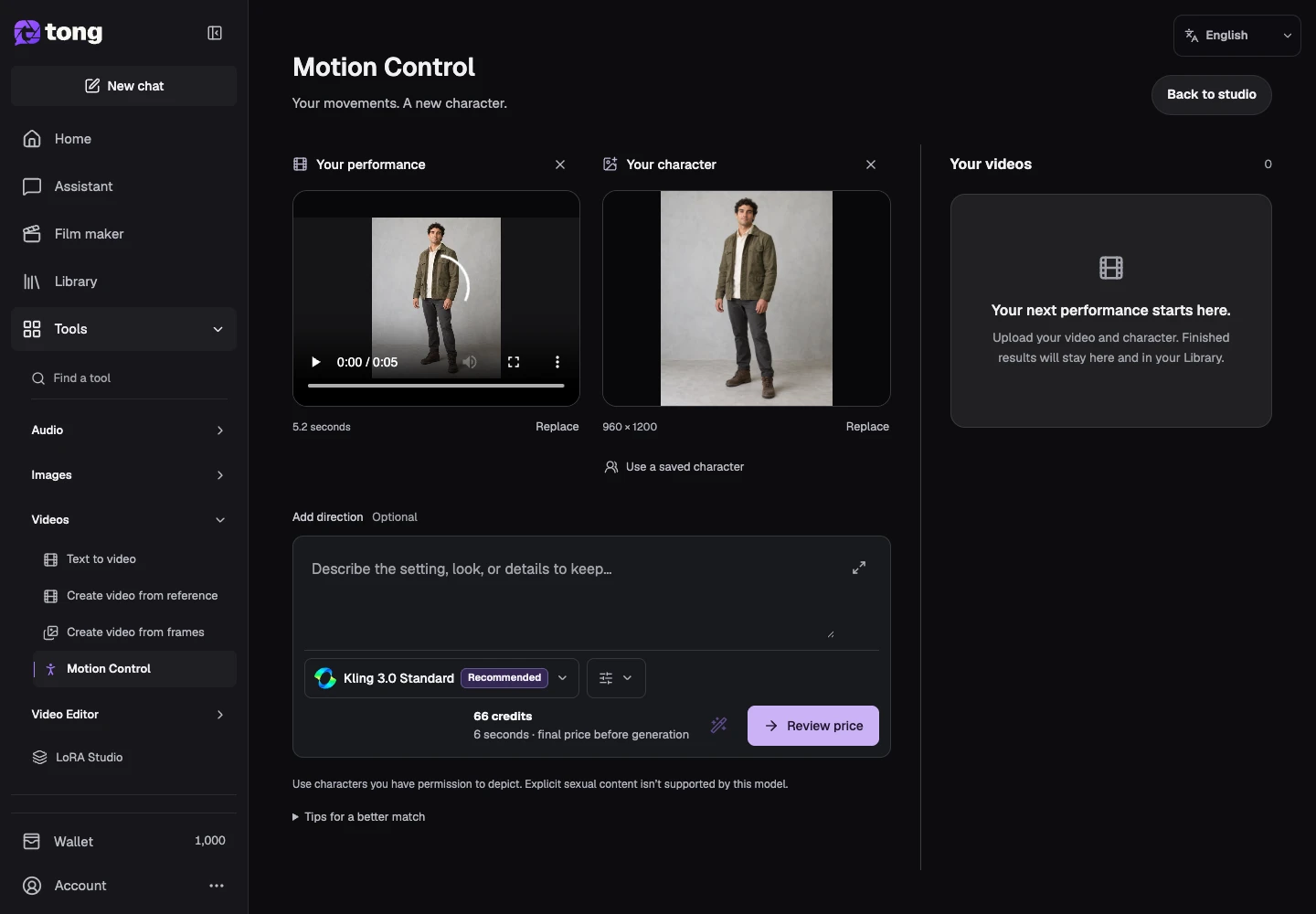
How to transfer movement with Motion Control
Pair a performance video with a character image and review the clip price.
Read guide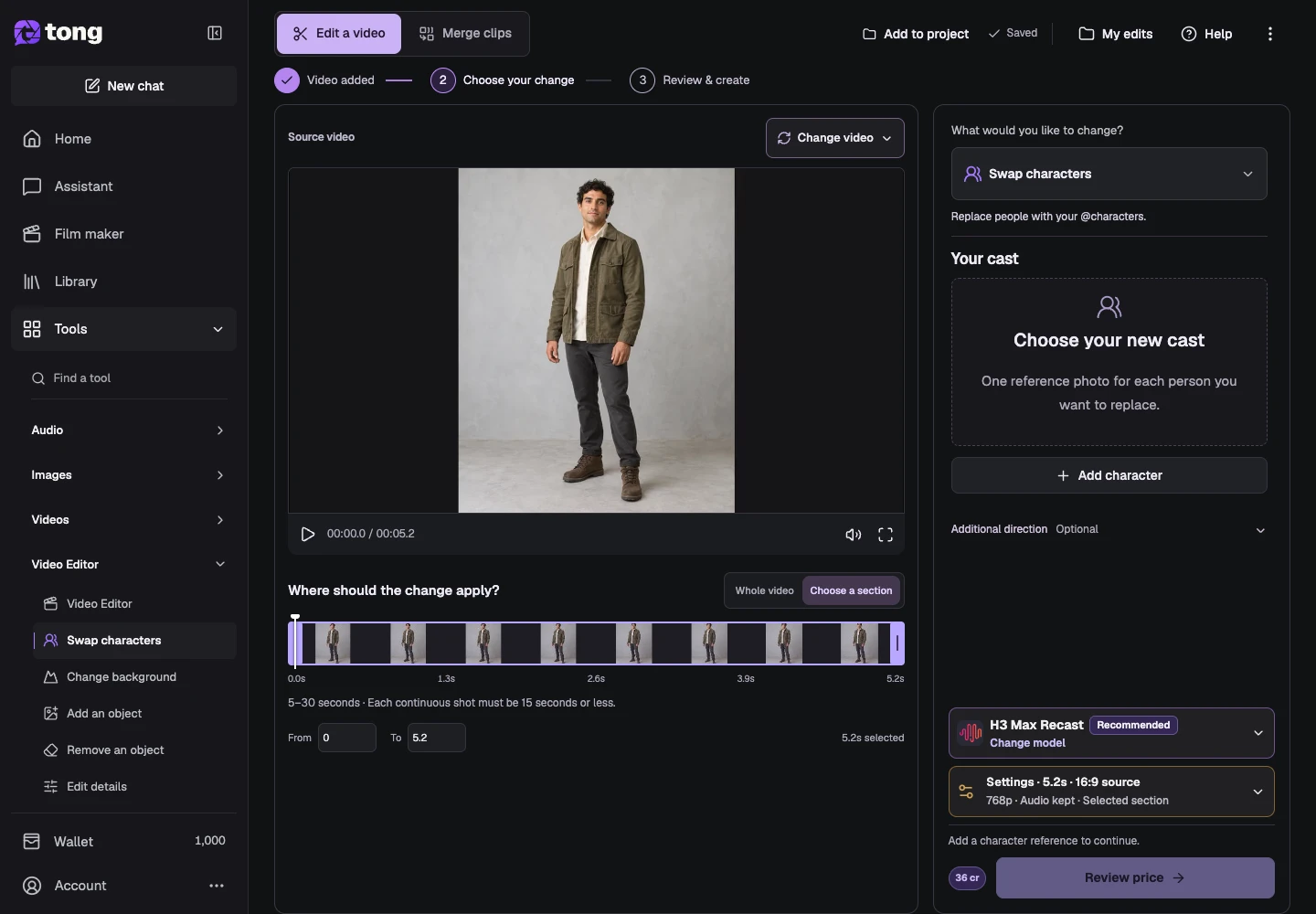
How to edit, replace or remove subjects in a video
Choose an edit intent, source range and compatible model in Video Editor.
Read guide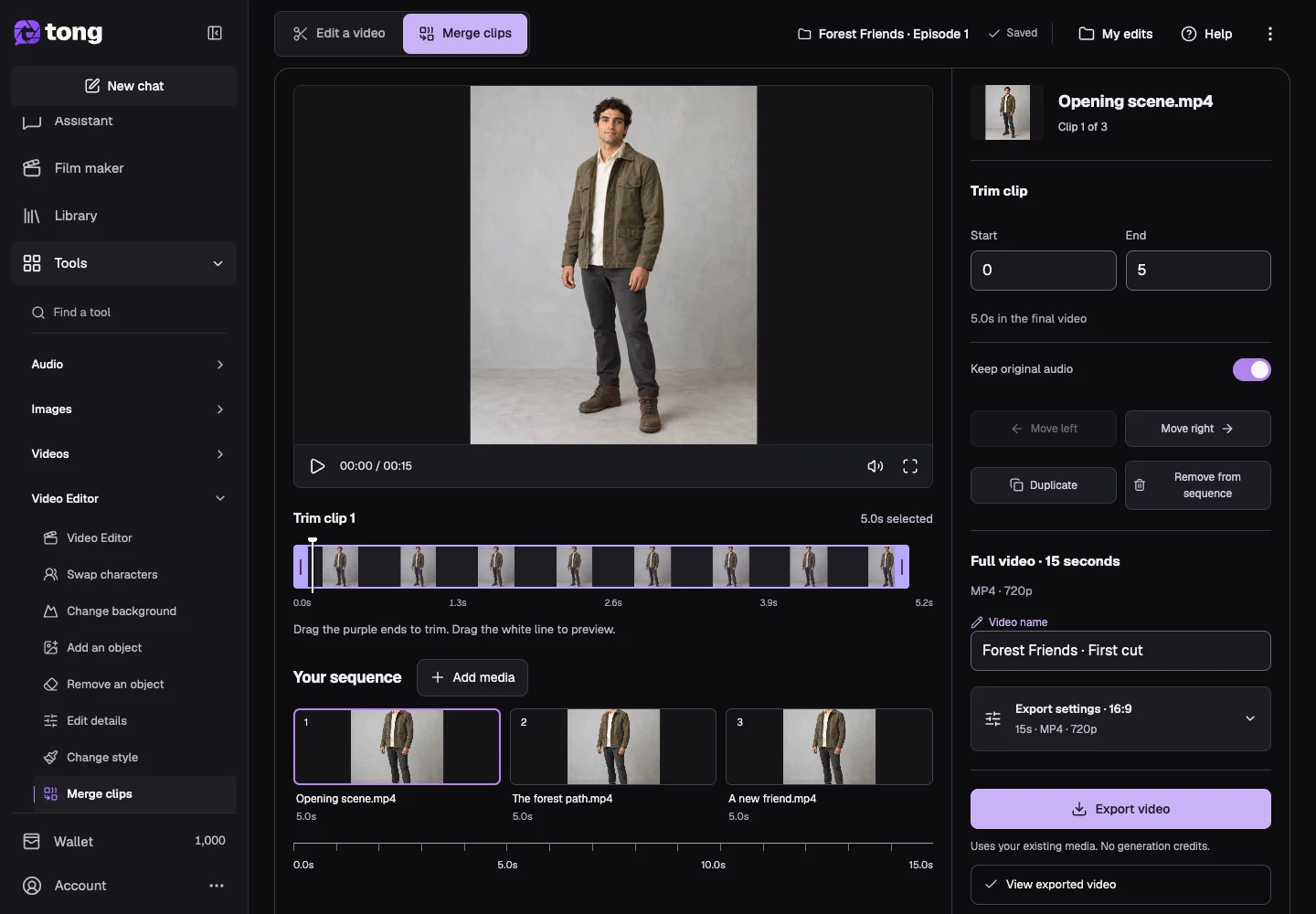
How to merge, trim and export video clips
Combine ready clips, reorder and trim them, control audio, and download an assembled video.
Read guide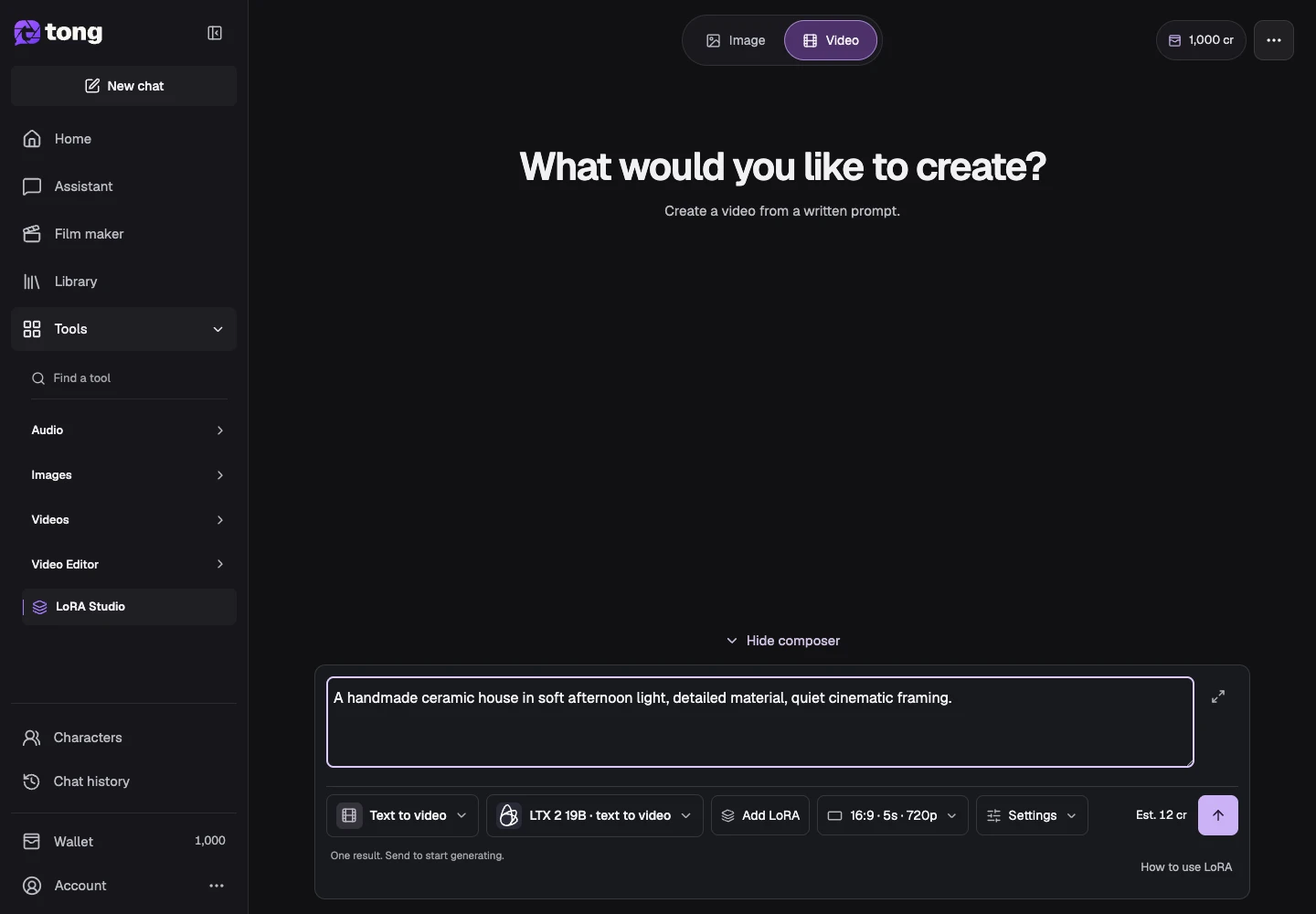
How to create video with a LoRA or preset
Choose a supported LoRA video category, references and model options.
Read guideLearn by doing
Follow a complete project with guides in a useful order.
Explore learning paths