
Before you begin
- A signed-in account with available credits.
- A question, creative idea or reference you want to discuss.
What you’ll achieve:
Model choices
Settings lets you choose image and video models for this conversation. Default follows Tong’s current defaults. Model capabilities, content policies and prices still apply, including for unrestricted workflows.
Open Assistant
Choose Assistant in navigation or New chat. Start with a question, writing task or creative brief; the suggestions are optional starting points.
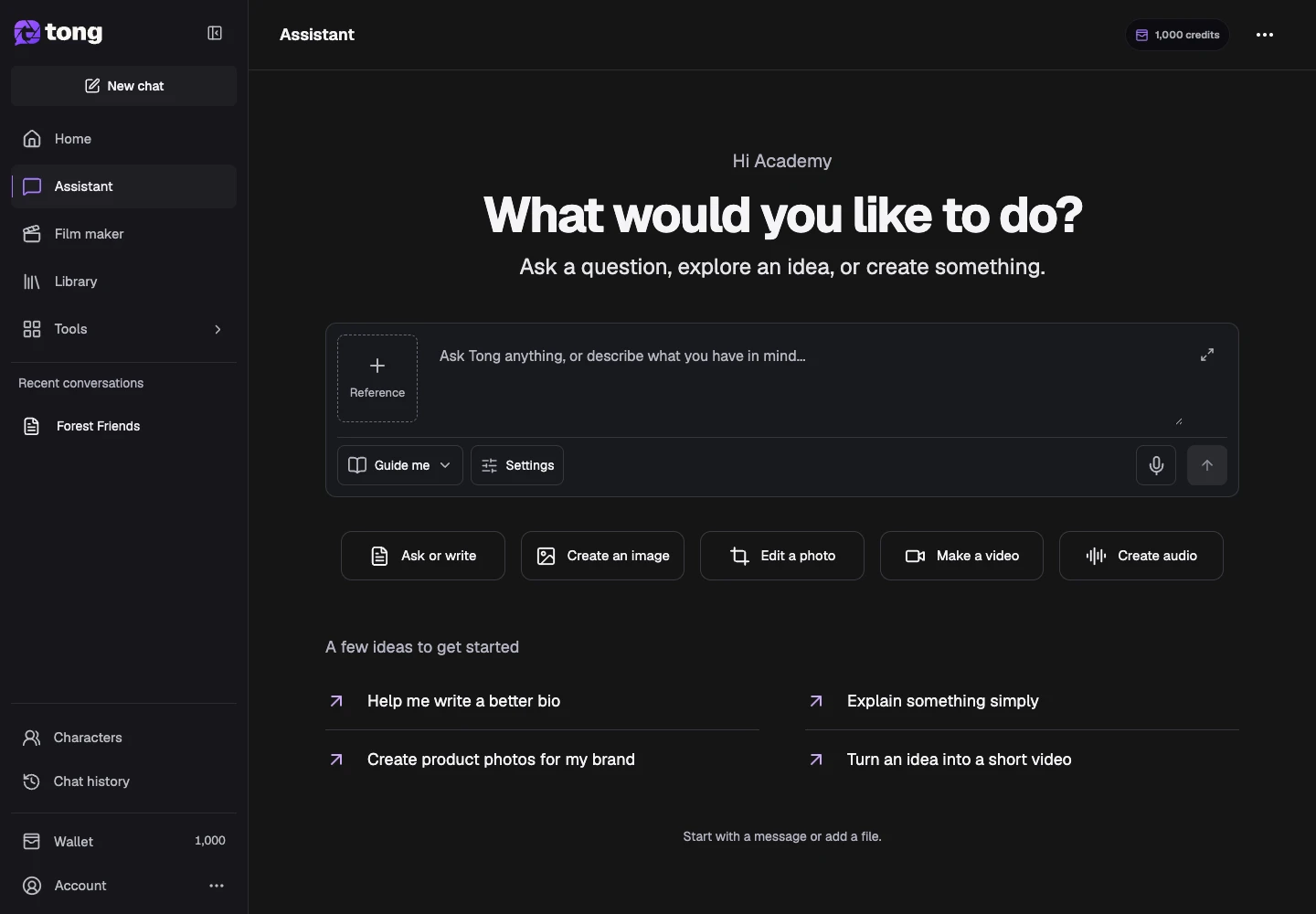
Describe your goal
Write the outcome, audience and details that matter in Message Assistant. You can dictate, then edit the transcription before sending it.
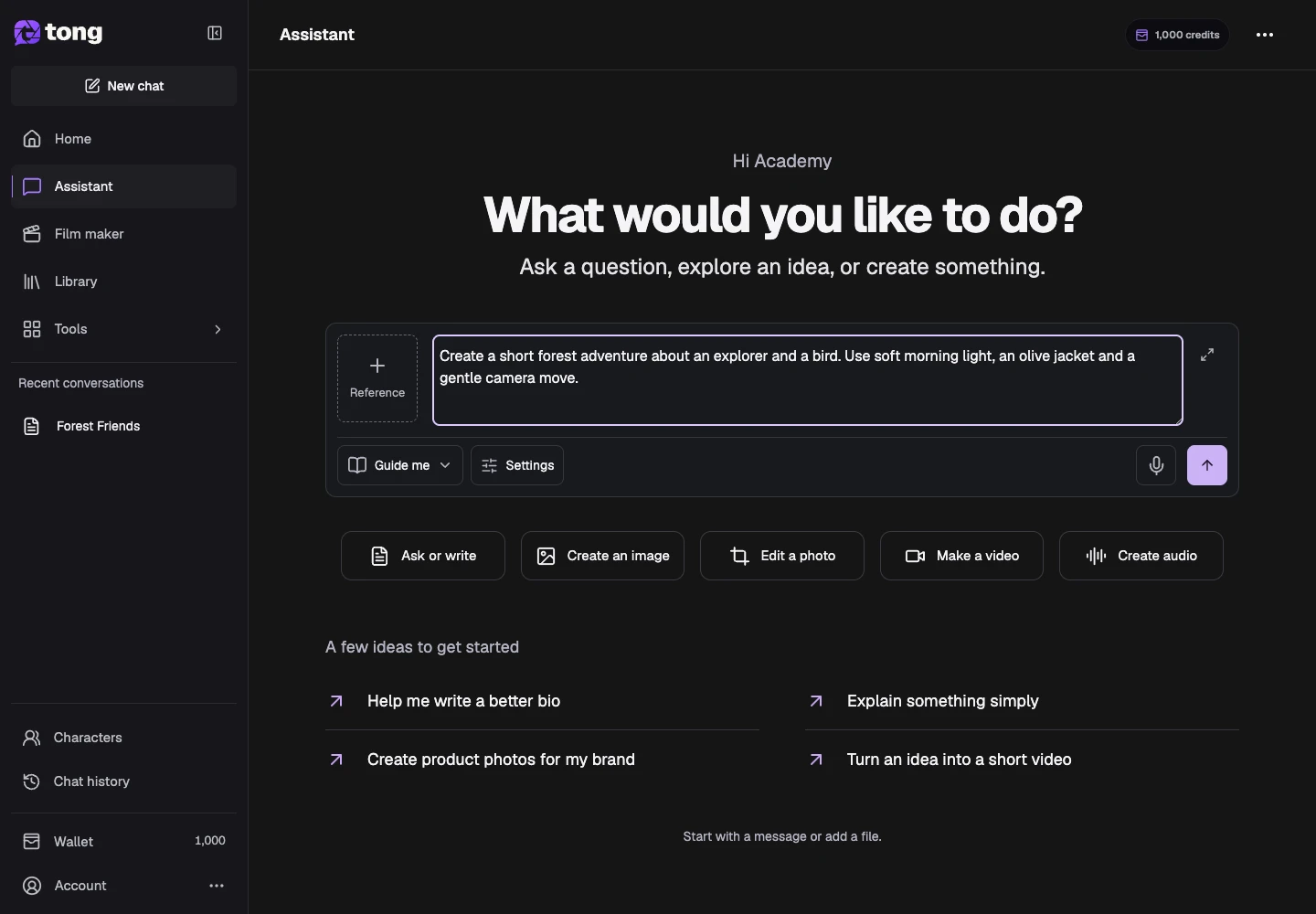
Choose how to collaborate
Open Guide me to review creative milestones, or choose Just make it to let Assistant continue automatically. Work uses credits as it proceeds and pauses if your balance is insufficient.
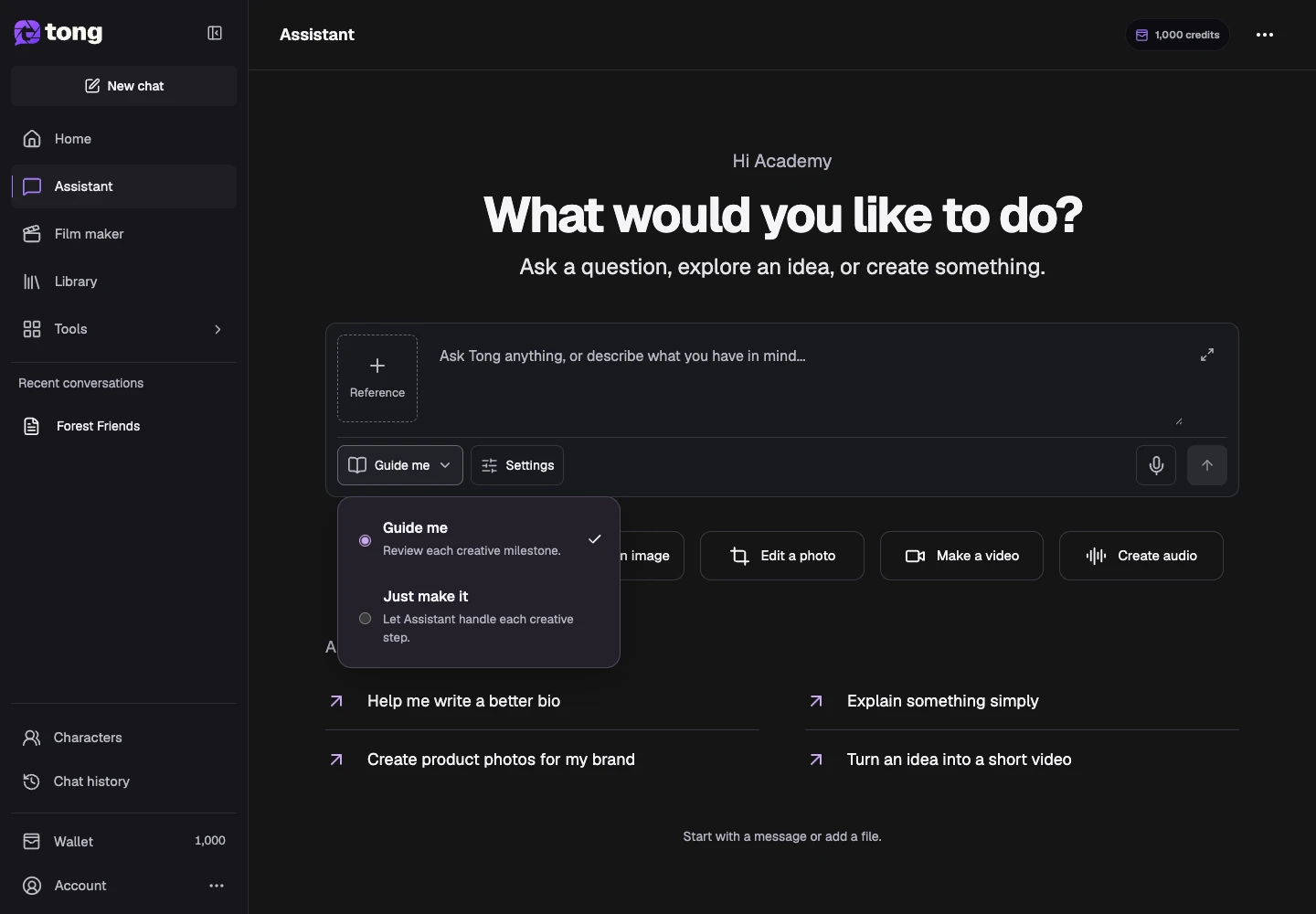
Send and continue in chat
Select Send message. Read the reply and continue in the same conversation; ask for writing, images, video or audio as your task develops.
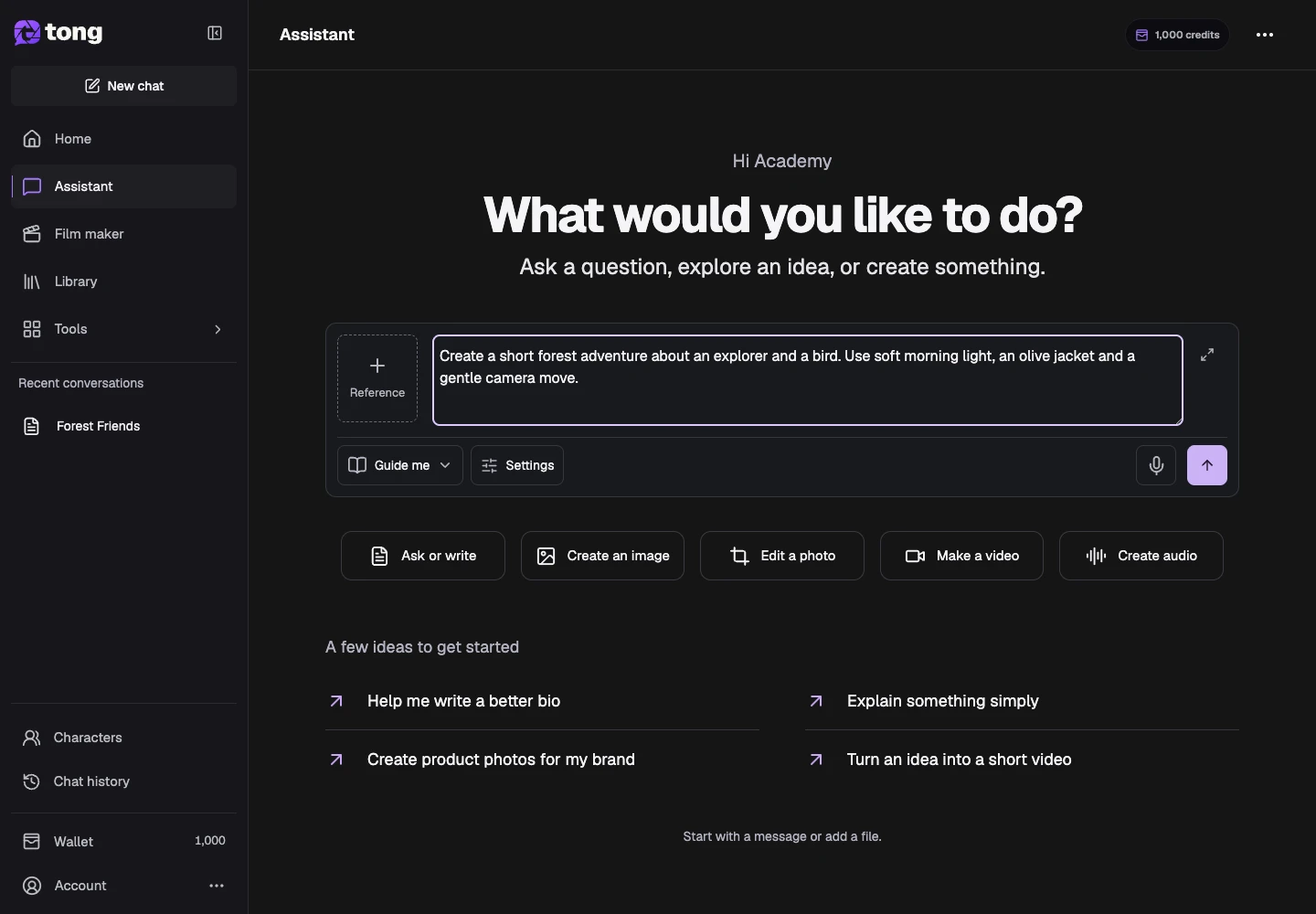
A useful tip
You can move from an idea to a film in the same conversation. Film maker opens the same Assistant with film suggestions.
If something goes wrong
Reopen the saved conversation and read its status before sending again. Let active work finish; an unavailable preview or connection does not mean a new generation is needed.
Read first, create when you’re ready
Reading this guide is free. Assistant and Film maker use credits as they work and pause when your balance is insufficient. Guide me pauses for creative review; Just make it continues automatically.
Reviewed 2026-10-18 · Tong Academy