
Getting started.
Your first steps in Tong.

Get comfortable with your workspace before your first creation. Learn how tools, model choices, credits and saved media fit together, then find the everyday features that keep your work organized.
Explore the guides
Start with the basics, then choose the task you want to complete.

How to create your Tong account
Sign up, verify your email and enter your creative workspace.
Read guide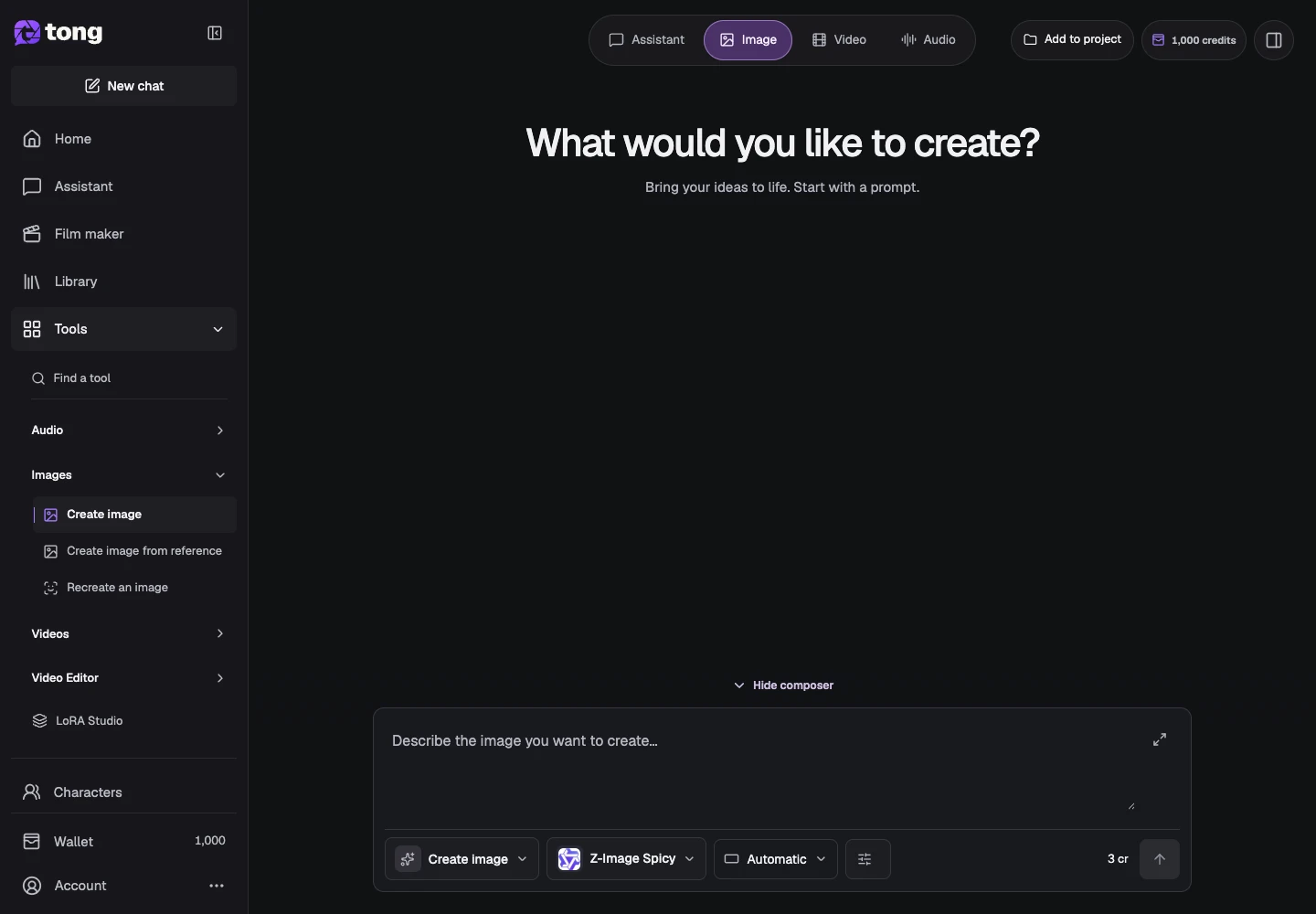
How to choose a tool and AI model
Match your inputs and intended result to the right workflow.
Read guide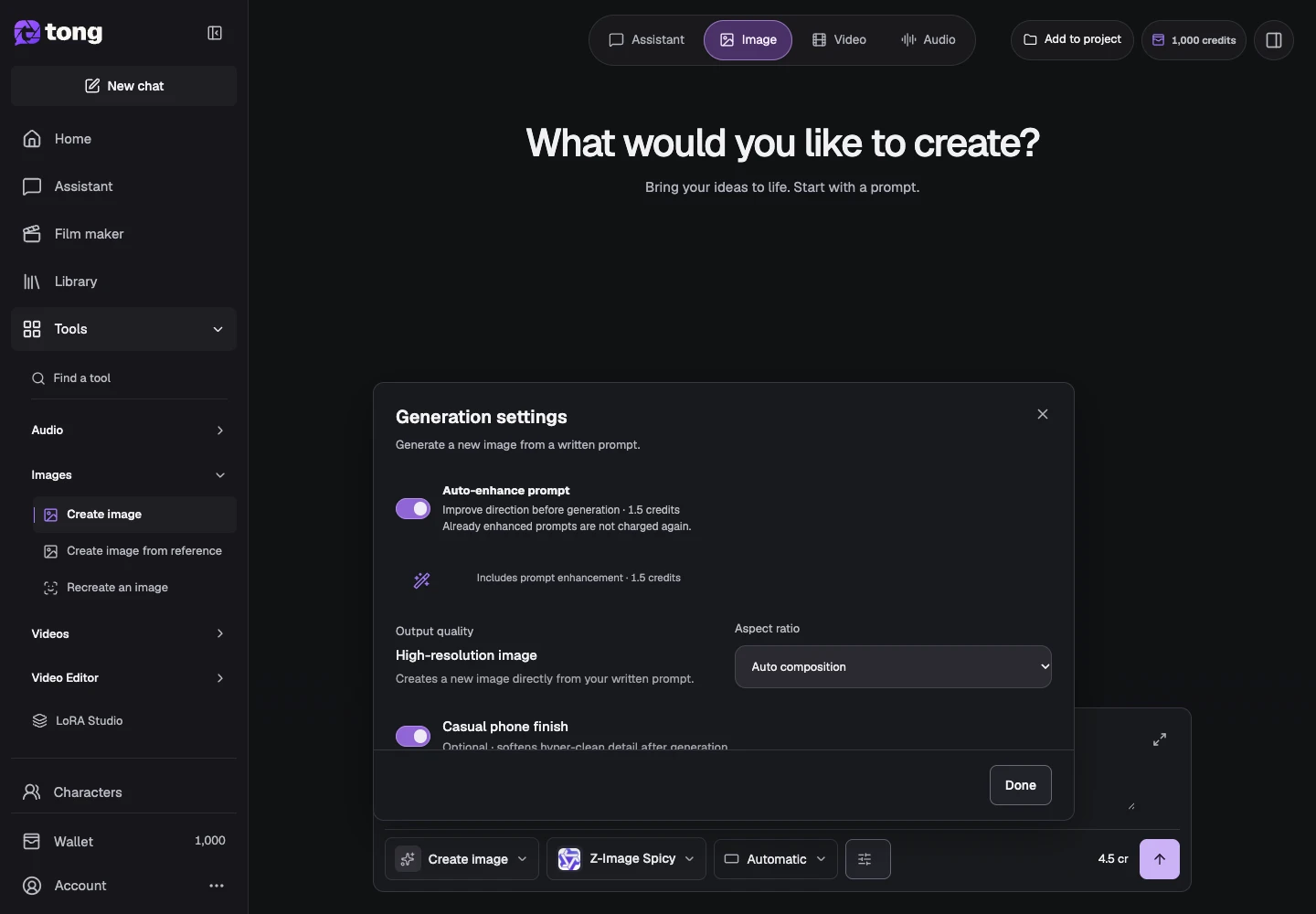
How to write and enhance a prompt
Describe a clear outcome and review optional prompt enhancement.
Read guide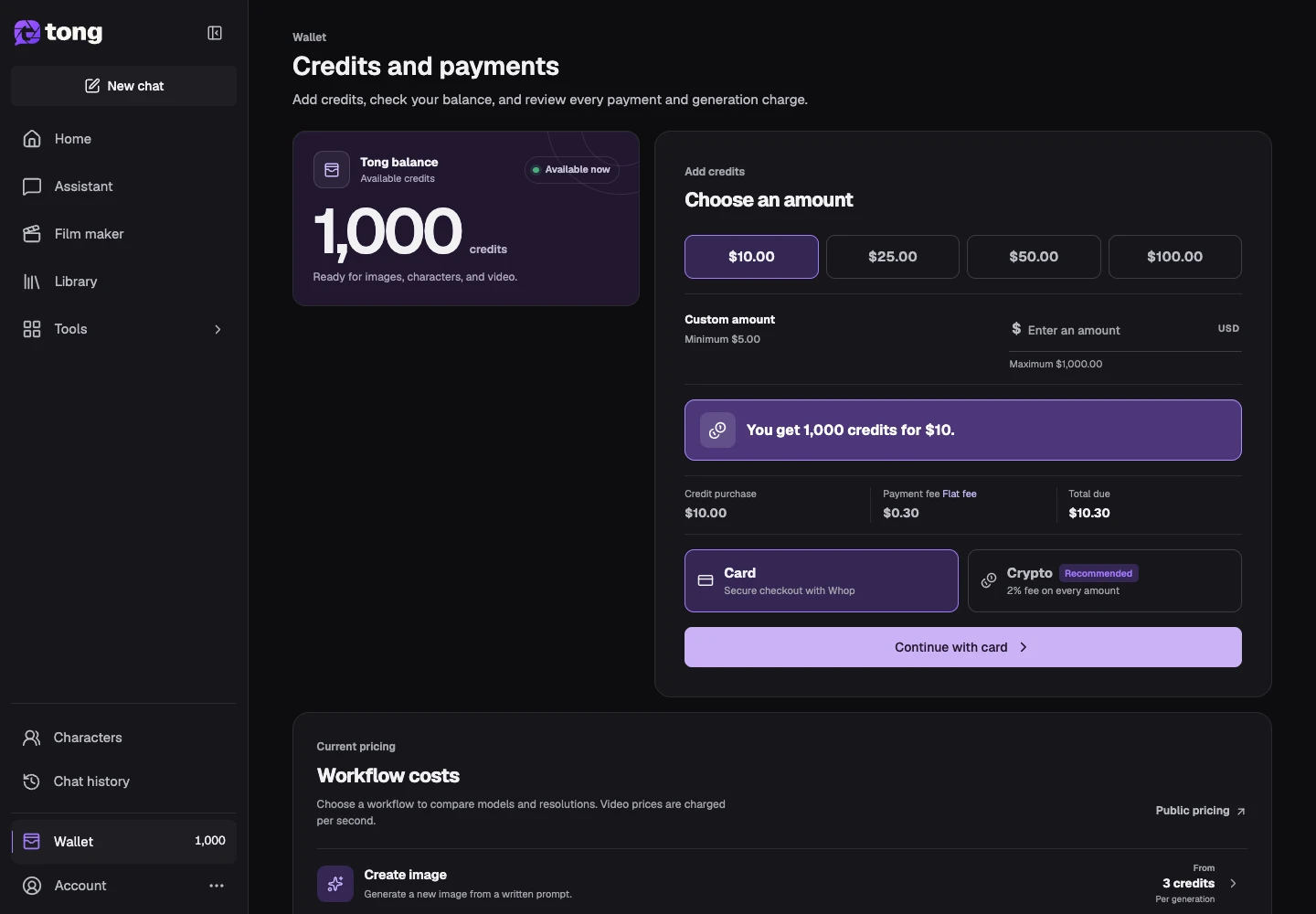
How Tong credits and generation prices work
Read your balance, compare prices and recognize holds and completed charges.
Read guide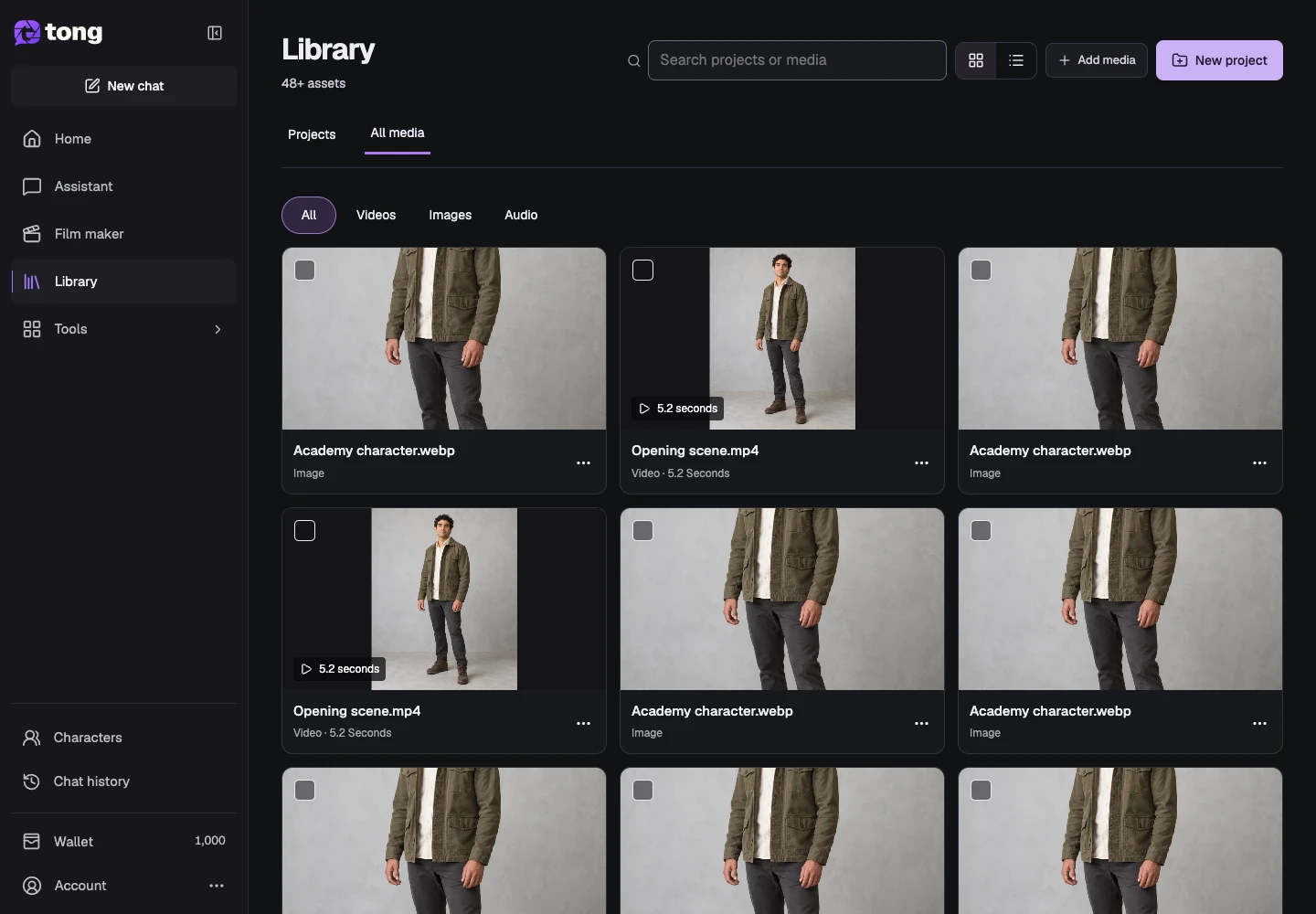
How to upload, find and download media in Library
Keep source files and finished results easy to find and reuse.
Read guide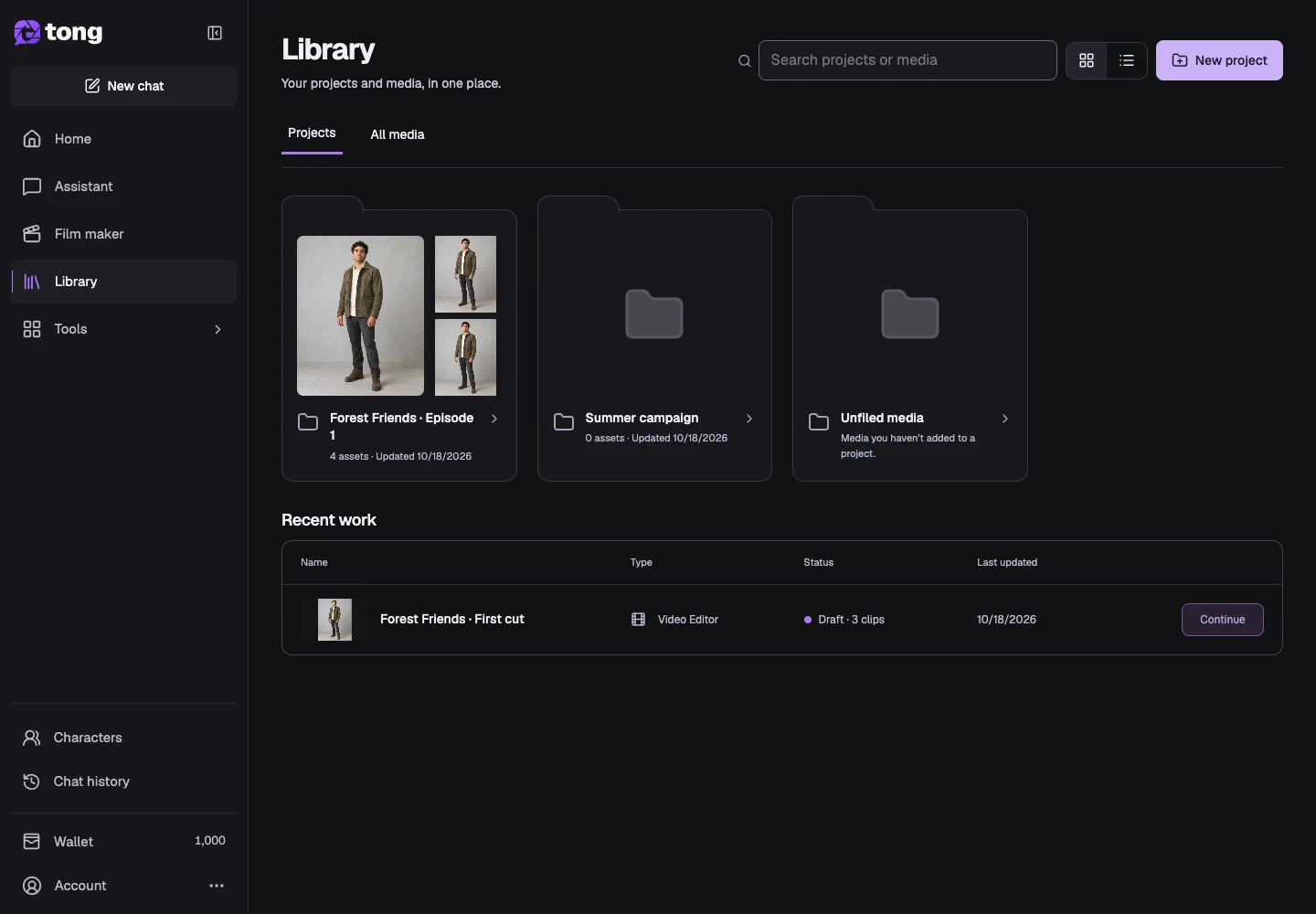
How to organize creations into projects
Create projects, group existing media, manage project names and keep related clip edits together.
Read guide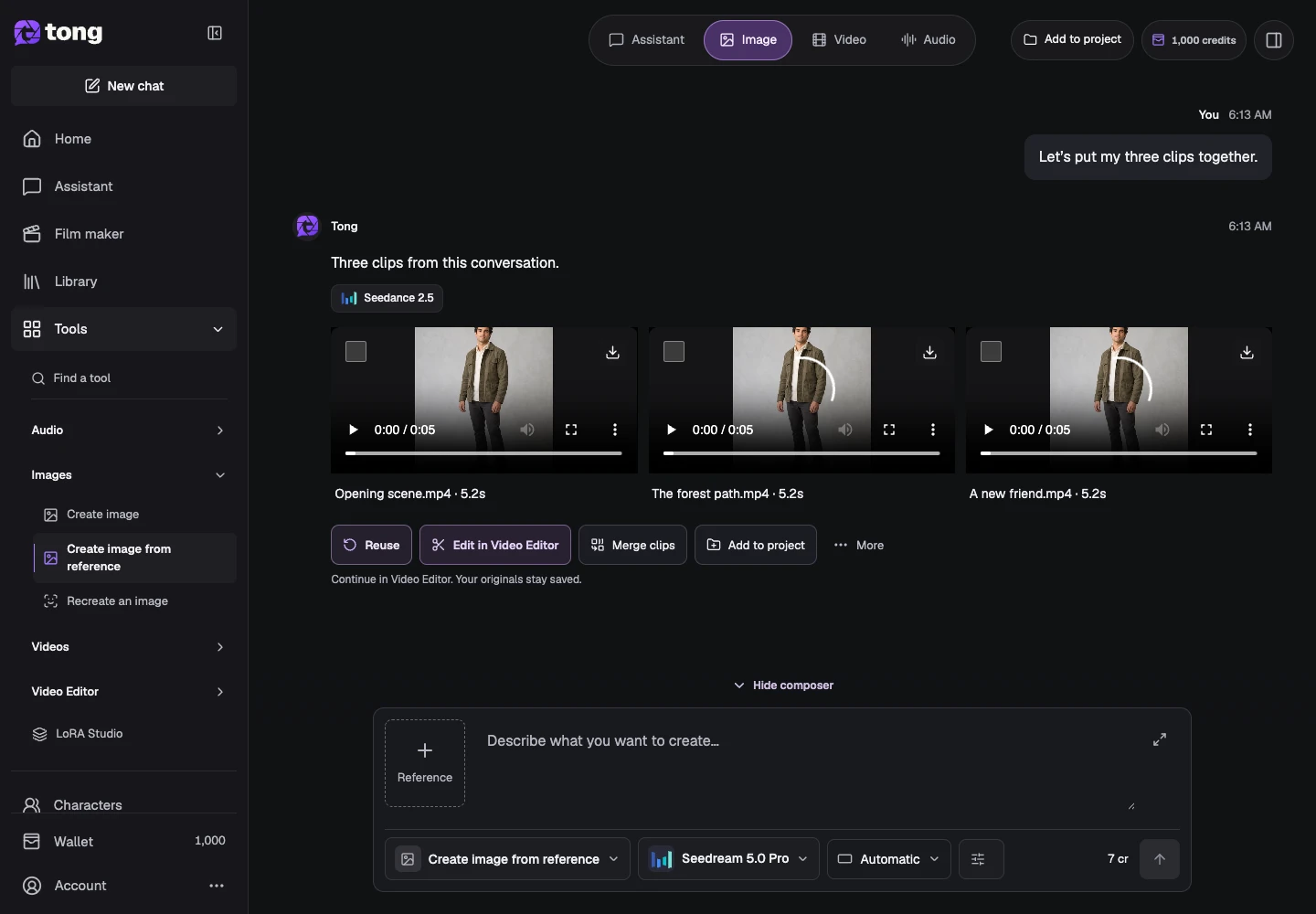
How to find history and reuse generation settings
Return to saved requests, inspect results and make deliberate new versions.
Read guide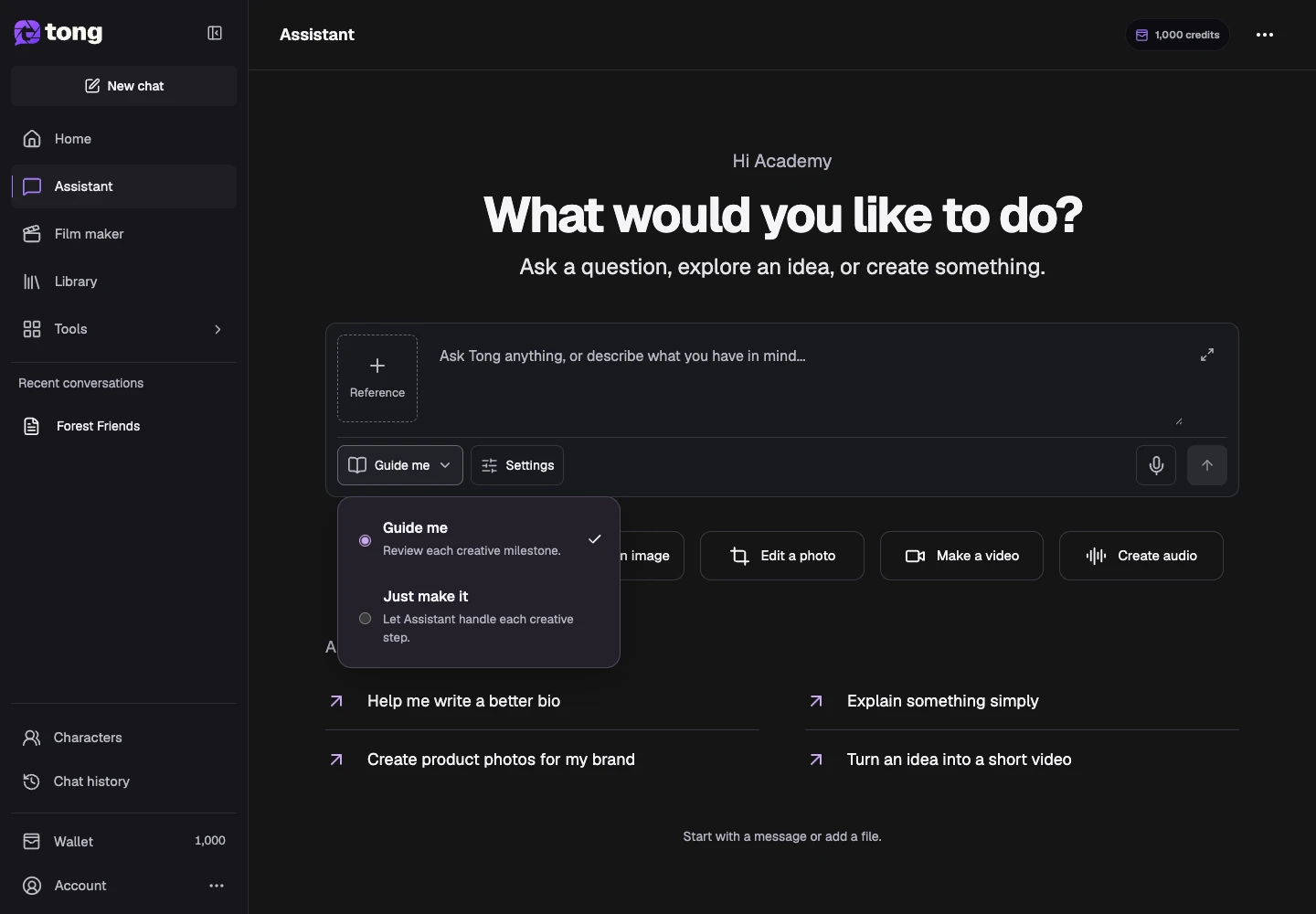
How to use Assistant to develop an idea
Ask questions, develop a brief and create with Tong’s conversational Assistant.
Read guide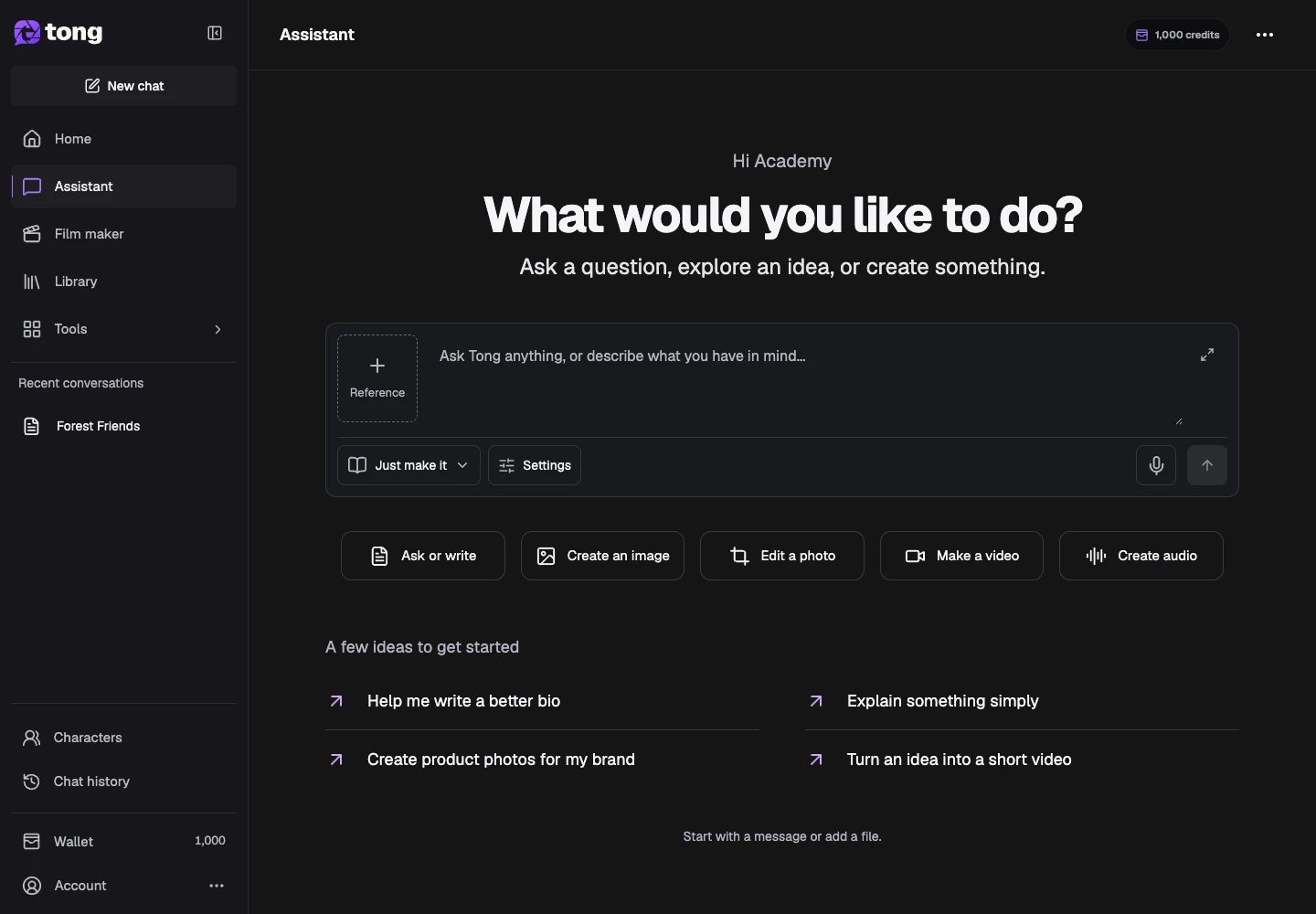
How to choose guided or automatic creation
Choose creative review with Guide me or continuous work with Just make it.
Read guide
How to add Assistant references and choose models
Attach files or Library media and set optional image and video model preferences.
Read guide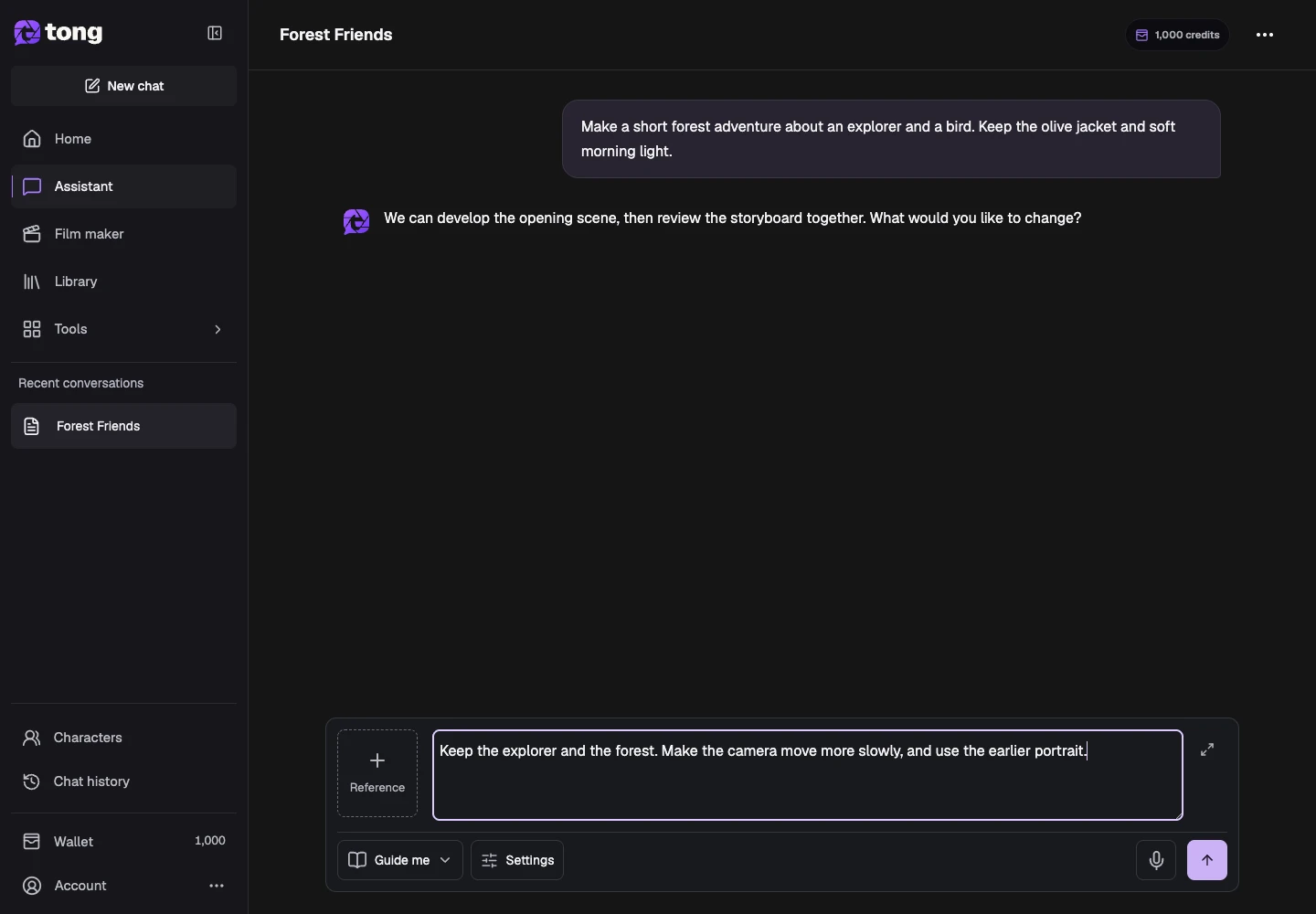
How to create and revise media with Assistant
Request images, video and audio, then direct focused changes in the conversation.
Read guide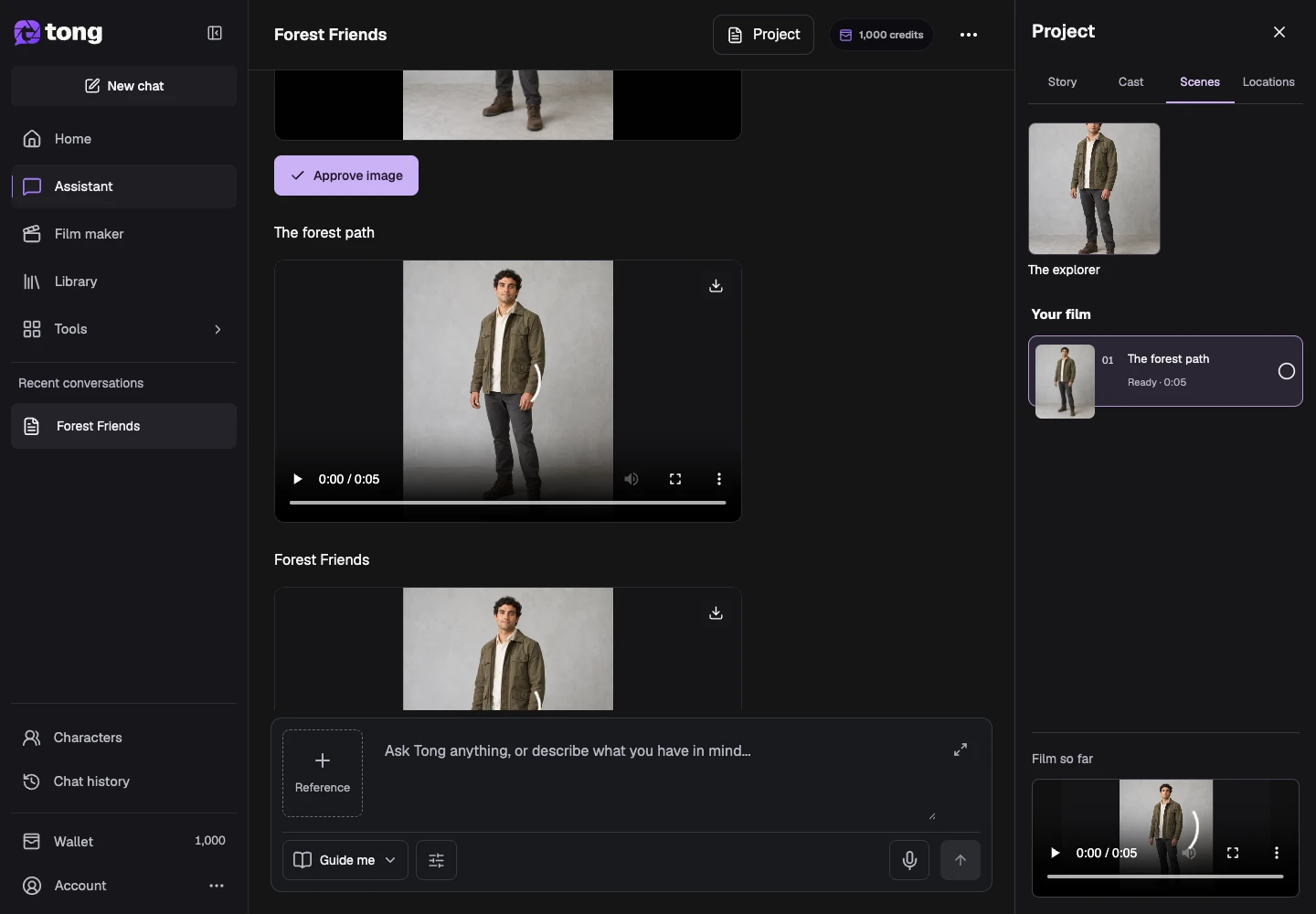
How to resume Assistant conversations and saved work
Return to a conversation, locate its results and continue without duplicating active work.
Read guide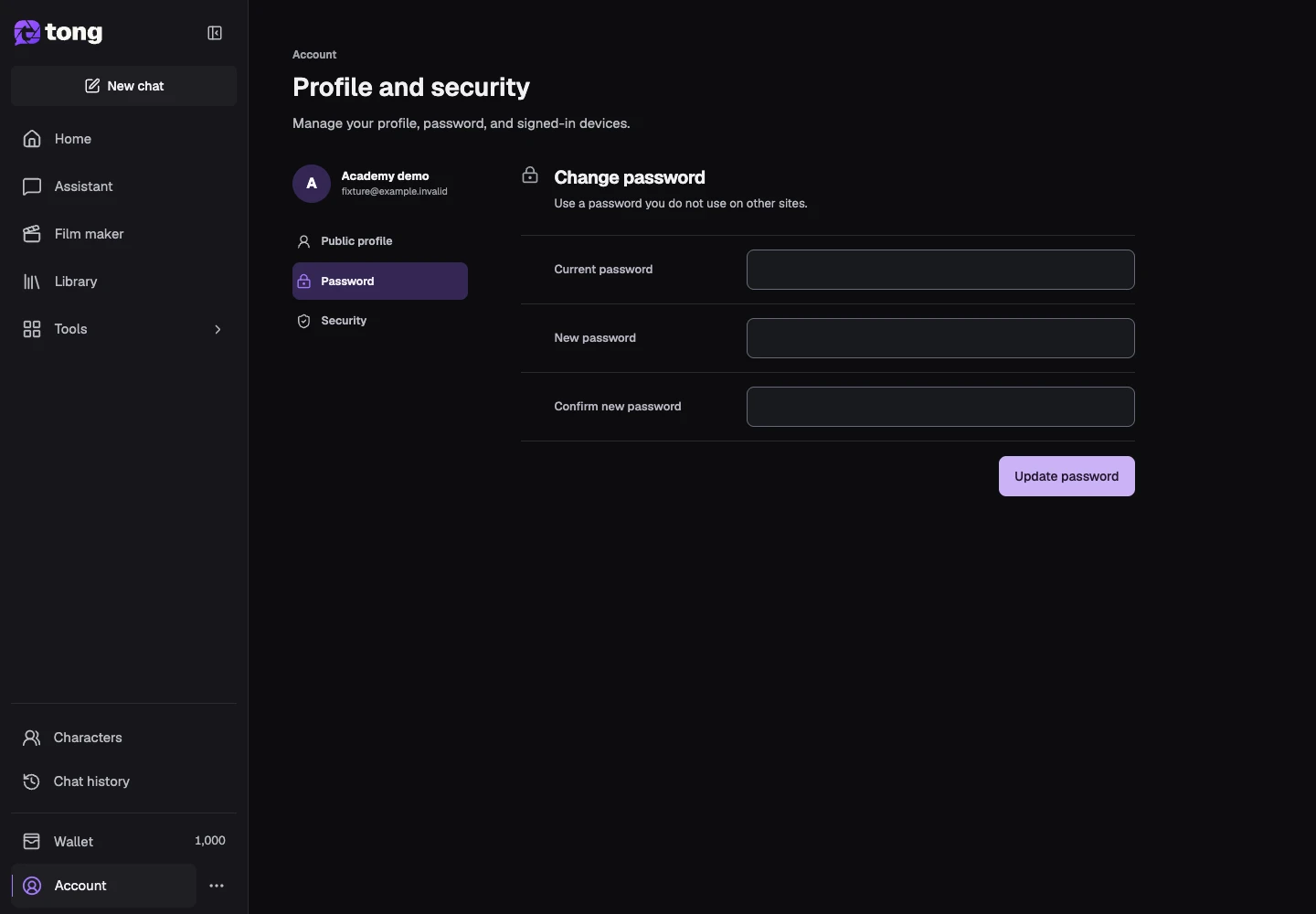
How to manage your profile and account security
Update your name, profile photo, password and signed-in devices.
Read guide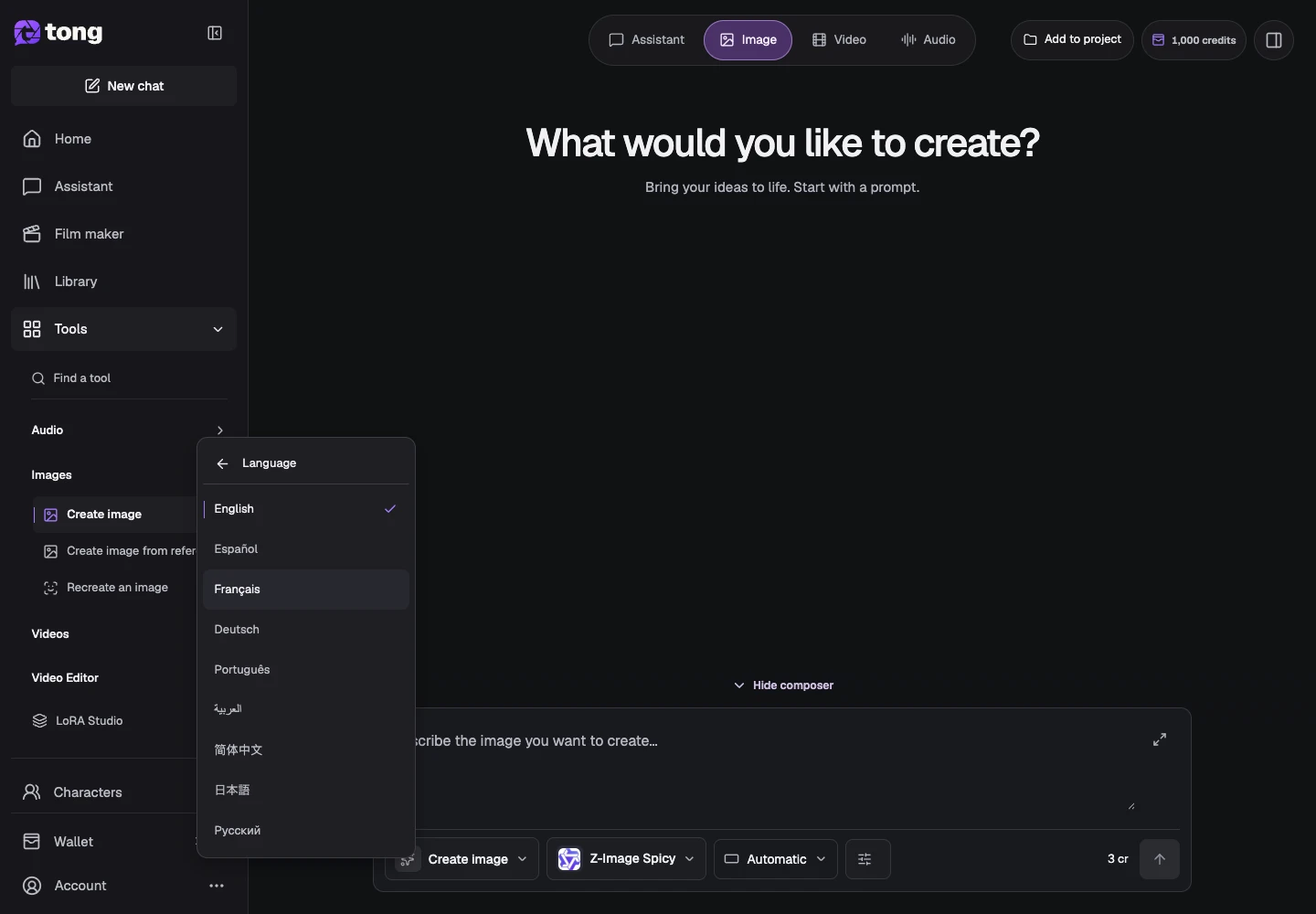
How to change language and navigate Tong
Find workspace tools, language settings and creation help.
Read guide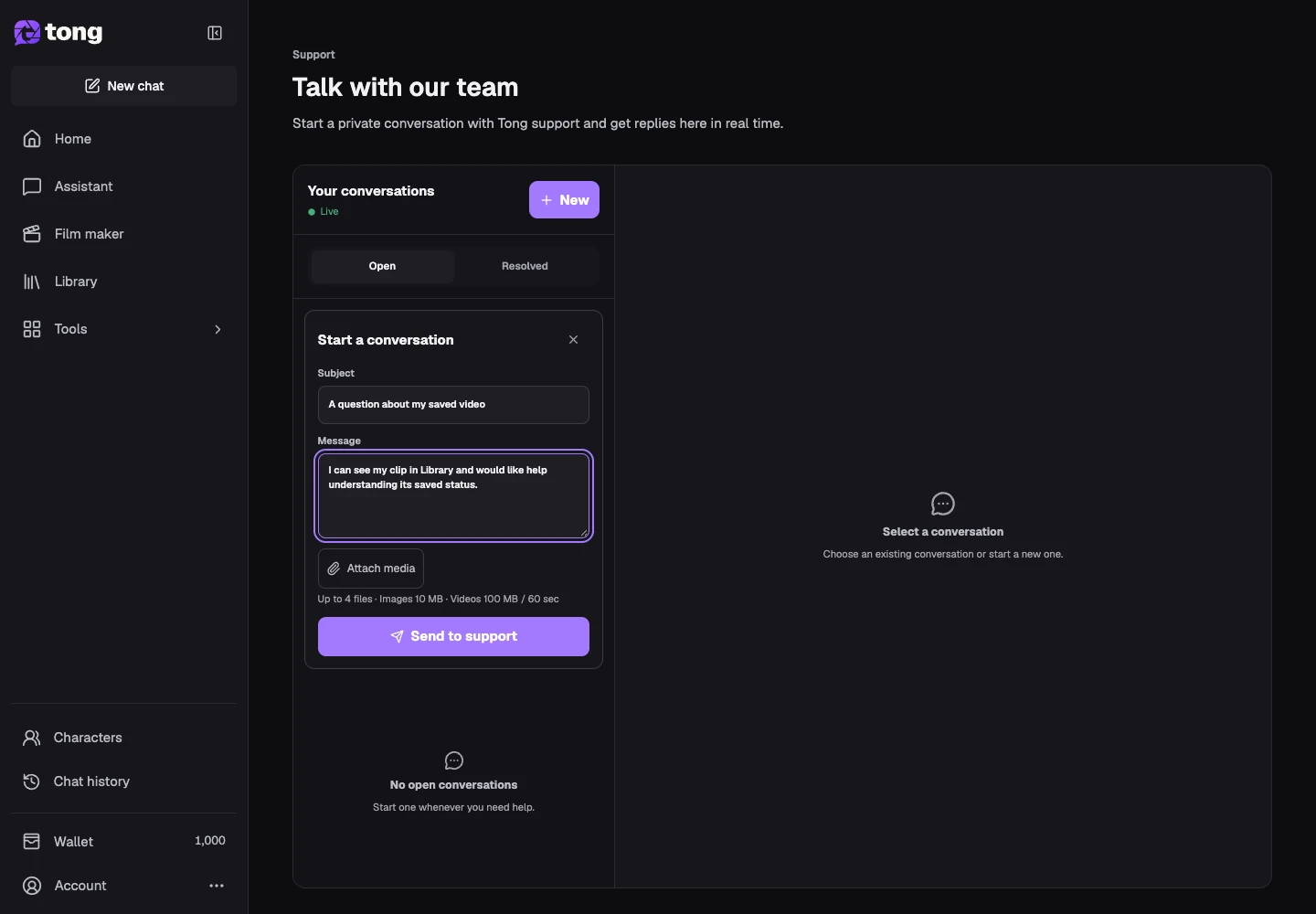
How to contact Tong Support
Create a support conversation and include useful request details.
Read guide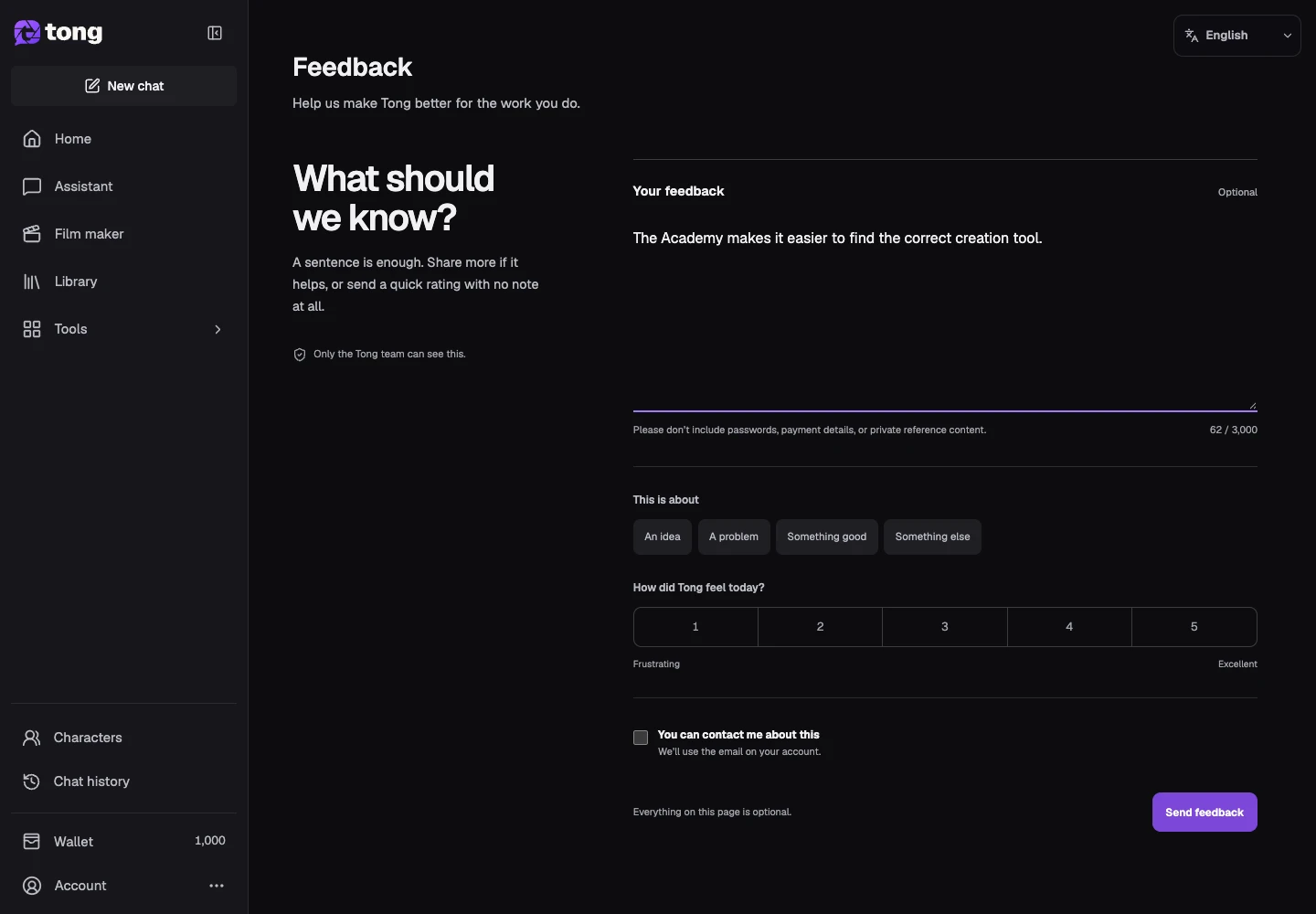
How to share product feedback
Send a clear suggestion or report a usability issue.
Read guide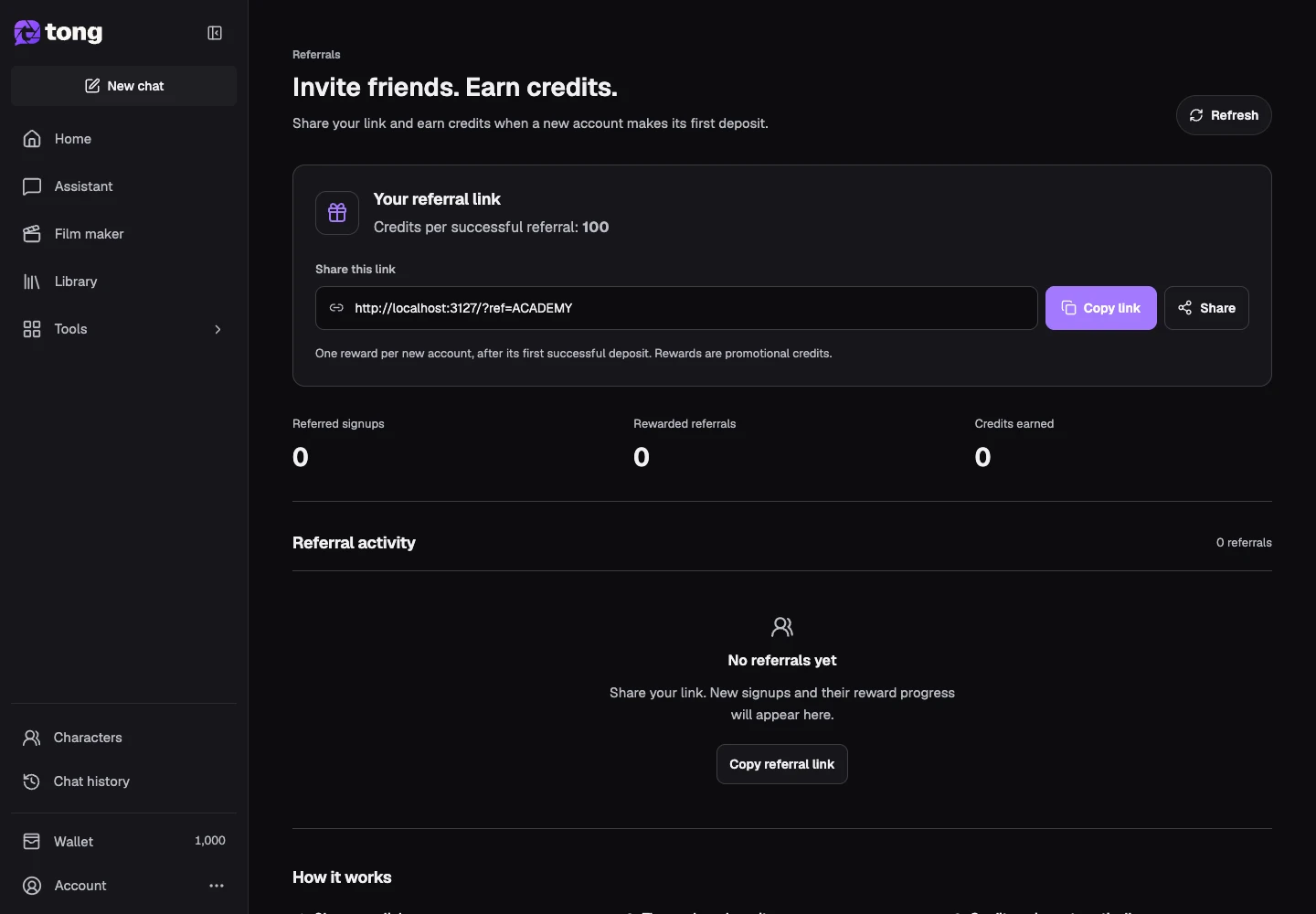
How to share your Tong referral link
Find your referral link, read eligibility and track its activity.
Read guideLearn by doing
Follow a complete project with guides in a useful order.
Explore learning paths