
Before you begin
- A signed-in account.
- A clear description and relevant saved request details.
What you’ll achieve:
Open Support
Open Support from More in the workspace navigation. Check existing open conversations before starting another thread about the same issue.
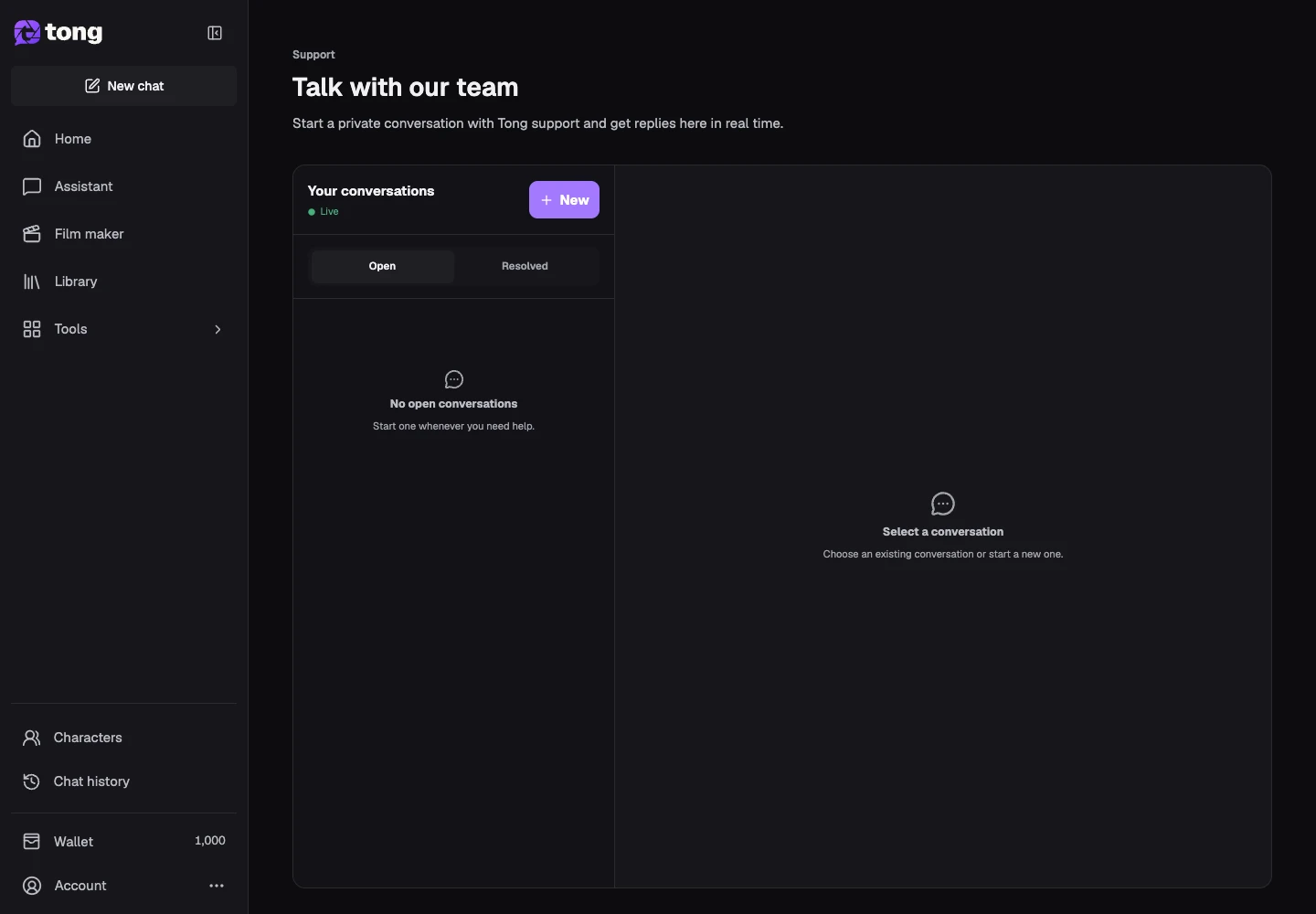
Describe the issue
Start a new conversation and write a specific subject. Explain the tool, what you expected, what happened, and whether your work or a charge needs attention.
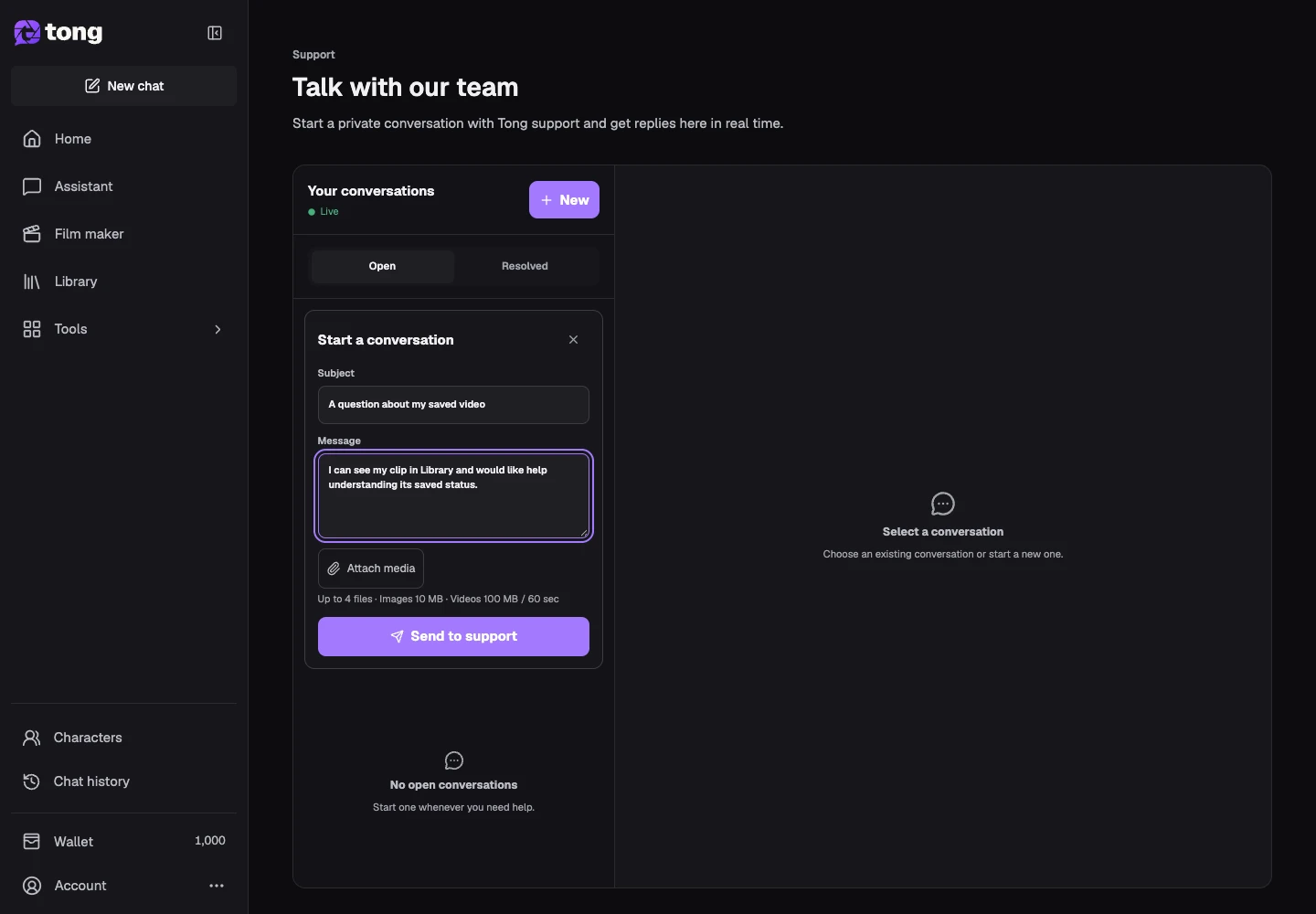
Include helpful context
Write the message and add relevant media with the attachment control when needed. Avoid passwords, payment secrets and unrelated personal information.
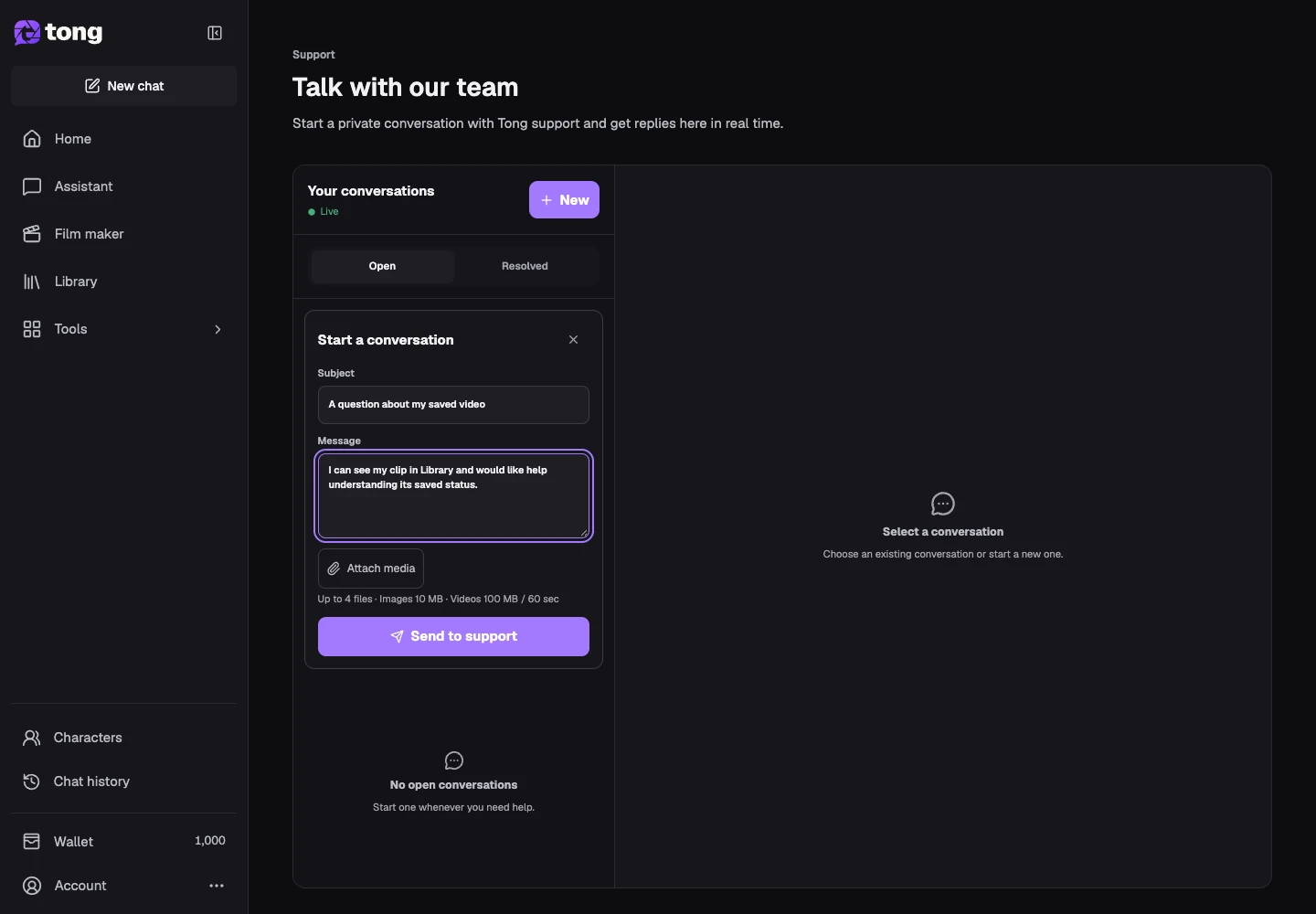
Send and return to the thread
Select the send action and keep the conversation for replies. Use the unread indicator to return to a response, and resolve the thread when the issue is handled.
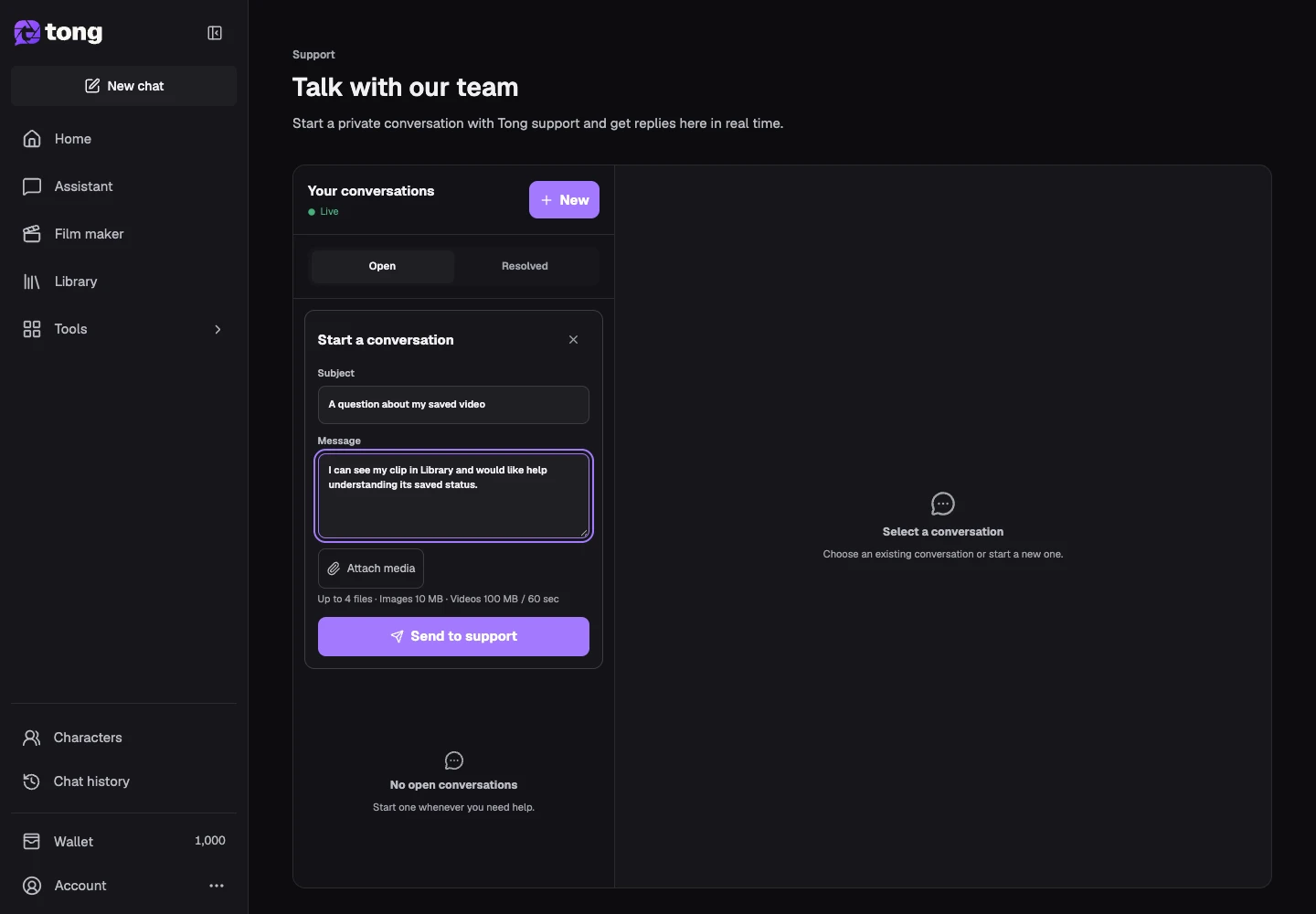
A useful tip
A concise description plus the affected saved request is usually more useful than several duplicate conversations.
If something goes wrong
If a message fails to send, keep its draft and retry after reading the error. Do not assume an unsent attachment has reached Support.
Read first, create when you’re ready
Reading this guide is free. The linked tool shows its own requirements and current credit price. Screenshots use demonstration data; review your own inputs and the quoted cost before submitting paid work.
Reviewed 2026-10-18 · Tong Academy