
Before you begin
- A saved conversation or generation.
- Credits only if you decide to create a new result.
What you’ll achieve:
Model choices
When returning to an unrestricted generation workflow, review the saved model and its current Less restrictive category before reusing settings. Reuse prepares a new request; a different model may support different inputs or limits.
Open Chat history
Open Chat history from navigation to find saved tool conversations. Assistant and Film maker conversations also appear in their recent list; choose the intended title to resume it.
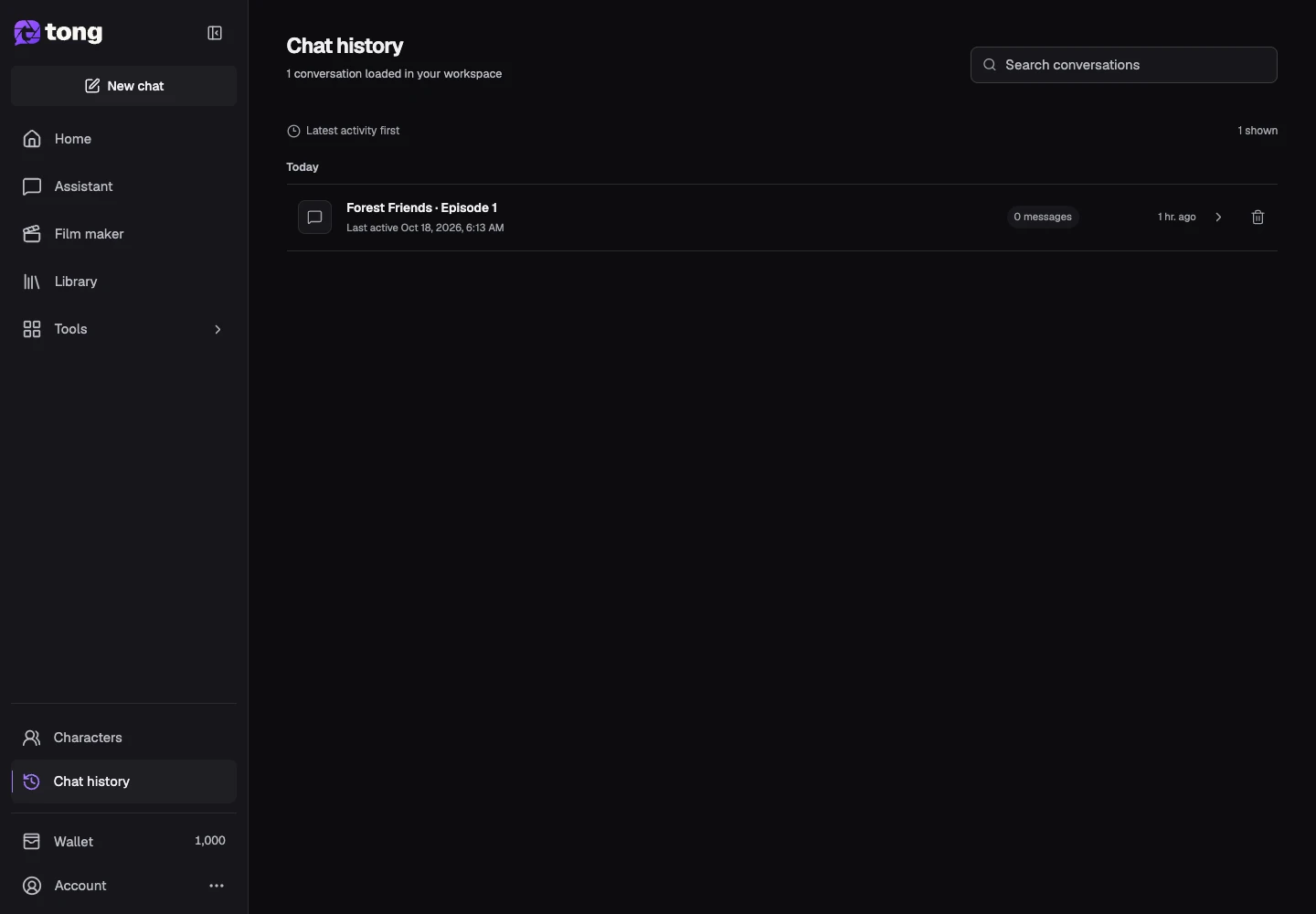
Open a saved conversation
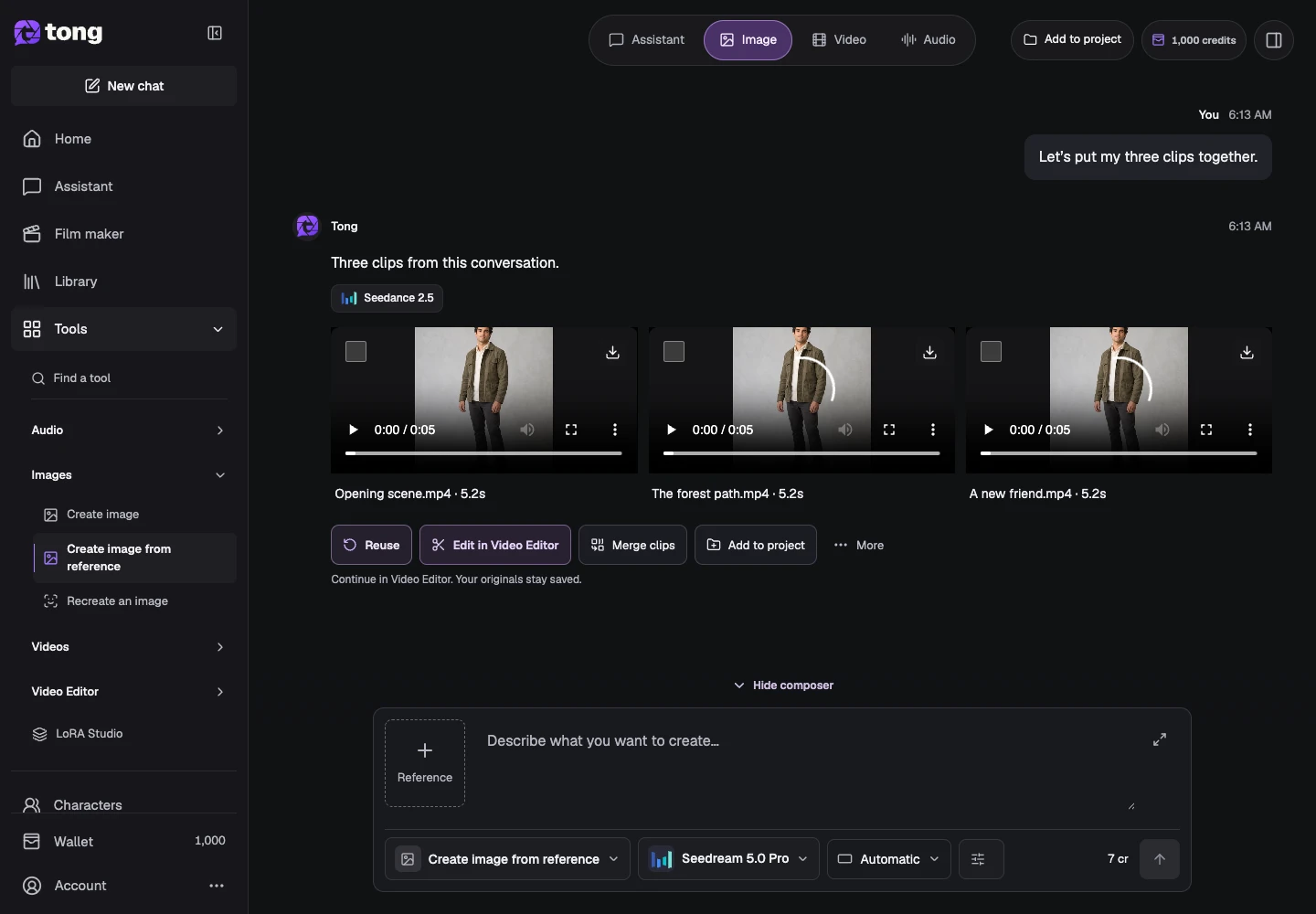
Choose the relevant conversation rather than starting from memory. Check whether its media is ready, still processing or failed before deciding what to do next.
Inspect the existing result
Open a result and its details. Compare it with the original request, and use Download or Library when you want the existing file.
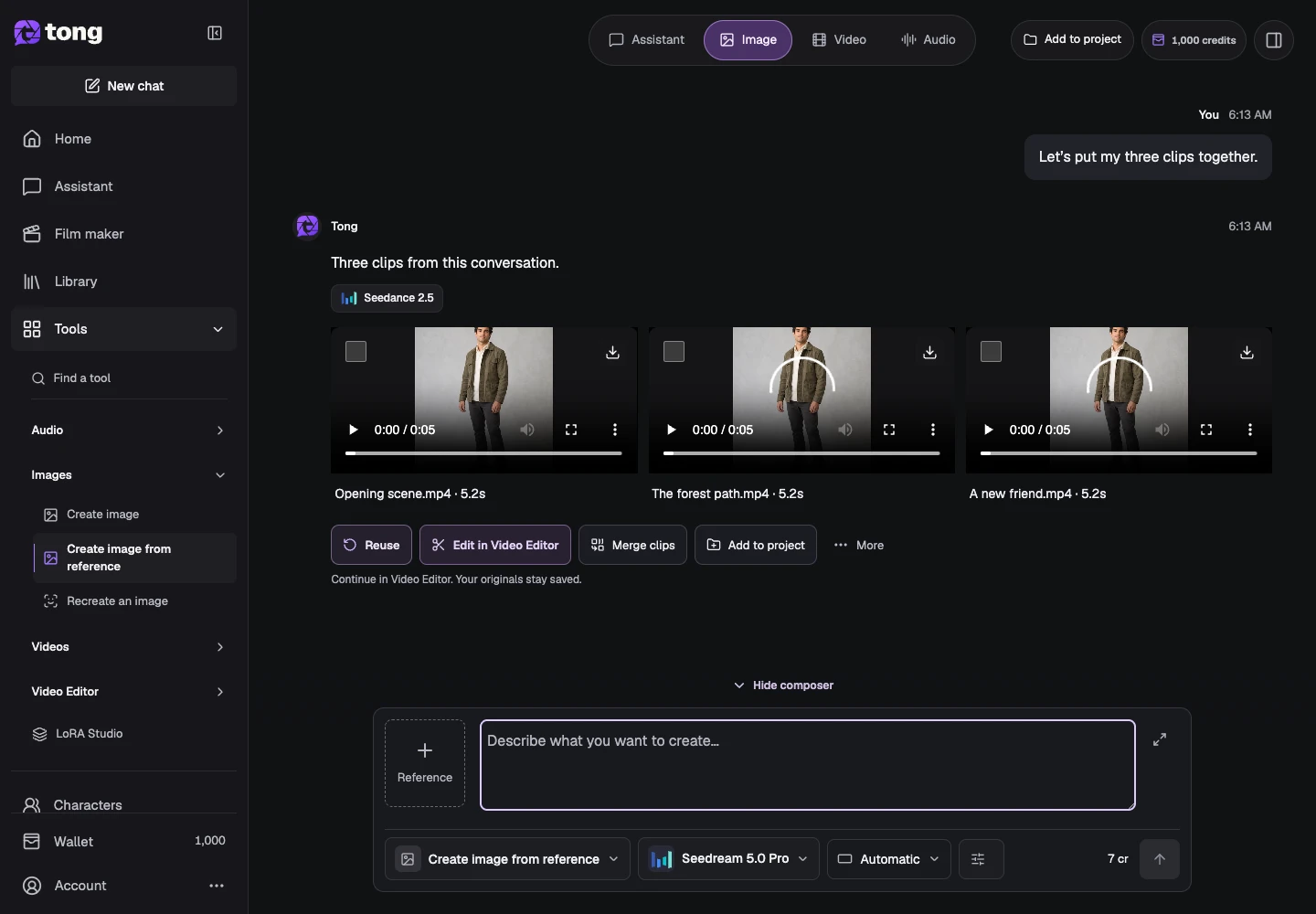
Reuse settings for a new request
Use the result's reuse action when available. Check the restored model, references, prompt and settings, then review the current price. Reusing settings prepares a new request; sending it can incur a new charge.
A useful tip
Alternative-model actions are available only when the result and workflow support them. Read their current price and requirements before submitting.
If something goes wrong
Do not repeatedly press Send while a request is starting. If a saved job failed, read its recovery action; if its status is uncertain, reopen it before making a new submission.
Read first, create when you’re ready
Reading this guide is free. The linked tool shows its own requirements and current credit price. Screenshots use demonstration data; review your own inputs and the quoted cost before submitting paid work.
Reviewed 2026-10-18 · Tong Academy