
Before you begin
- A signed-in workspace for its navigation controls.
What you’ll achieve:
Use the topic groups
Open Tools in navigation, then Images, Videos or Audio. Home, Assistant, Film maker and Library have their own entries. On a phone, open navigation first.
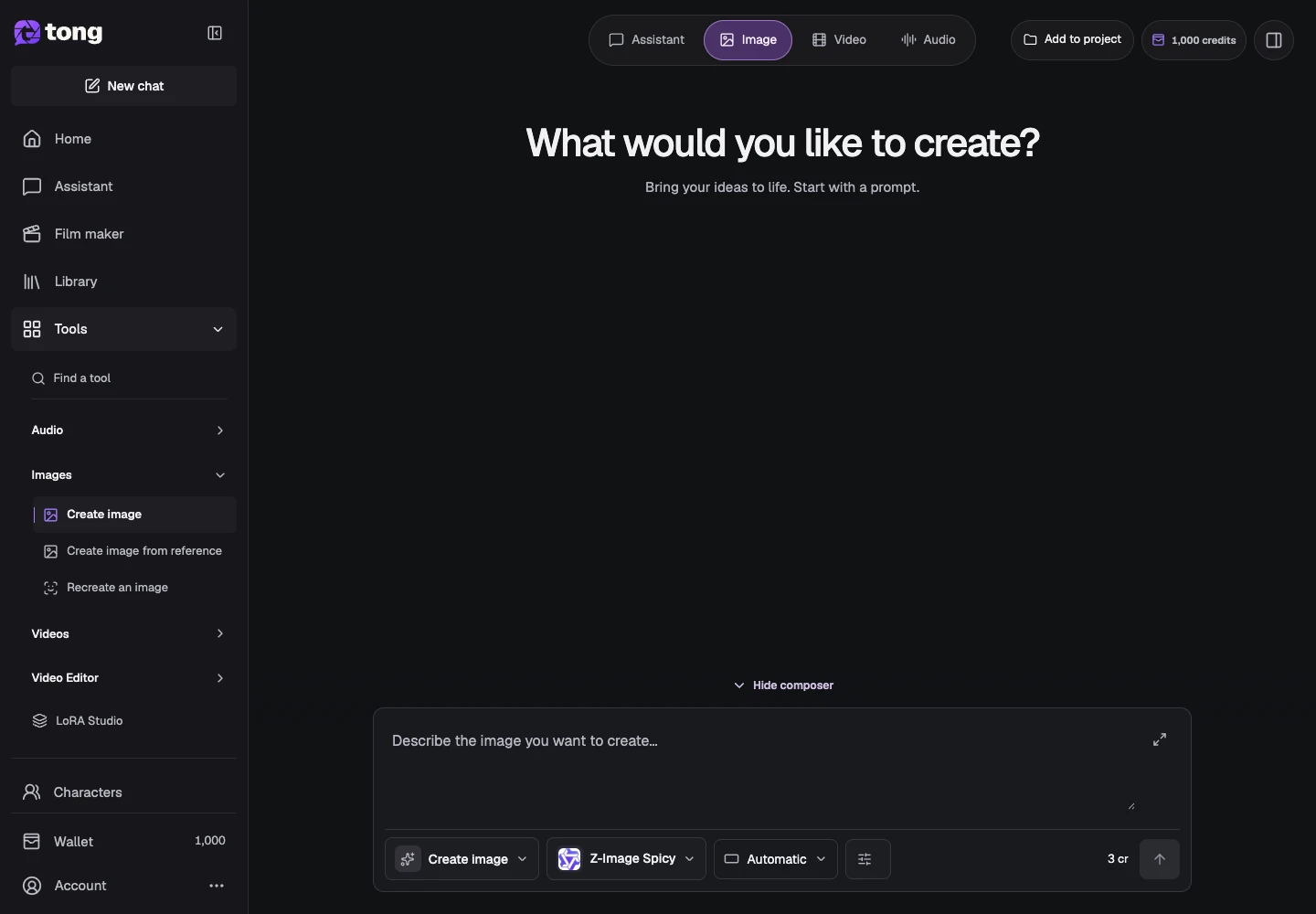
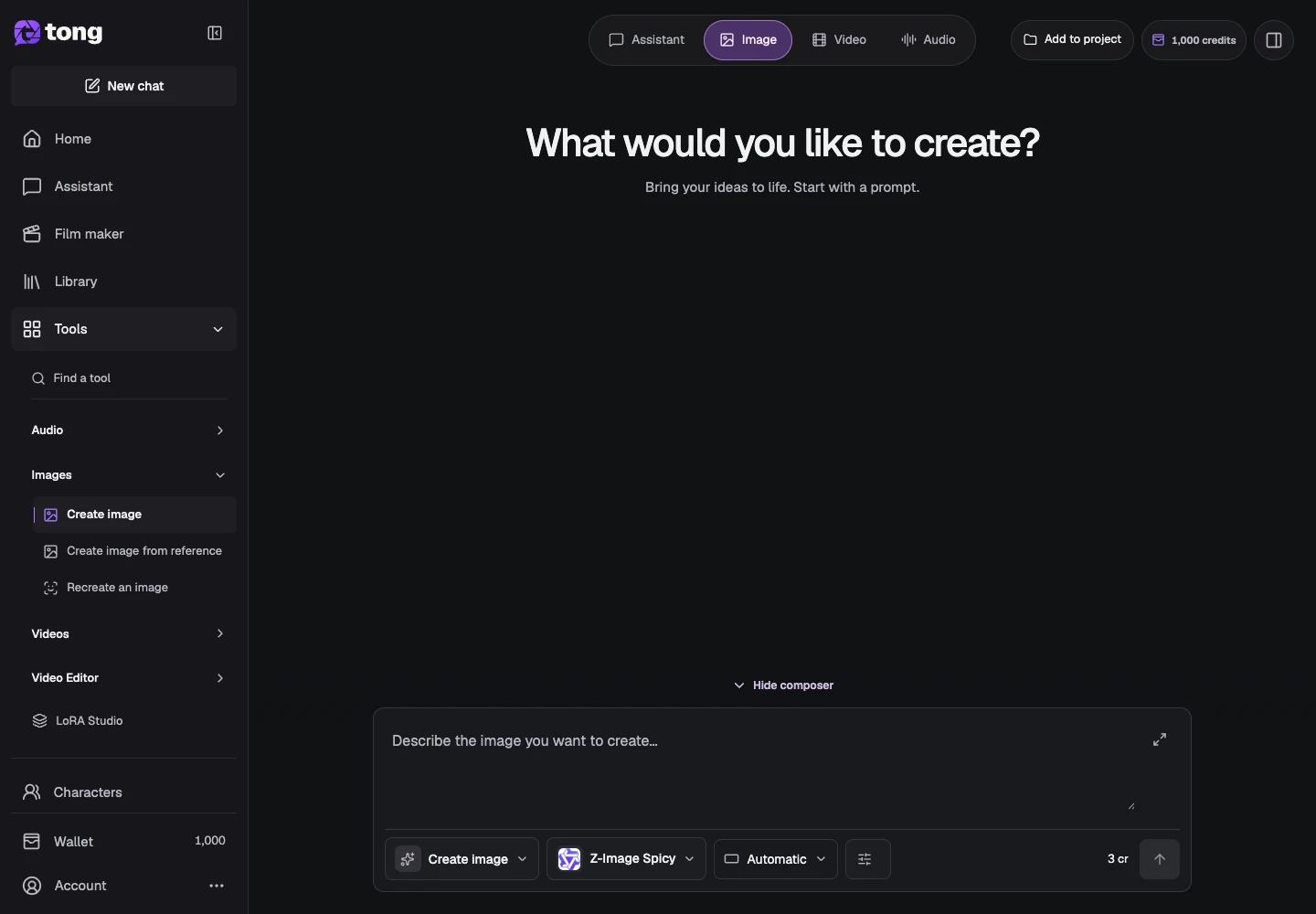
Open More
Use More at the bottom of navigation for language, referrals and support. Close the menu to return to your current work.
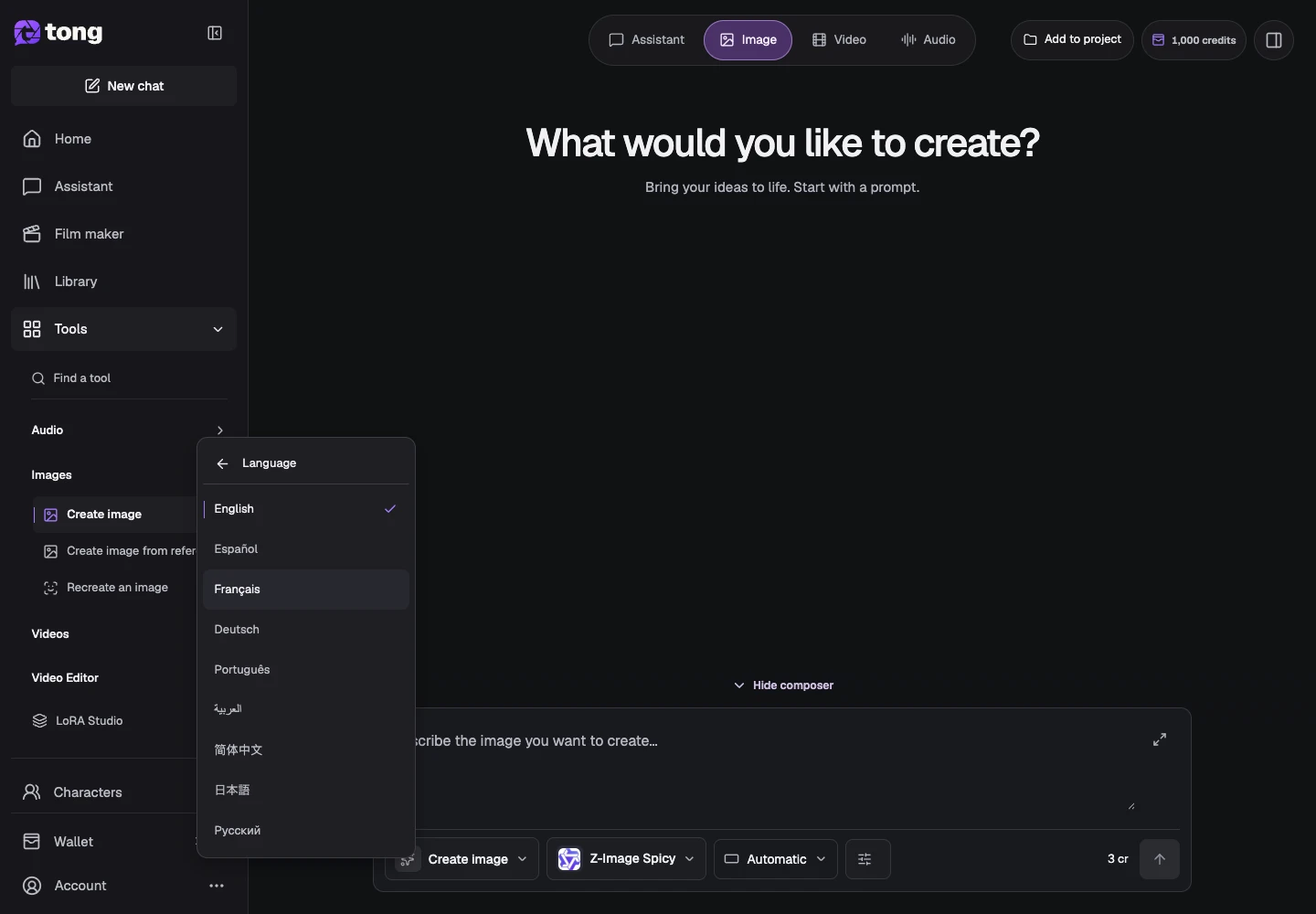
Choose a language
Select Language and choose your language. Translated Academy messages follow that choice; an article passage still awaiting translation remains explicitly marked as English.
Return to Home
Choose Home to find your starting options, or open Assistant and describe your goal. Choosing a suggestion prepares a prompt; it does not automatically generate media.
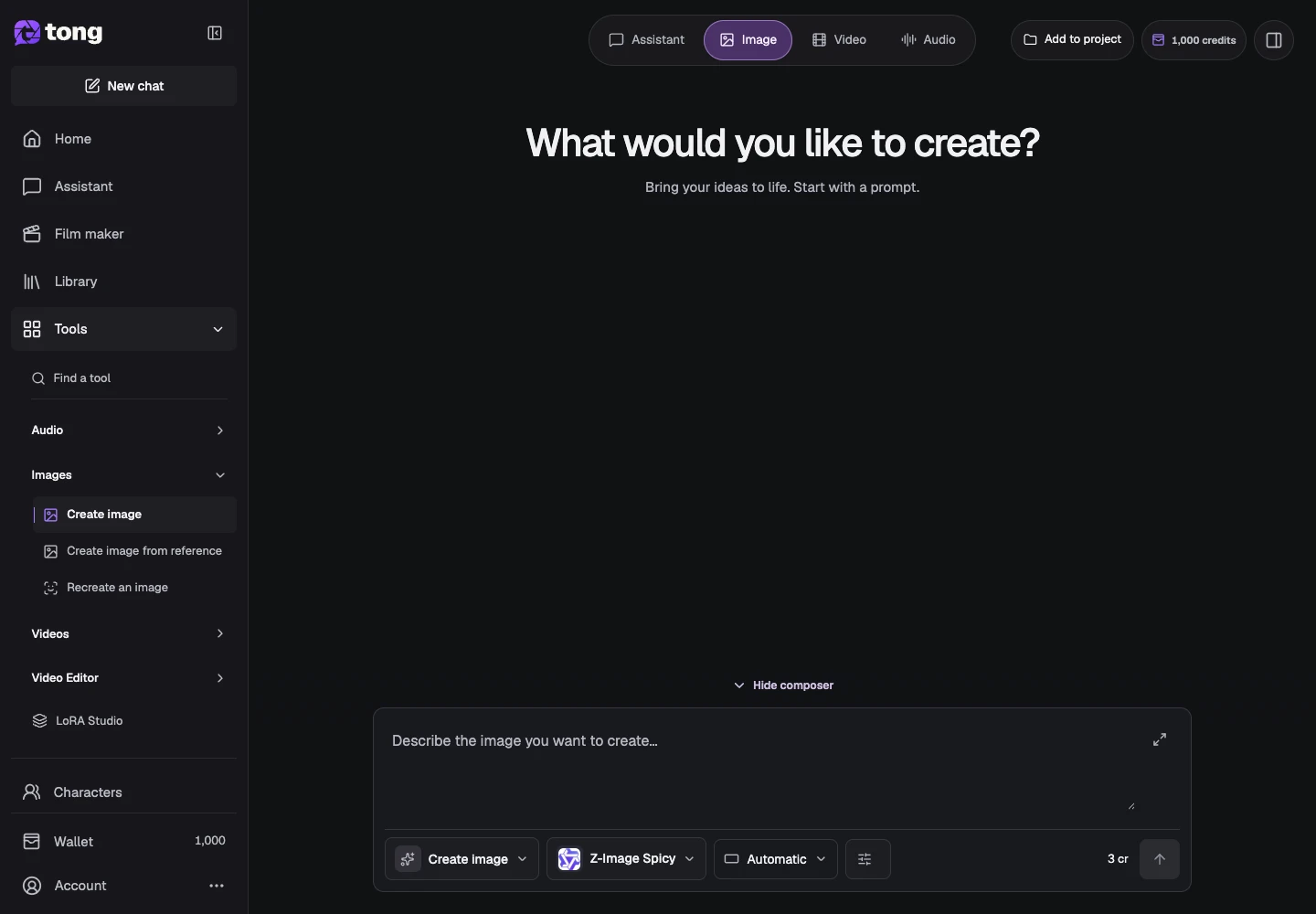
A useful tip
Collapse the sidebar when you need more canvas space; expand it to read the tool groups again.
If something goes wrong
If a long translated label changes the layout, use the full navigation panel rather than relying on an icon alone. Browser-local navigation preferences may reset when site storage is cleared.
Read first, create when you’re ready
Reading this guide is free. The linked tool shows its own requirements and current credit price. Screenshots use demonstration data; review your own inputs and the quoted cost before submitting paid work.
Reviewed 2026-10-18 · Tong Academy