
Before you begin
- Access to your signed-in account.
- Your current password when requested.
What you’ll achieve:
Open Account
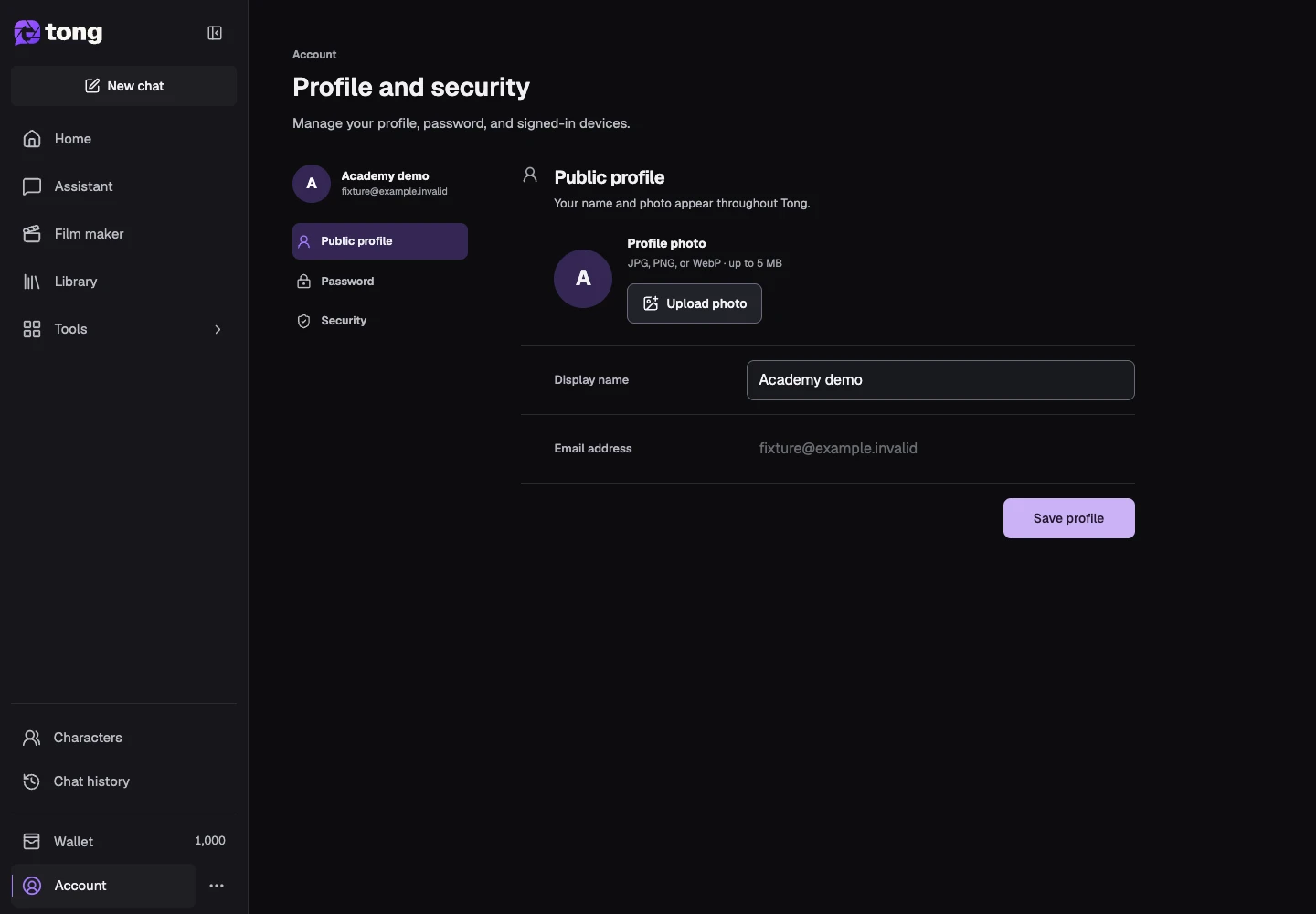
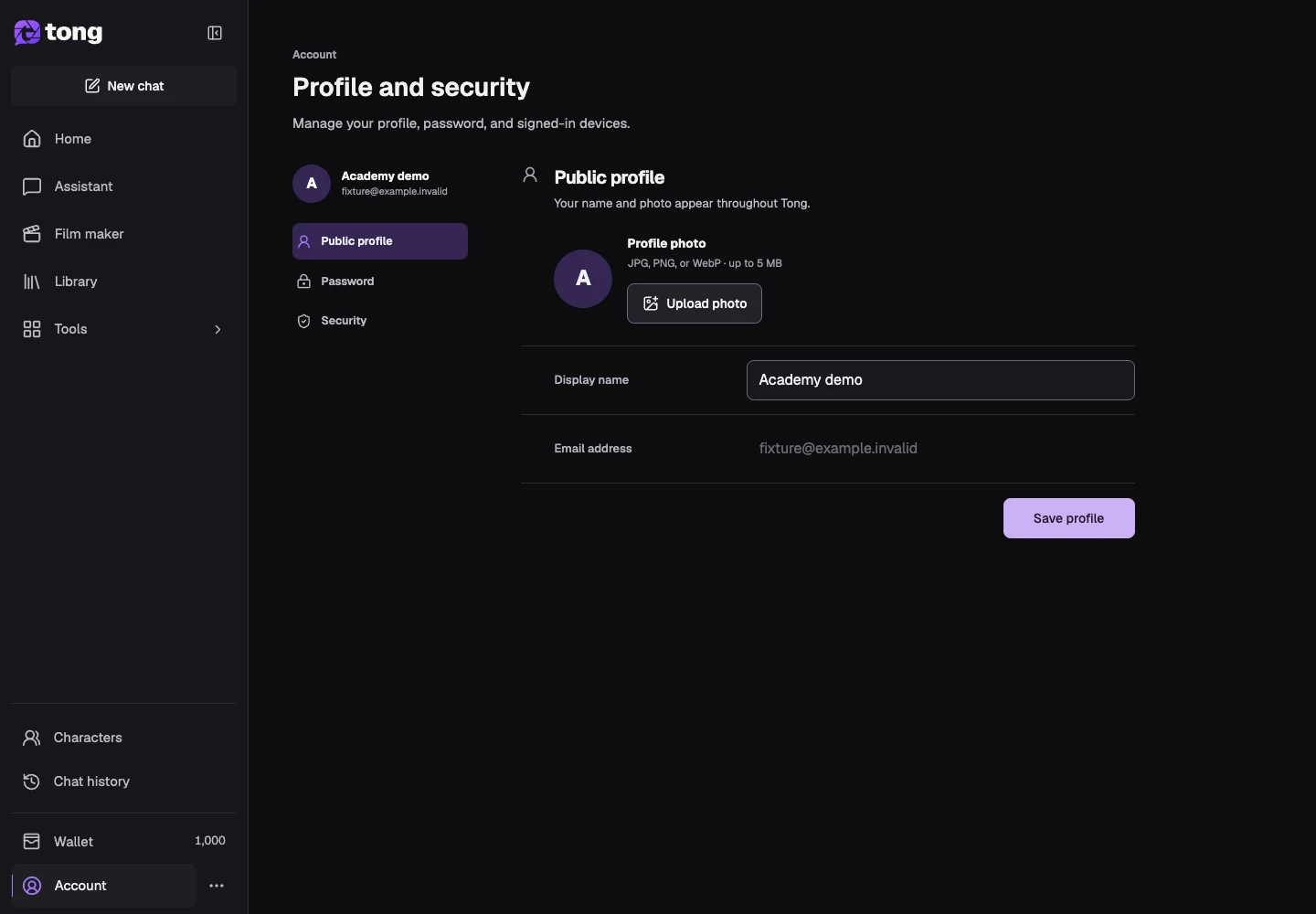
Select Account and review the Public profile section. The name and photo are used throughout your workspace; they are separate from the reference images used for generation.
Update your public profile
Change Display name or use Upload photo with a supported image. Select Save profile after checking the edit, and wait for the confirmation before leaving.
Review your password
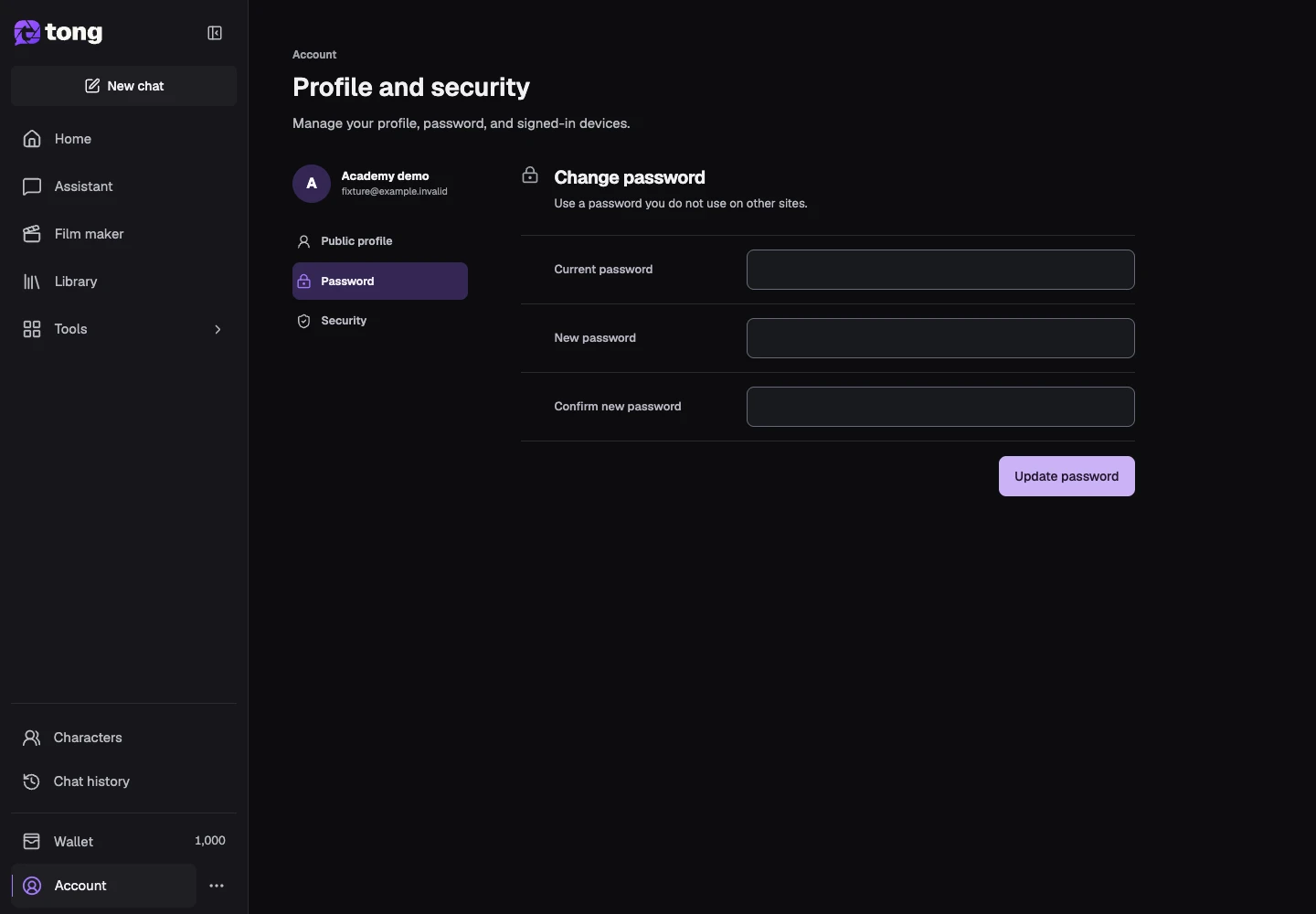
Open Password. Follow the current/new-password fields and requirements shown for your account. Use a unique password and save it securely.
Review signed-in devices
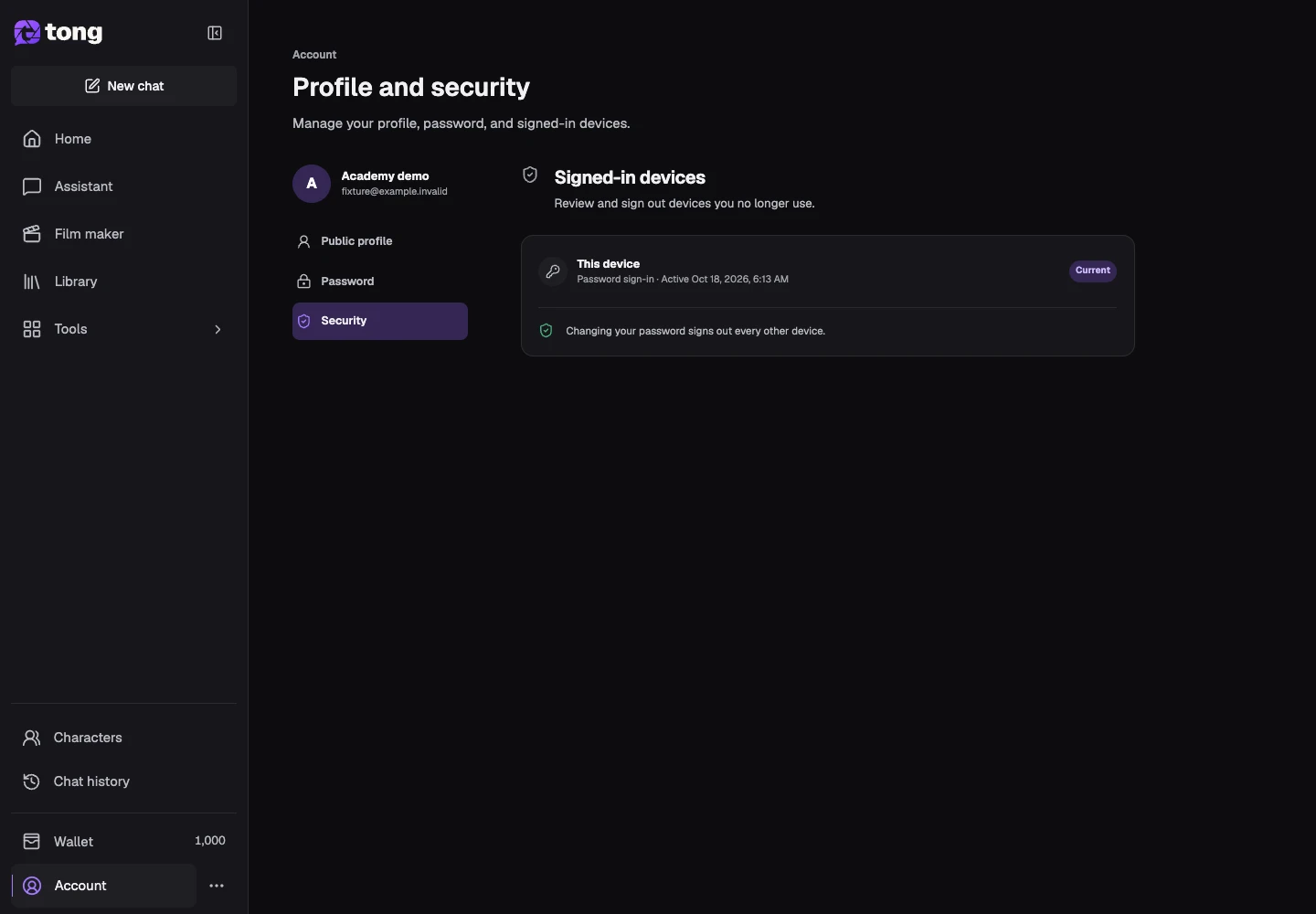
Open Security and inspect the devices/sessions list. Keep your current trusted session and revoke an unfamiliar session when that control is available. Read irreversible account-deletion information before using it.
A useful tip
Profile photos are for your account. Create a character profile when you want reusable generation references.
If something goes wrong
If you cannot sign in, use the password-reset flow from the login page. If an account change fails, keep the form open and read its error before trying again.
Read first, create when you’re ready
Reading this guide is free. The linked tool shows its own requirements and current credit price. Screenshots use demonstration data; review your own inputs and the quoted cost before submitting paid work.
Reviewed 2026-10-18 · Tong Academy