
Before you begin
- A signed-in account.
- An active referral program, as shown on the page.
What you’ll achieve:
Open Referrals
Use More in navigation and open Referrals. Read the current program details; reward amounts and qualification rules can change.
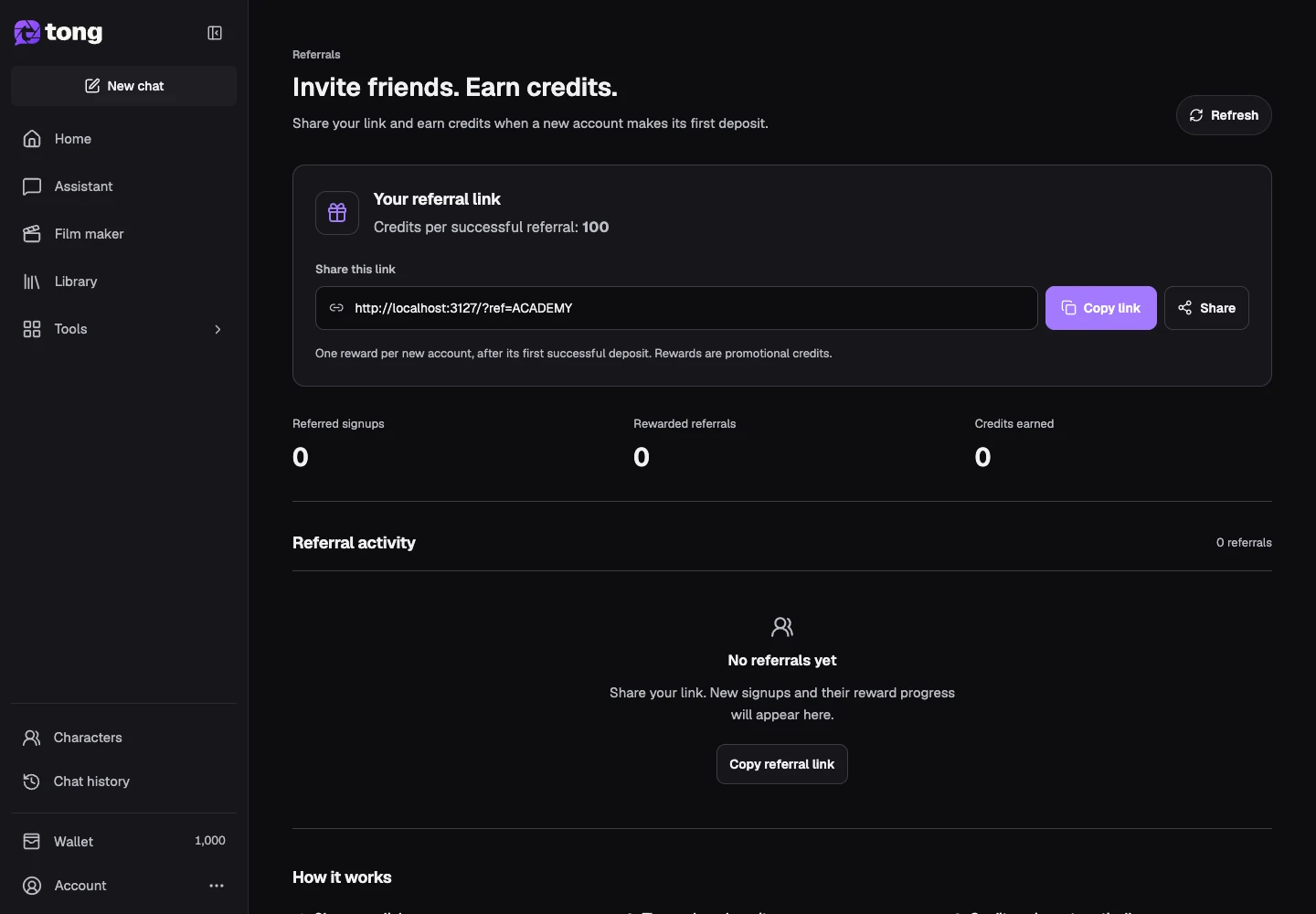
Copy your personal link
Use the copy-link control rather than typing a referral code from memory. The link connects an eligible new signup to your account.
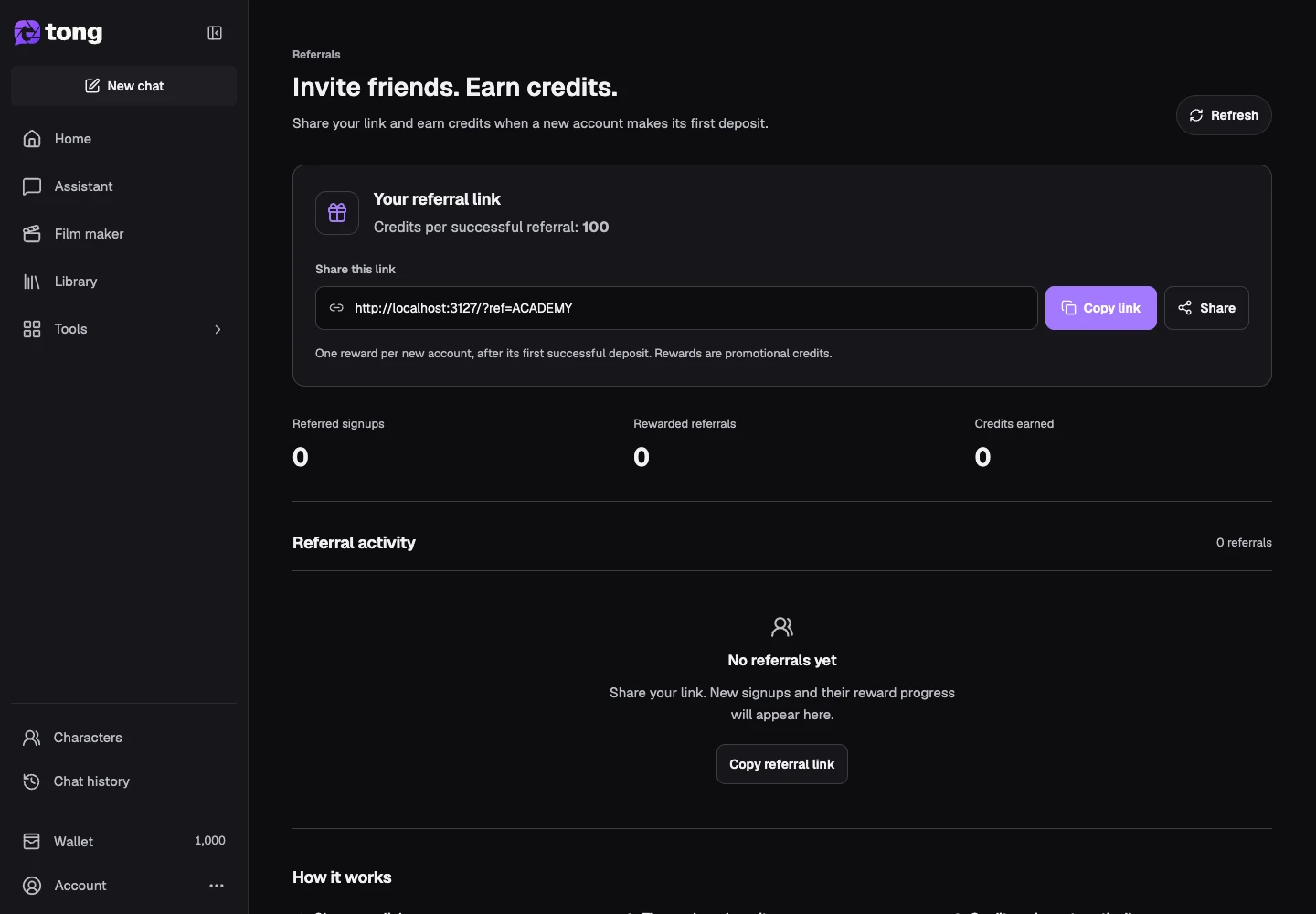
Check qualification rules
Read the How it works section before sharing. A signup alone may not qualify for a reward; use the current page's rules rather than an old quoted amount.
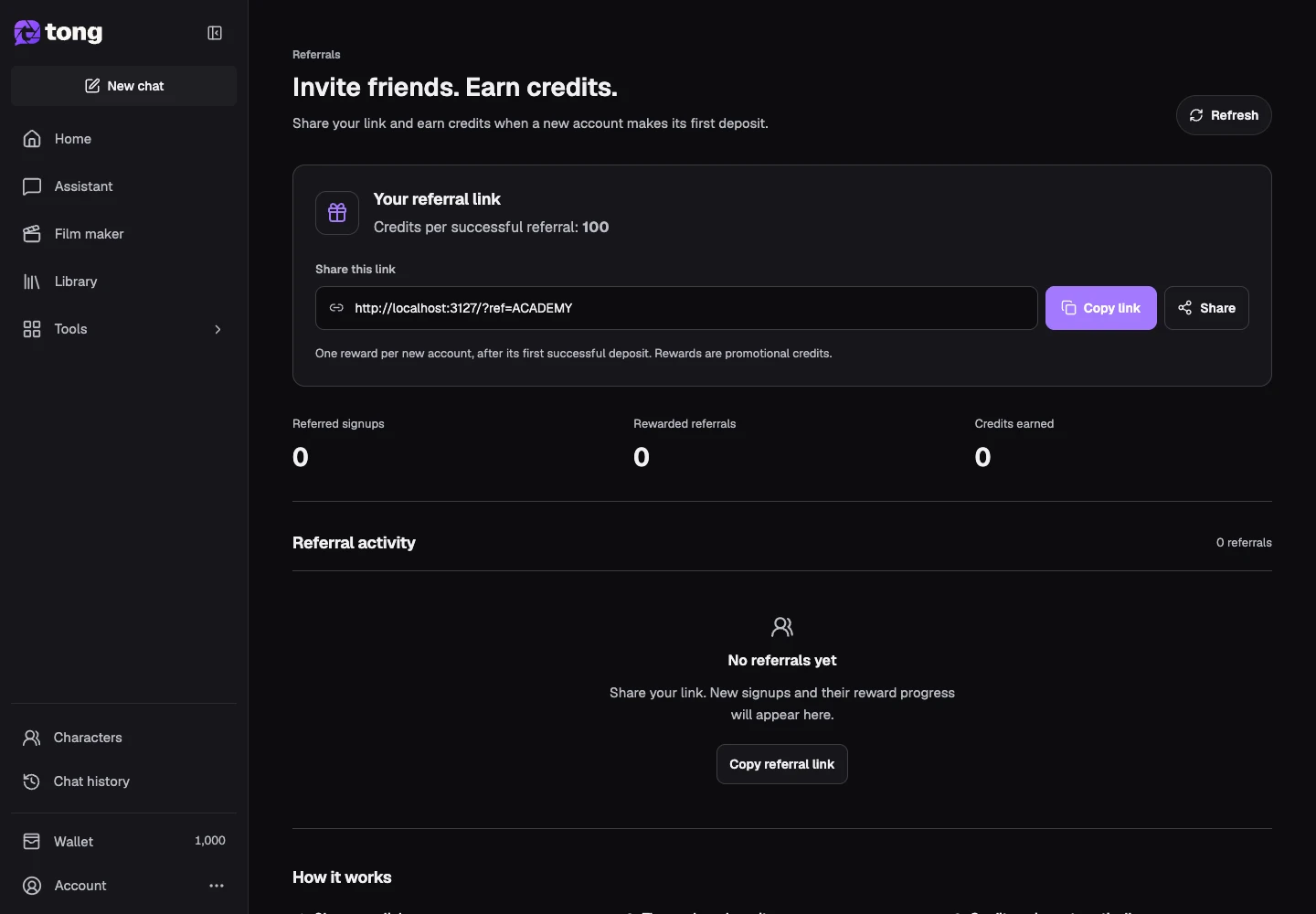
Review referral activity
Look at the activity/status section to distinguish pending and completed rewards. Check Wallet when credits are awarded.
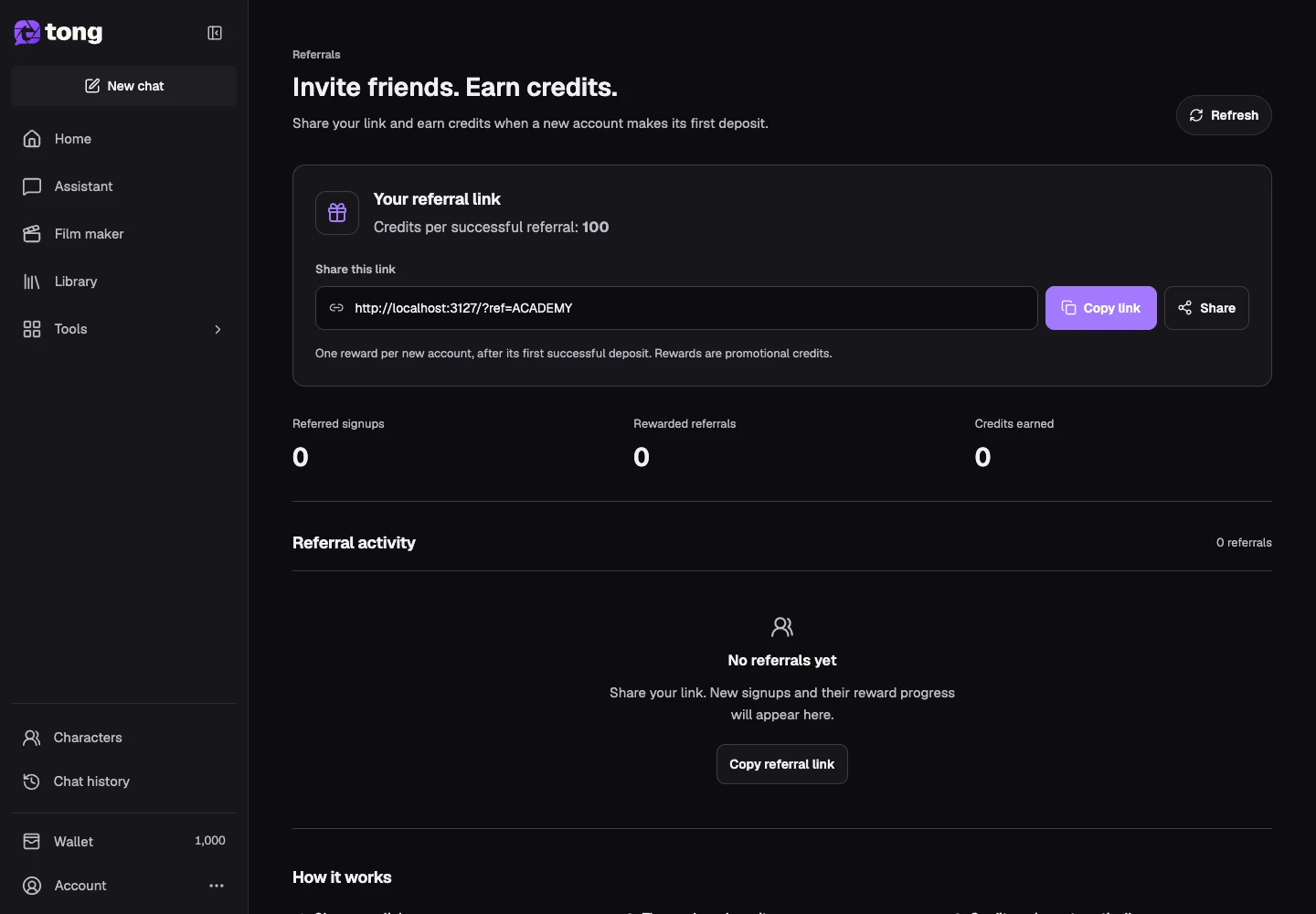
A useful tip
Share your own link with people who would benefit from Tong and explain the product clearly.
If something goes wrong
If a referral is pending, inspect its current status and qualification rules. Contact Support with the referral details if you believe an eligible reward is missing.
Read first, create when you’re ready
Reading this guide is free. The linked tool shows its own requirements and current credit price. Screenshots use demonstration data; review your own inputs and the quoted cost before submitting paid work.
Reviewed 2026-10-18 · Tong Academy