
Before you begin
- A signed-in account.
- A suggestion, experience or issue you can describe.
What you’ll achieve:
Open Feedback
Open More in navigation and choose Feedback. Use it for product suggestions or your experience; use Support for help with a specific account or charge.
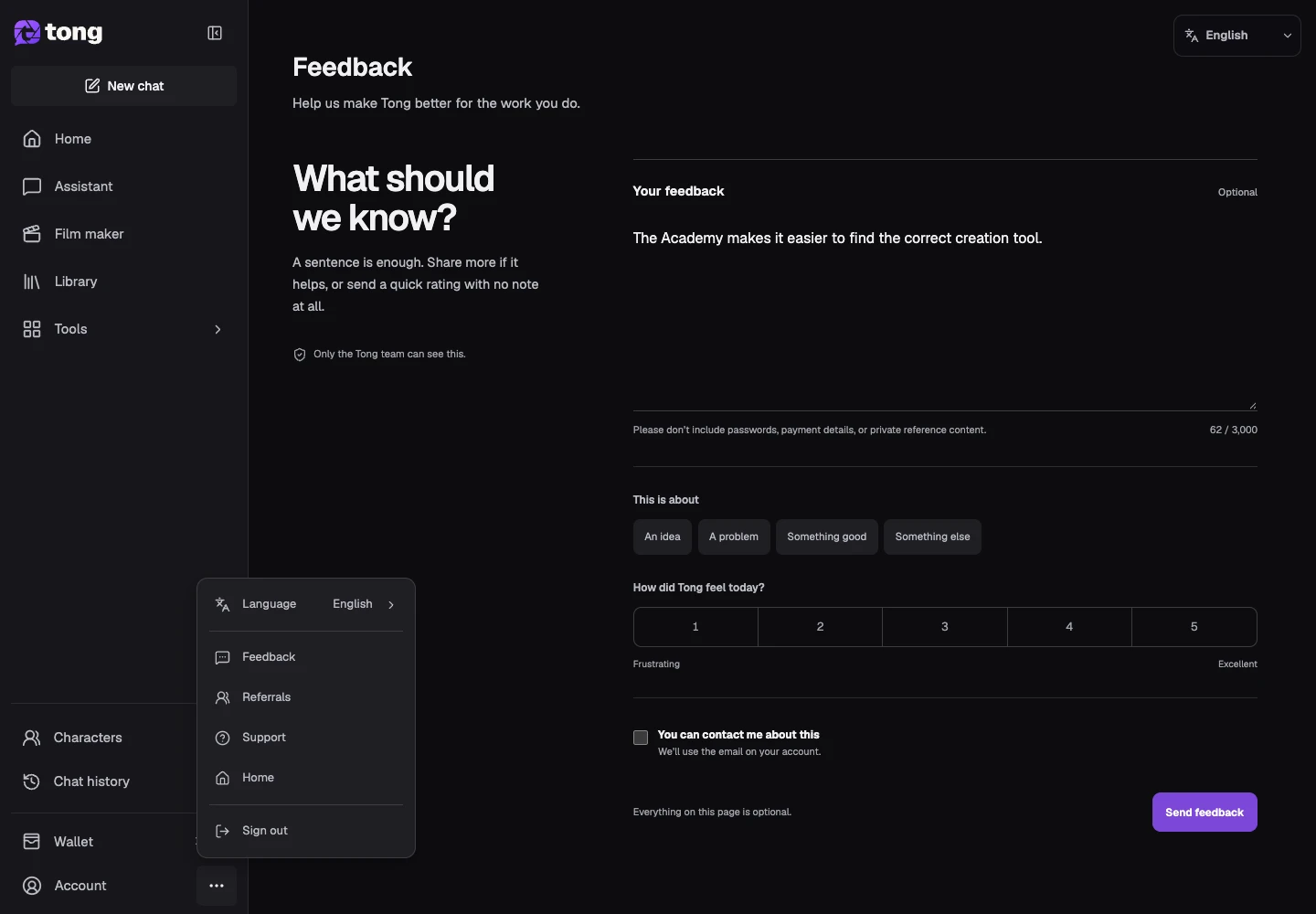
Choose the feedback type
Select the category that best fits the message. This helps distinguish a suggestion from a problem or a general experience.
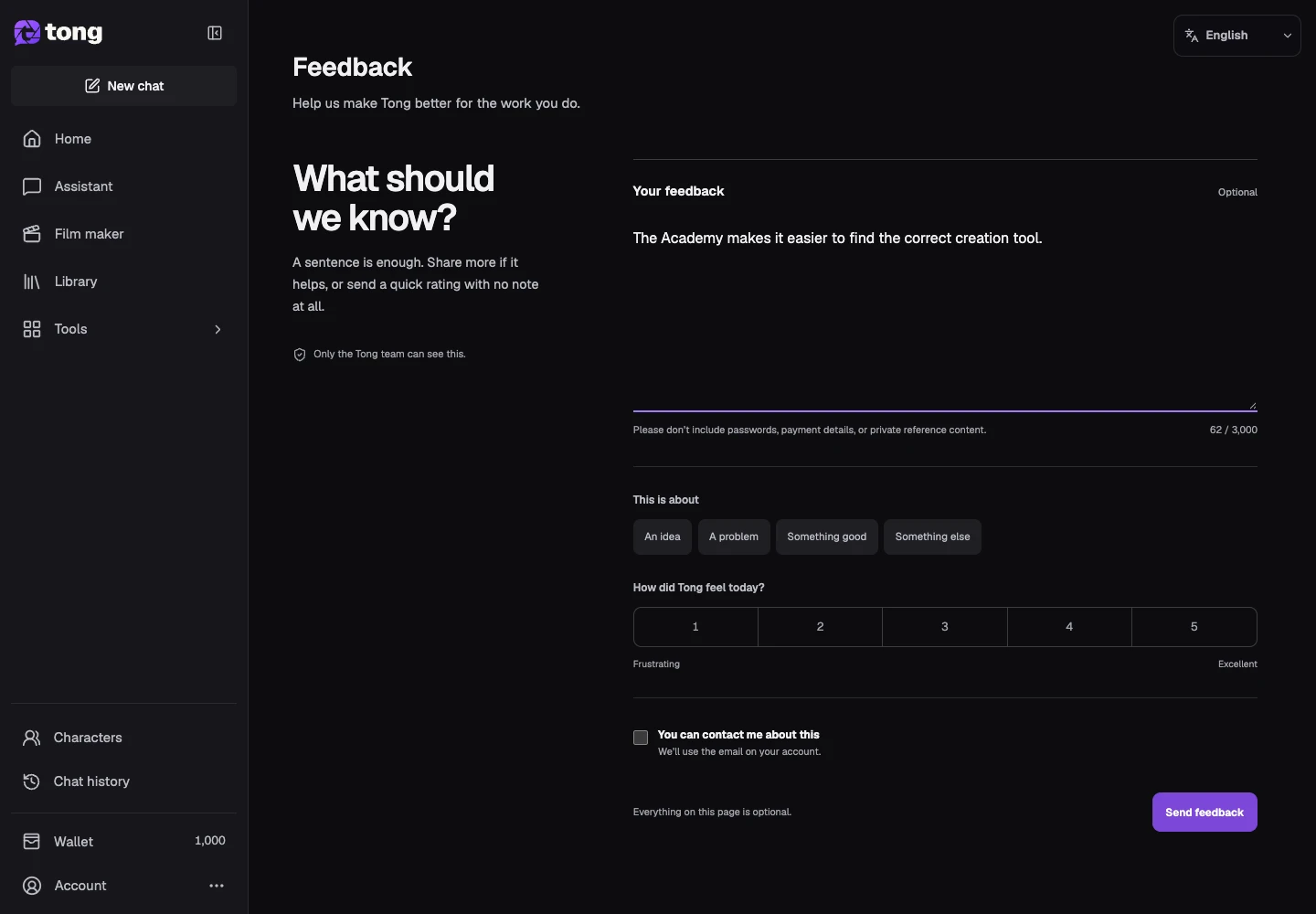
Explain the improvement
Describe the tool, the step where you encountered friction, and the outcome you wanted. A concrete before/after example makes the suggestion easier to assess.
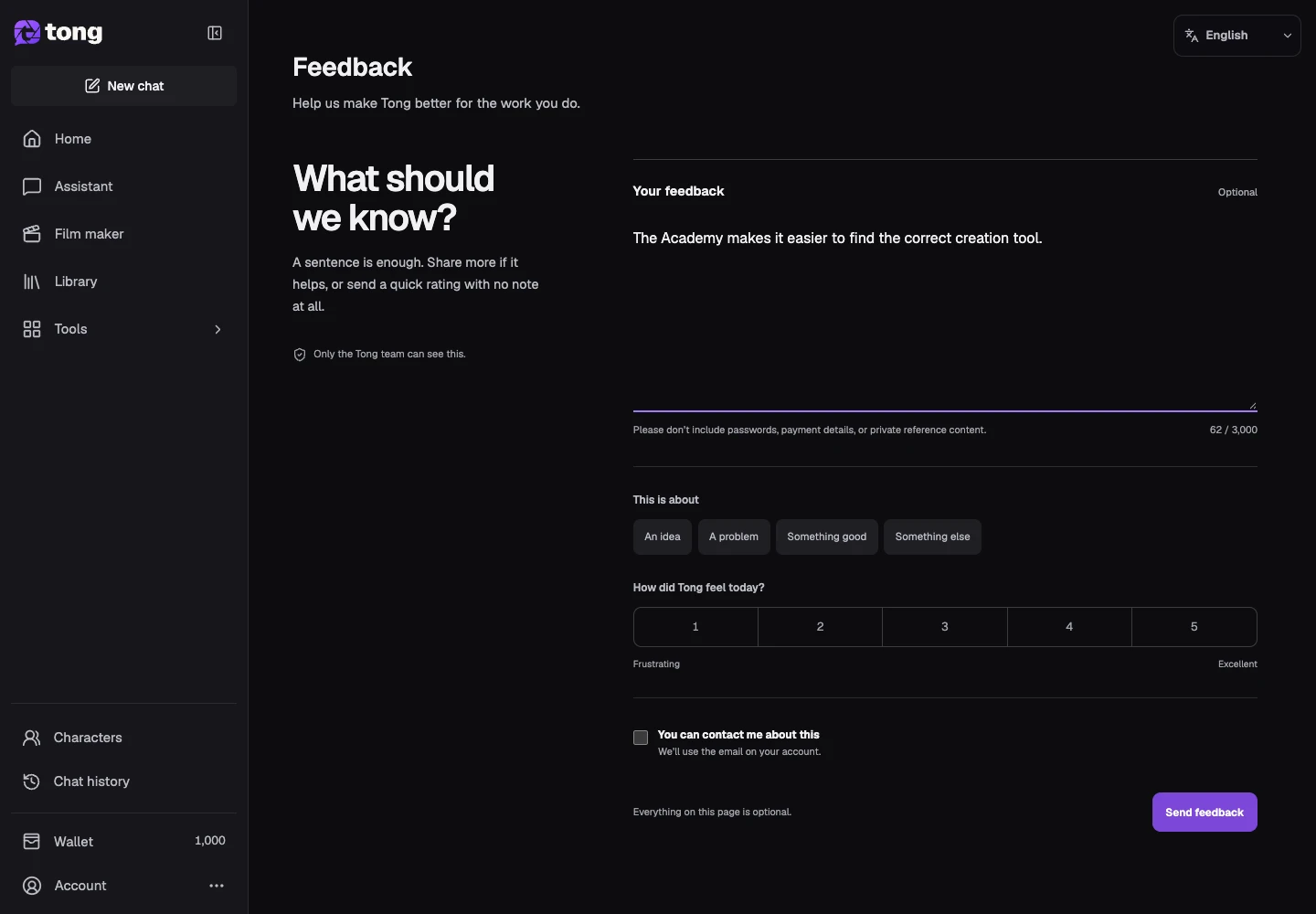
Submit your feedback
Review the message and select the feedback submission action. Wait for its confirmation so you know the form was accepted.
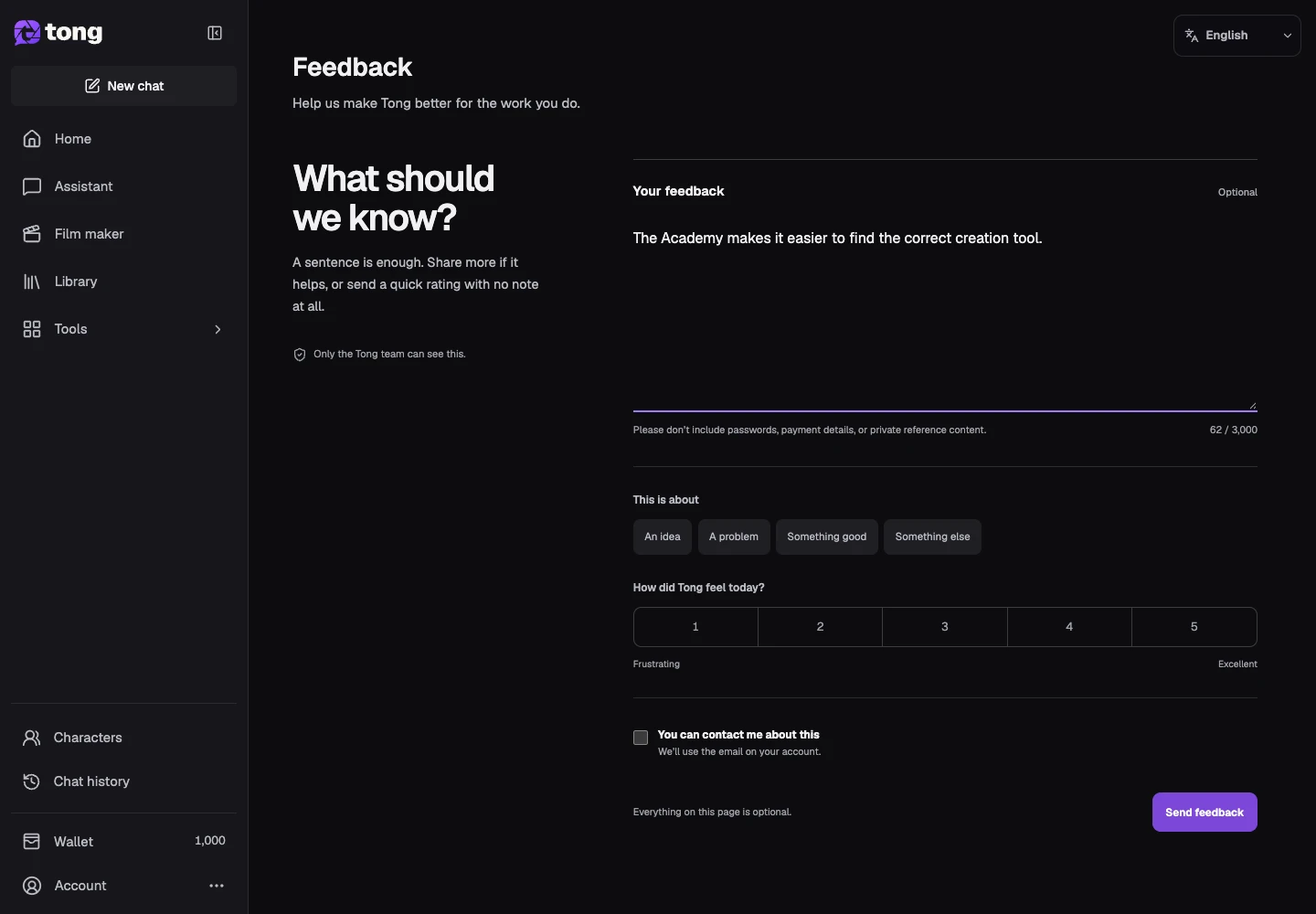
A useful tip
Describe one main issue per submission and include the steps needed to reproduce it.
If something goes wrong
If submission fails, keep the text and retry once the form recovers. A feedback invitation can be dismissed; you can still open Feedback later.
Read first, create when you’re ready
Reading this guide is free. The linked tool shows its own requirements and current credit price. Screenshots use demonstration data; review your own inputs and the quoted cost before submitting paid work.
Reviewed 2026-10-18 · Tong Academy