
Before you begin
Tool and model controls beside the prompt show the current selection. Select those names to open their menus.
- Reference images or other media supported by the selected model.
- A signed-in account and credits.
What you’ll achieve:
Model choices
For unrestricted reference-to-video creation, choose a compatible Less restrictive video model and review its supported image, video and audio inputs. A permissive model can still have file, duration and reference limits.
Choose the reference-video tool
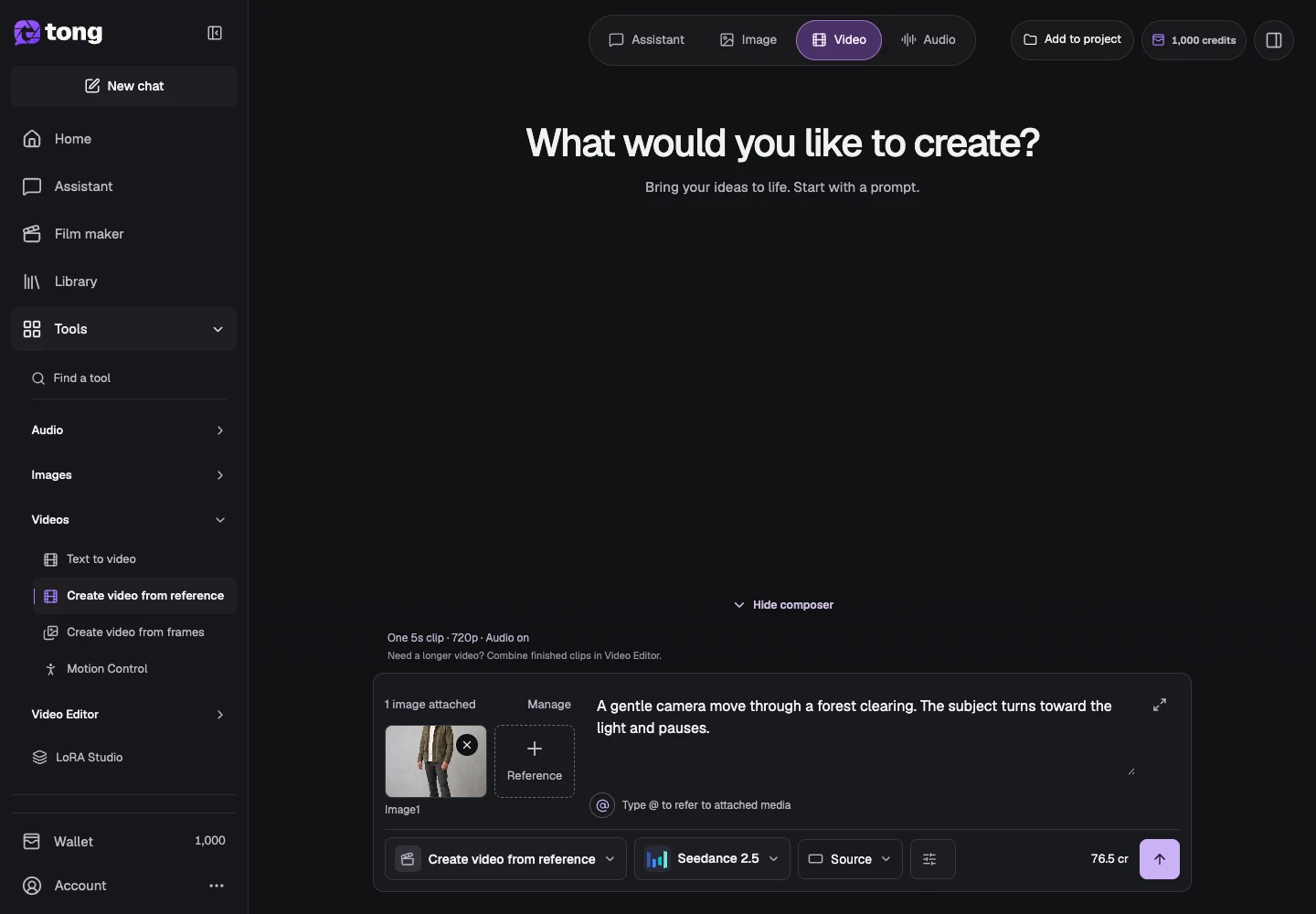
Open Create video from reference. Unlike Text to video, this workflow uses supported reference media to guide the output.
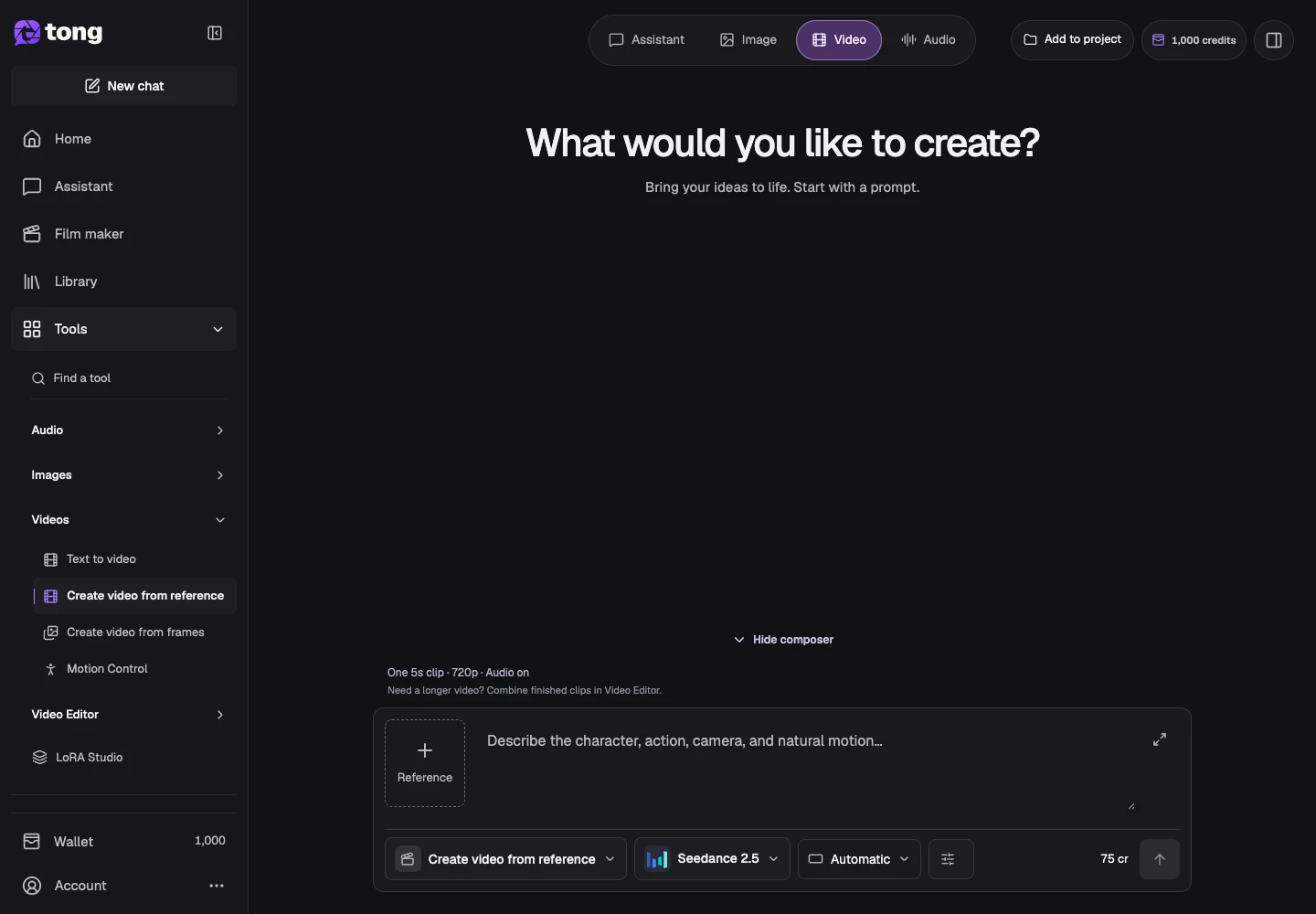
Check the model's reference support
Open Change model and read its input requirements. Some choices support particular image, video or audio reference roles; unsupported media must not be attached just because another model accepts it.
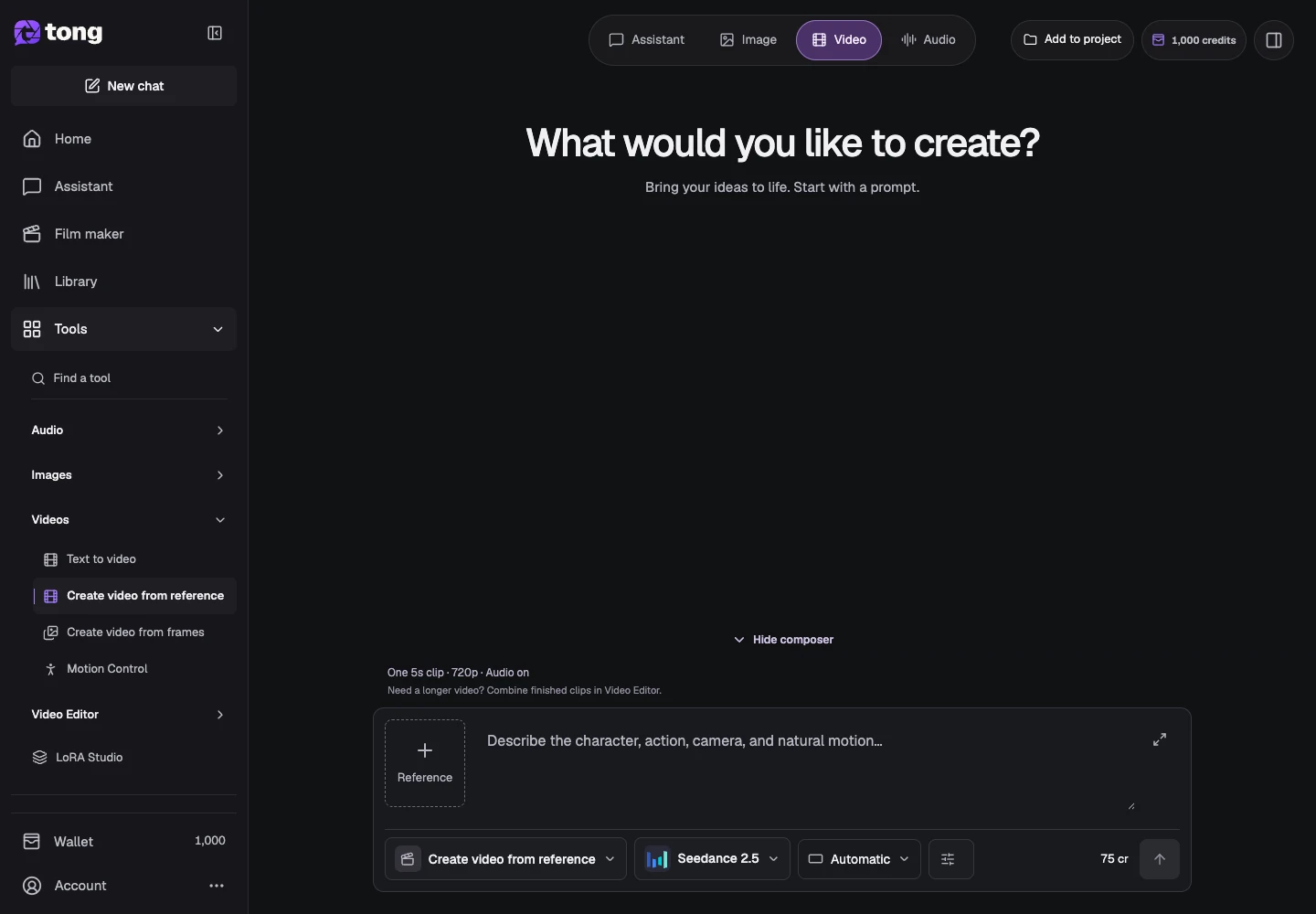
Add the references in Settings
Open Settings and use the reference slots shown for that model. Wait for media preparation and check each thumbnail, name and role.
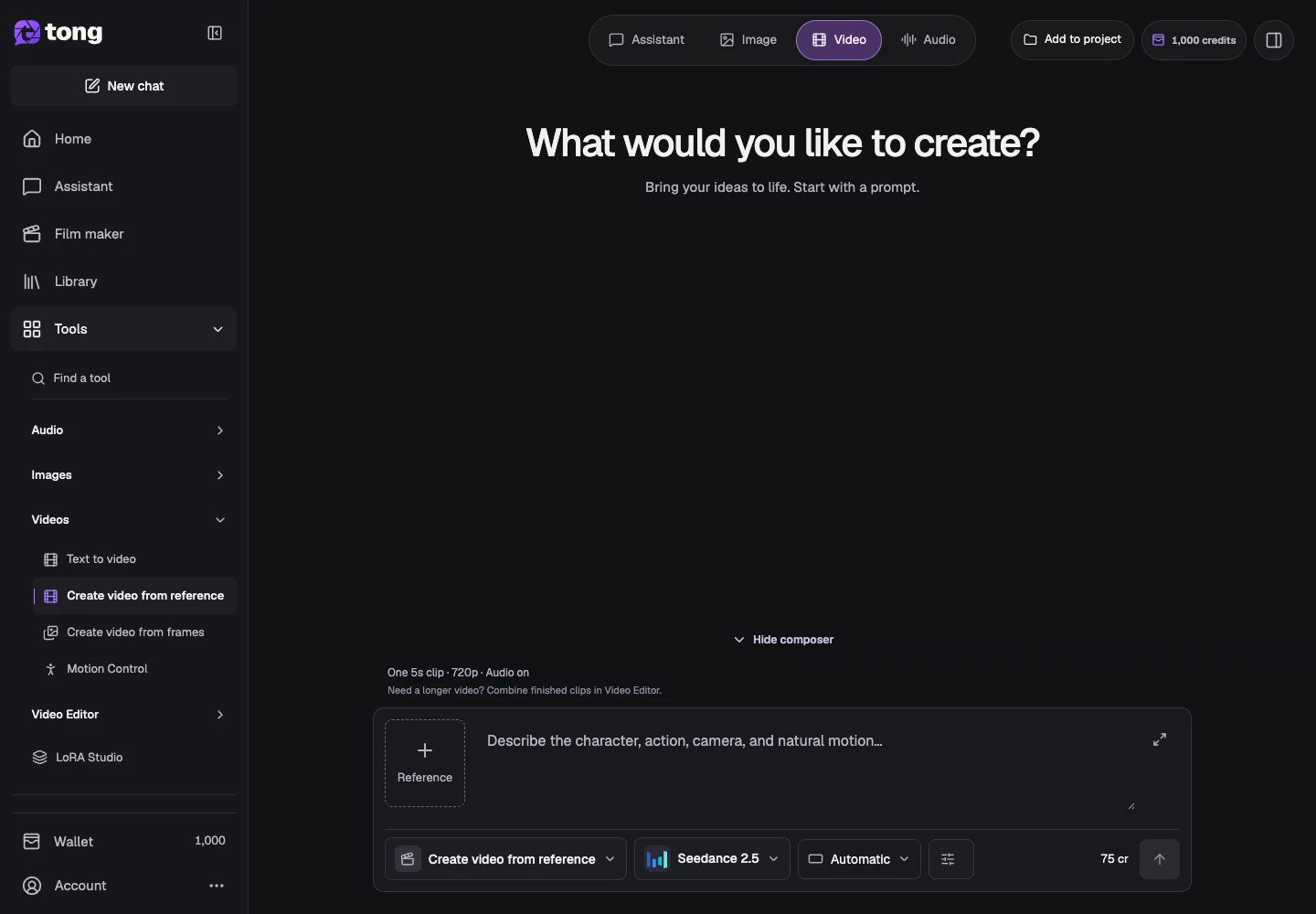
Choose video style and output settings
Review duration, aspect ratio, resolution and any sound controls. Natural phone is the default in the ordinary reference/frames workflow; Cinematic or Follow my prompt changes style guidance without changing the model's capabilities.
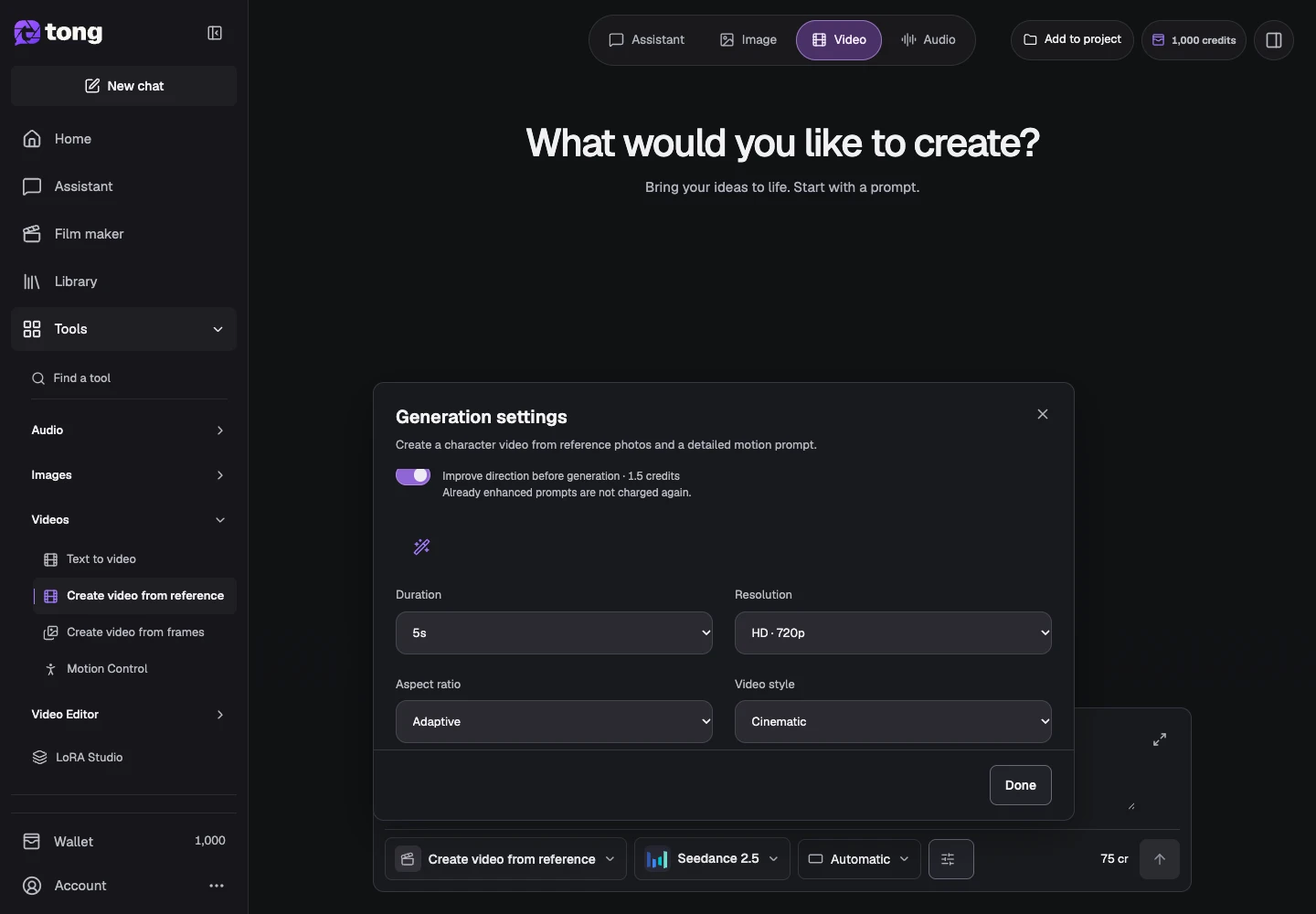
Describe motion and review the price
Return to the prompt and describe the action, camera and ending. Check the current credit price, including any reference-dependent cost, before Send prompt.
A useful tip
Use a reference to communicate appearance or scene context, and the prompt to explain what should happen over time.
If something goes wrong
If the price is waiting for a reference check, let preparation finish or replace the failed input. Do not assume a visible local preview is ready for generation.
Read first, create when you’re ready
Reading this guide is free. The linked tool shows its own requirements and current credit price. Screenshots use demonstration data; review your own inputs and the quoted cost before submitting paid work.
Reviewed 2026-10-18 · Tong Academy