
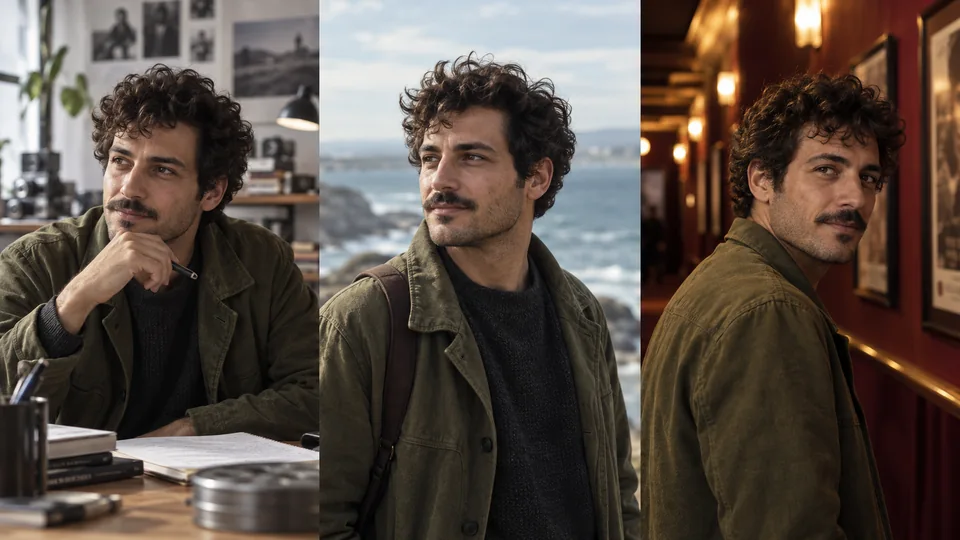
Before you begin
Tool and model controls beside the prompt show the current selection. Select those names to open their menus.
- An image of the scene to recreate.
- Suitable character face/body references and available credits.
What you’ll achieve:
Model choices
For unrestricted character recreation, use a compatible Less restrictive reference model. Keep the original scene and character references distinct, and check the model's reference limit before submitting.
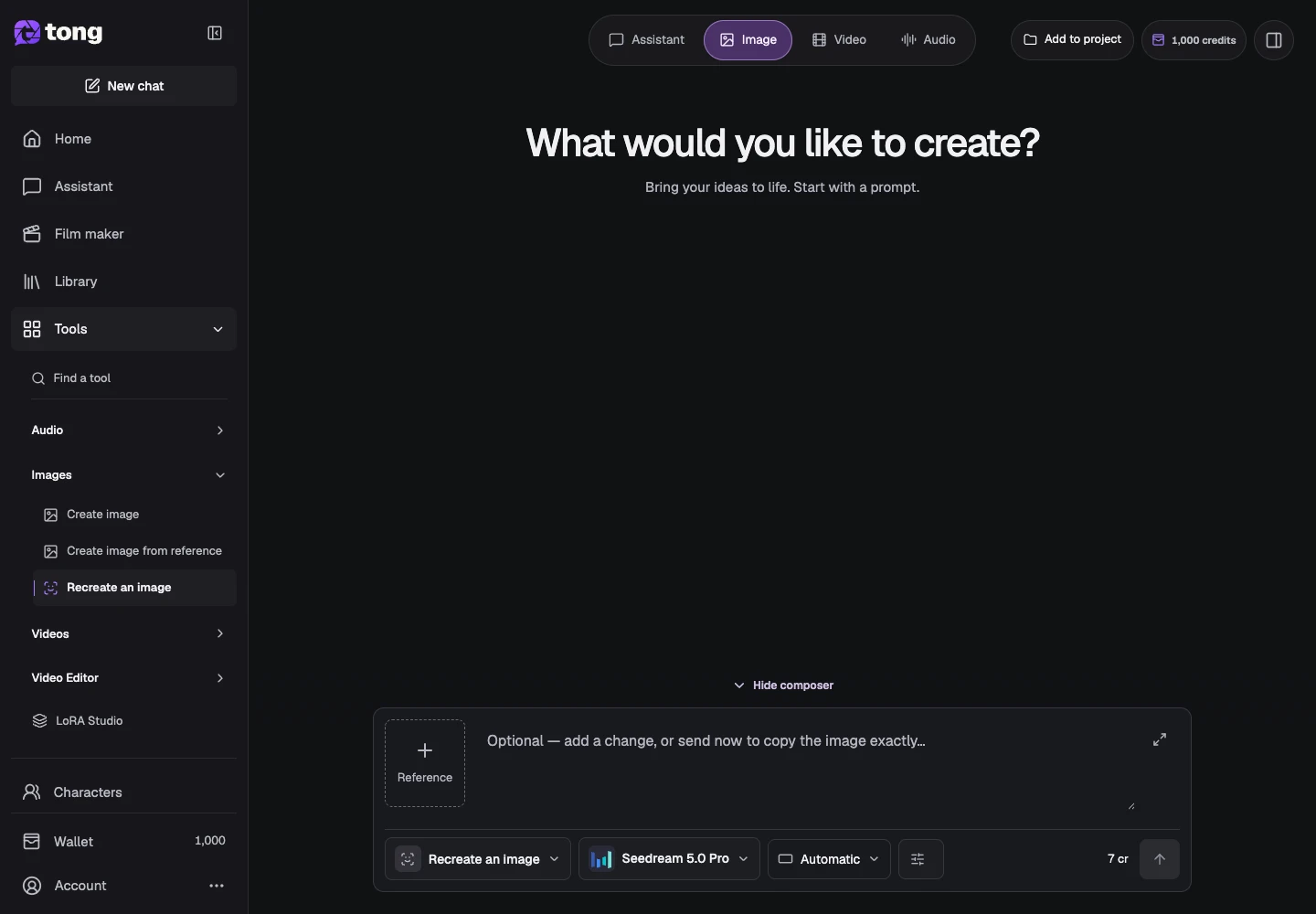
Choose Recreate an image
Open Recreate an image from Images. Read its requirements before attaching files: the scene image and character photos have different jobs.
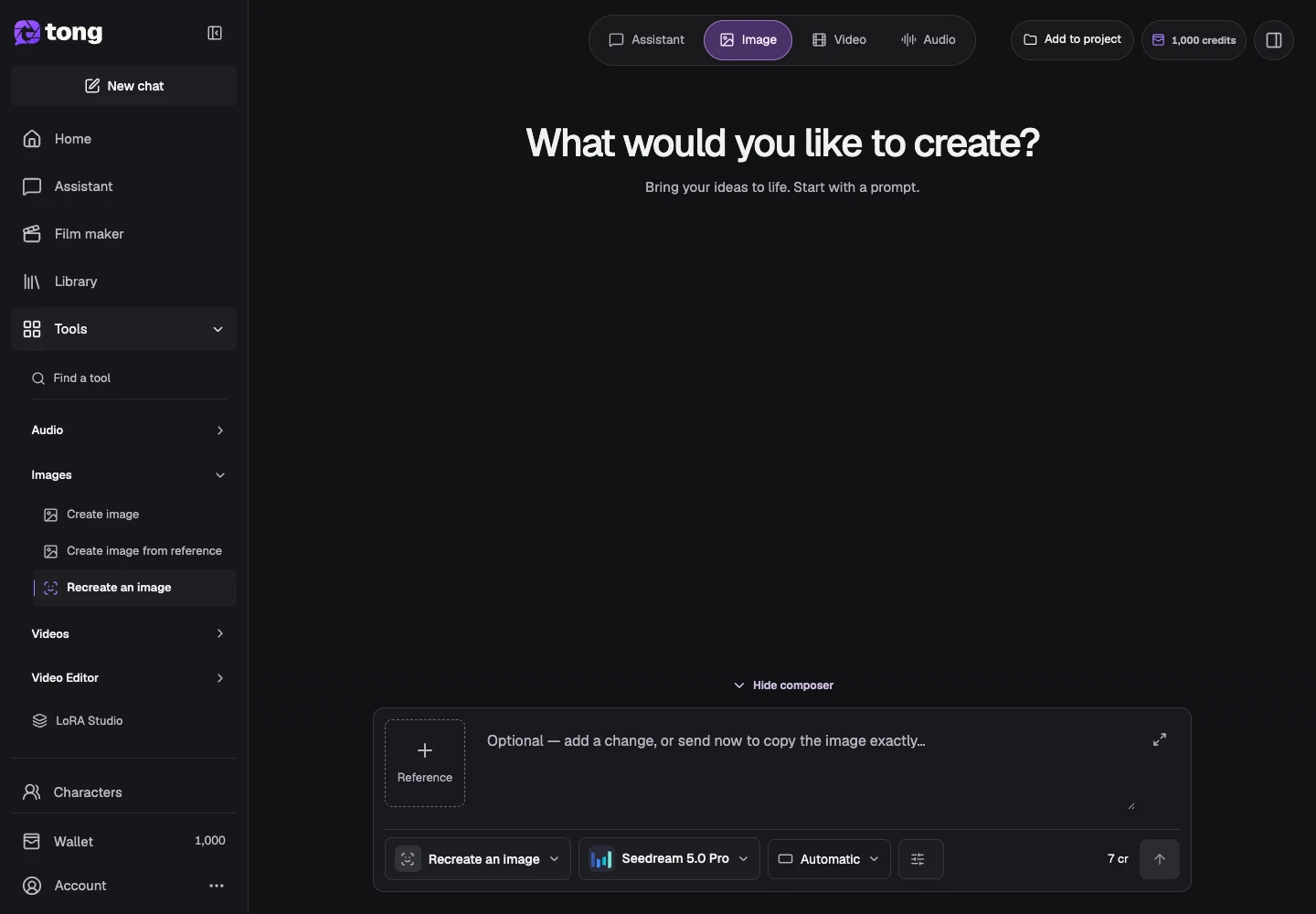
Open the reference settings
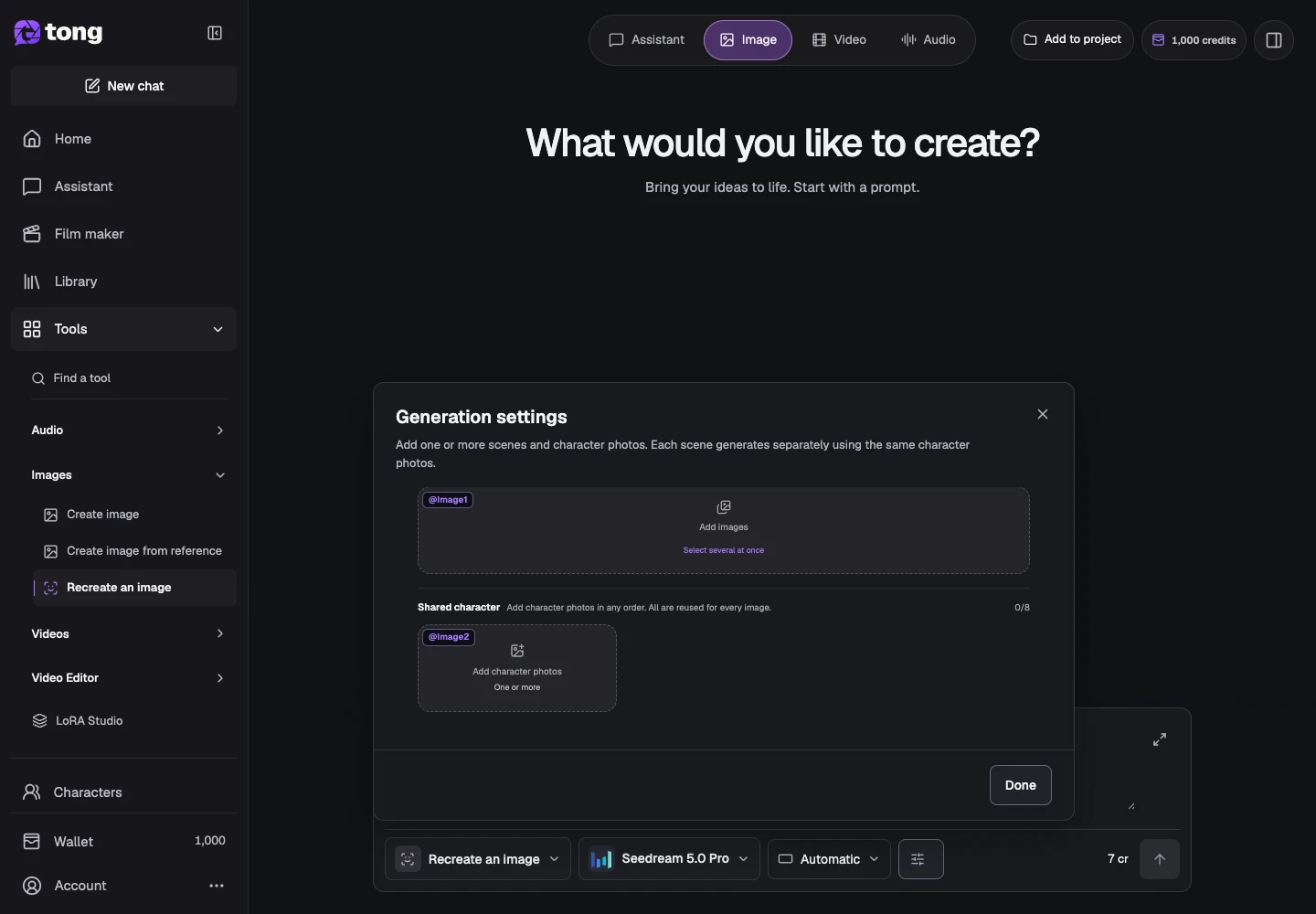
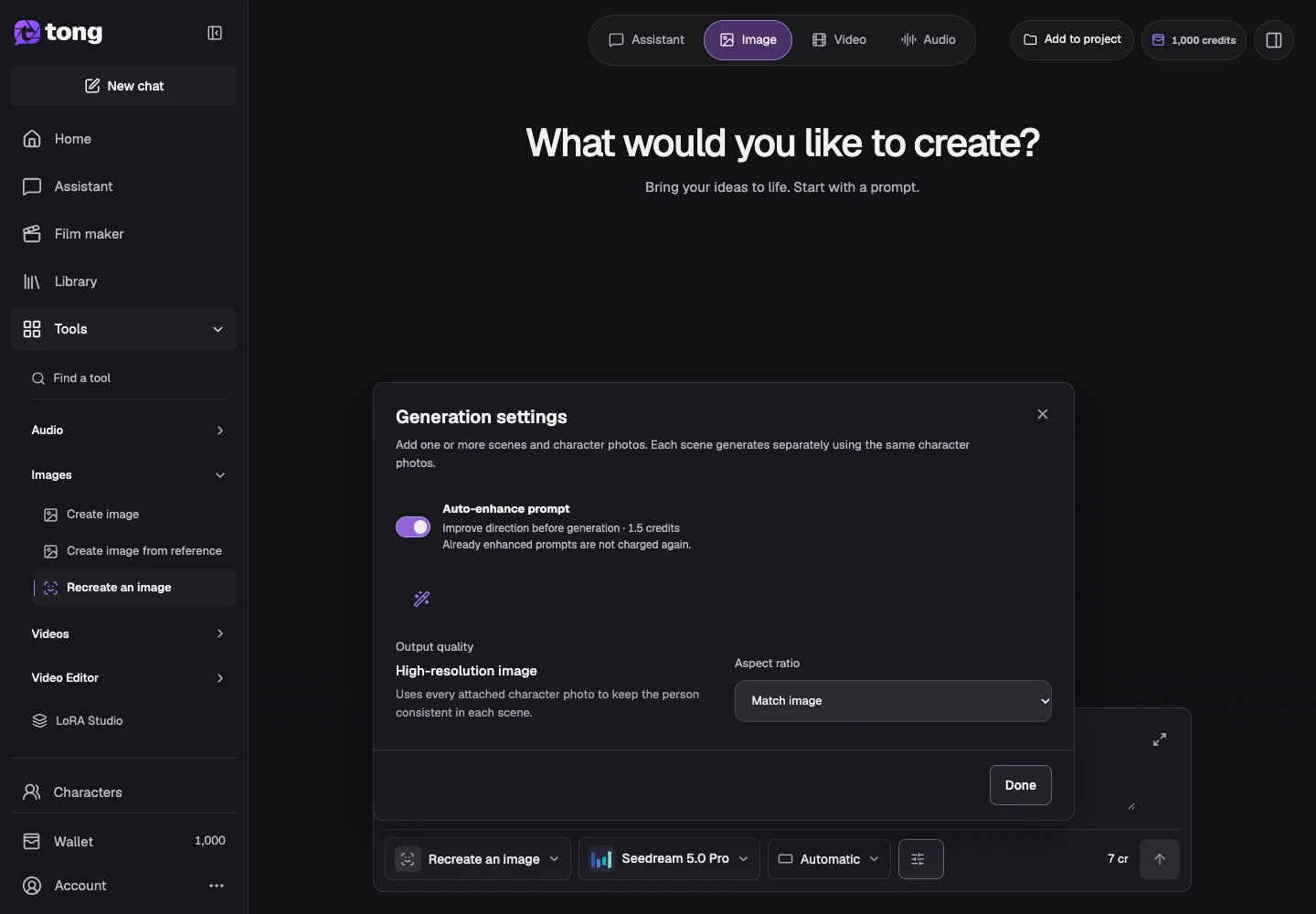
Open Settings to see Images to recreate and Shared character references. Add the scene to its scene slot rather than placing every file in a general attachment list.
Assign the character references
Add suitable character photos in Shared character references. For multiple scenes, those character references are shared while the scene images are generated separately.
Describe the intended recreation
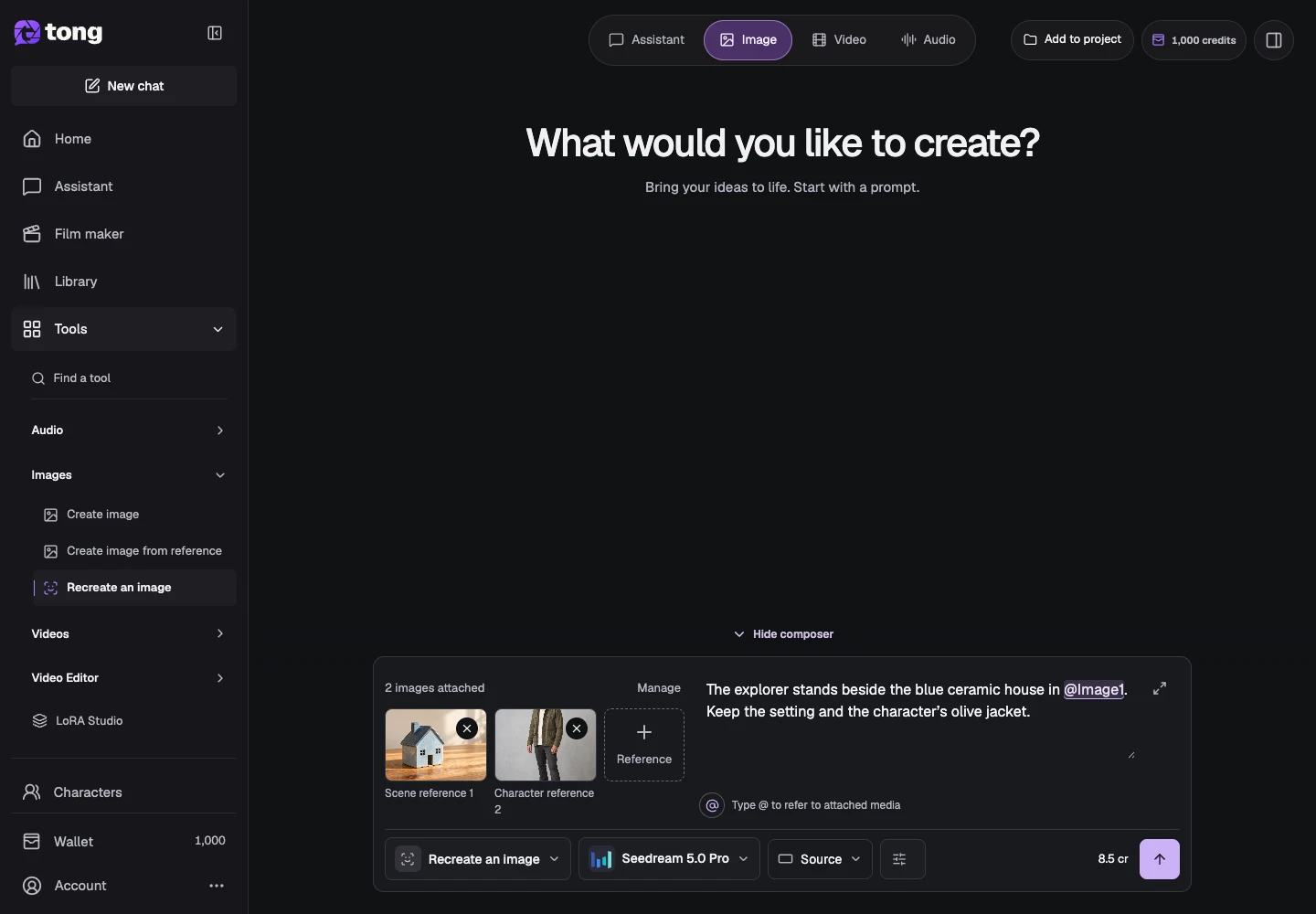
Explain the pose, scene and details you want while identifying the character. Check that every required role is present and use Done to return to the prompt.
Check the cost and submit
Review the total for the selected scene inputs before Send prompt. Inspect each output and keep the saved original references for later revisions.
A useful tip
Clear, consistent character references help more than several incompatible photos with different appearances.
If something goes wrong
If generation is disabled, check the missing reference roles in Settings. A scene photo alone does not satisfy the character-reference requirement.
Read first, create when you’re ready
Reading this guide is free. The linked tool shows its own requirements and current credit price. Screenshots use demonstration data; review your own inputs and the quoted cost before submitting paid work.
Reviewed 2026-10-18 · Tong Academy