
Before you begin
- A signed-in account with available credits.
- A story brief, script or saved film conversation.
What you’ll achieve:
Model choices
Settings lets you choose image and video models for this conversation. Default follows Tong’s current defaults. Model capabilities, content policies and prices still apply, including for unrestricted workflows.
Request the scene clip
After reviewing the scene and its endpoints, ask Film maker to create the clip. Keep the requested movement, camera and sound specific to that scene.
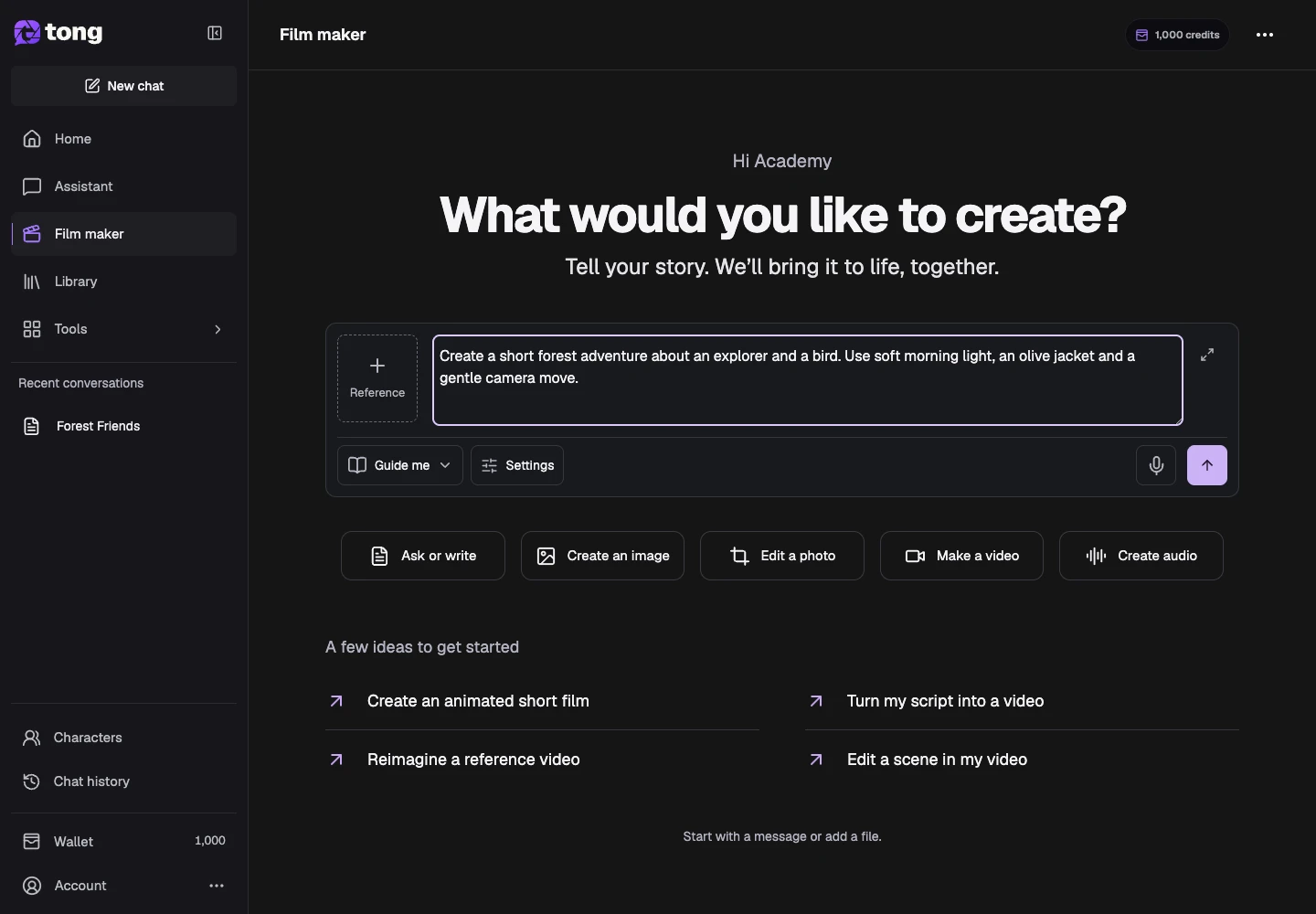
Watch the completed video
Play the full scene result and inspect continuity, movement and audio. Review the actual clip rather than relying on its thumbnail.
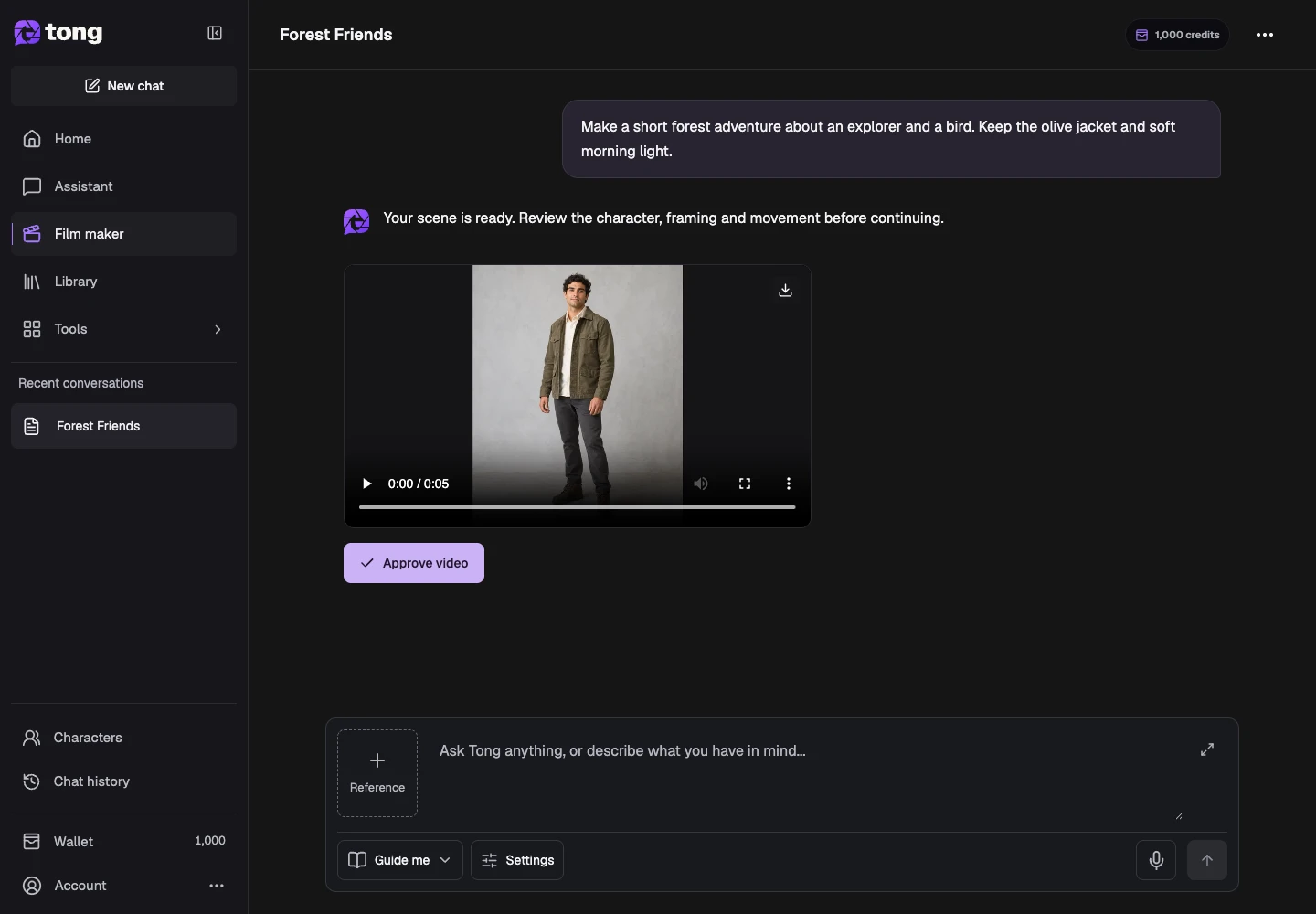
Ask for a new result in chat
Describe the correction and identify the earlier clip. Ask for regeneration, an edit or a comparison in chat; each completed result remains a separate message.
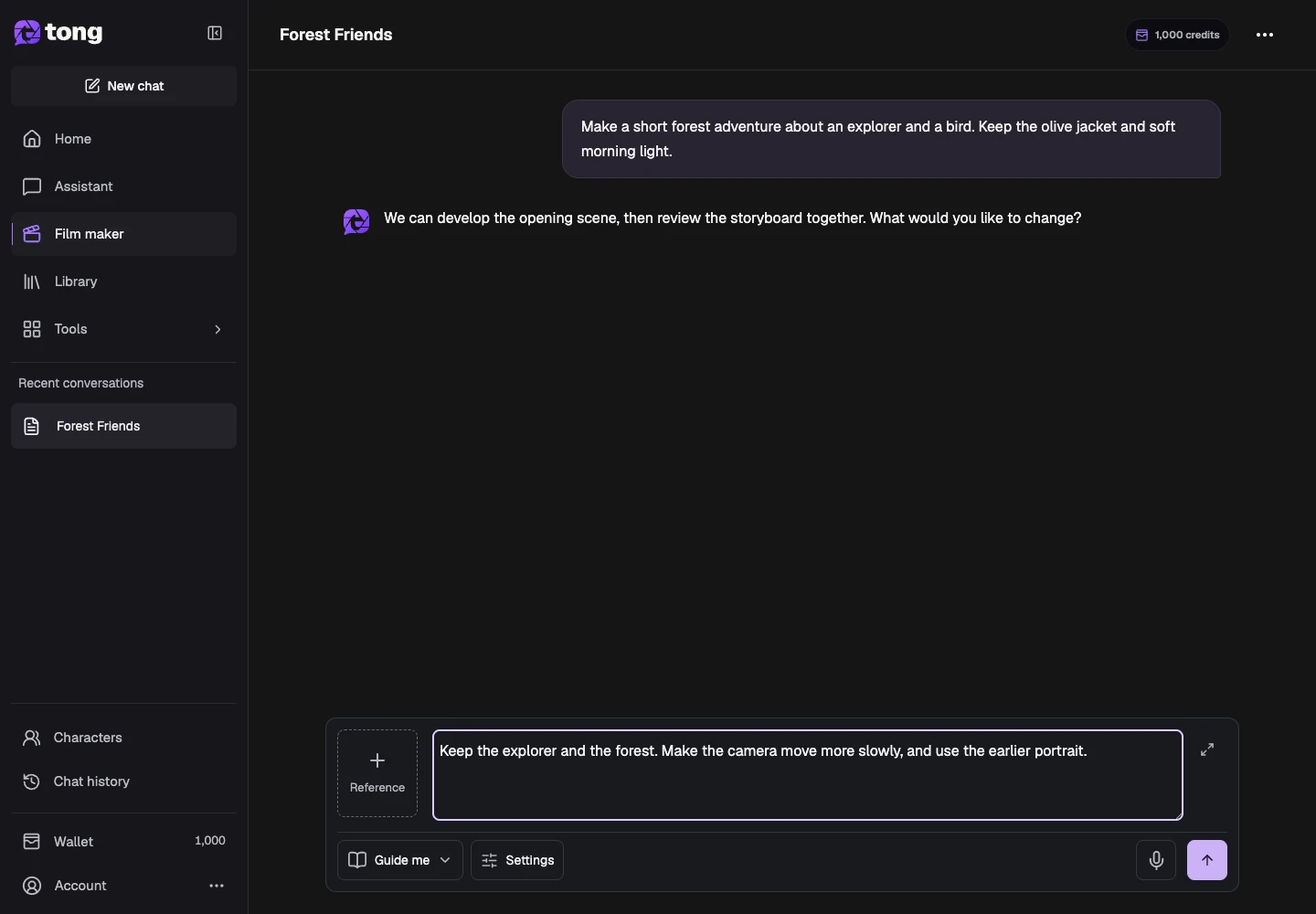
Approve the clip you want to continue with
In guided mode, approve the intended video result. Tell Film maker which earlier clip to use when continuing the film; completed scenes remain available.
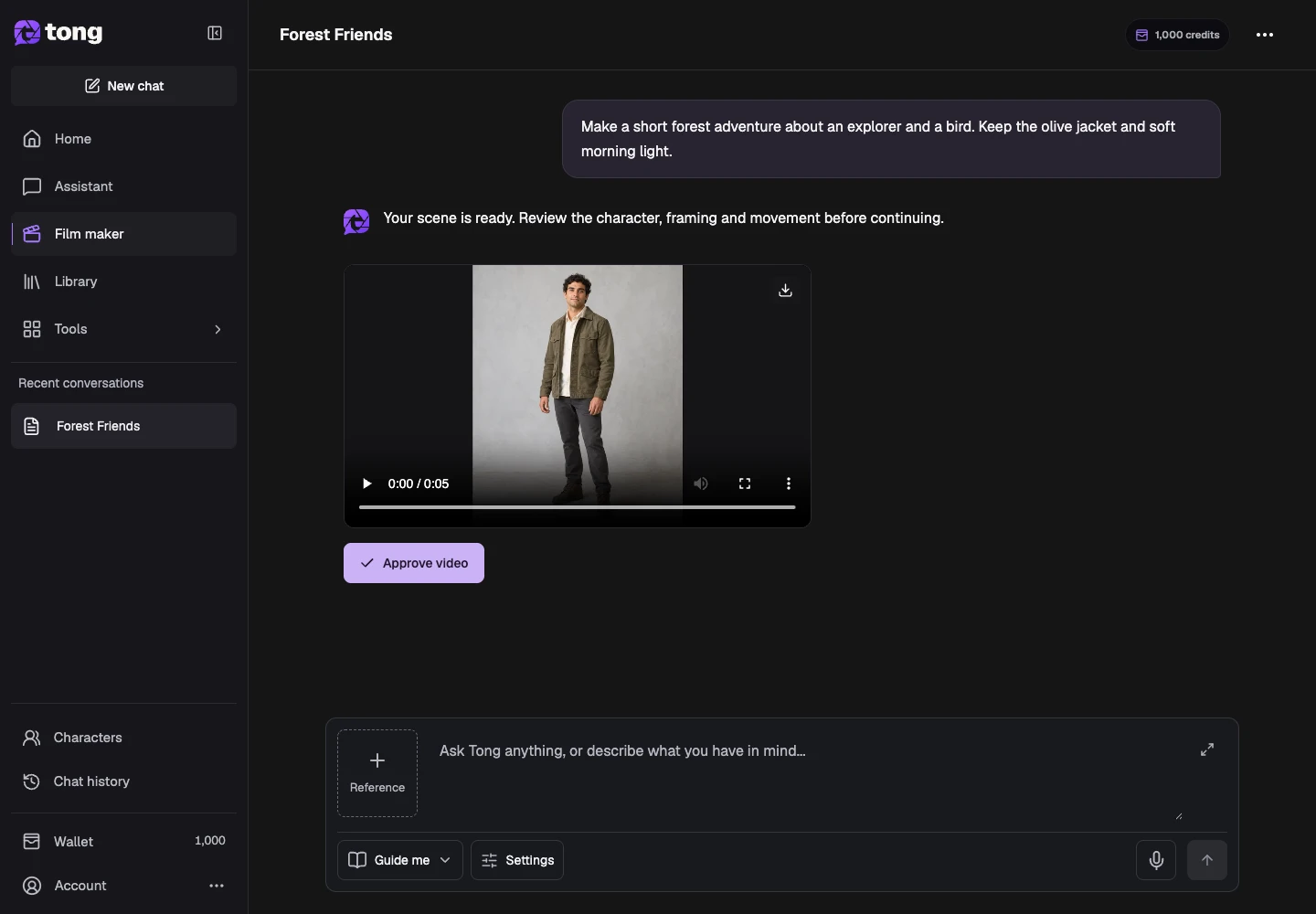
A useful tip
Ask for changes in chat and identify the scene or result. Each new result appears later in the conversation, keeping earlier work available.
If something goes wrong
Reopen the saved conversation and read its status before sending again. Let active work finish; an unavailable preview or connection does not mean a new generation is needed.
Read first, create when you’re ready
Reading this guide is free. Assistant and Film maker use credits as they work and pause when your balance is insufficient. Guide me pauses for creative review; Just make it continues automatically.
Reviewed 2026-10-18 · Tong Academy