
In this article
To time an action in generated video, write down when the audience should first see it and what must already be true at that moment. Adobe previewed Project On Cue at MAX Sneaks on November 11. Its Adobe Labs page describes an editable timing signal that can guide events in video and audio. You can write a brief for a timed action before choosing how to produce the shot.
Give one action a timestamp
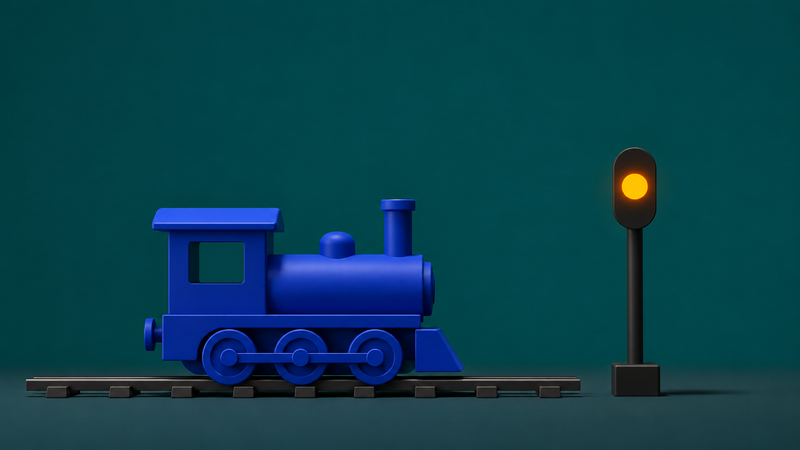
Imagine an eight-second shot of a miniature blue train. It rolls in, stops beside an unlit signal, and the signal turns amber. The amber light is the action to time. Write “first visible amber at 00:04.00 from the start of the clip.” Specify that the train should already be still. A request for a light “around the middle” leaves that relationship open to interpretation.
If the clip starts at 00:12.00 on the sequence, the same cue lands at 00:16.00 on that timeline. Label the two times separately in your notes so the editor can place the shot without guessing which clock you used.
Define the visible start and what stays fixed
Decide what counts as the light coming on. In this shot, the start is the first frame in which the lamp visibly glows. The lamp holds its glow through the end, the camera stays fixed, and the train stays parked. Put those conditions beside the timestamp. That gives the reviewer a way to distinguish a timing problem from a change to the composition.
Mark the moment in a storyboard or an editing timeline. For this example, the team could agree that a two-frame difference at 24 frames per second is acceptable. Choose the tolerance for the delivery. A cue against a music accent may need closer alignment than a light in a quiet standalone shot.
Check the action at playback speed
Play the entire export once. Watch whether the stop and the light read as two events in the intended order. Then step through the frames around four seconds and identify the first visible glow. Note the observed time and the interval from the train stopping. Review both again with the final audio if the shot has a sound cue.
Fix the part that missed the brief
If the train stops and the shot looks right but the light comes on late, revise the timing of the light. A separate light effect in an editor can offer direct control when the glow is simple to composite. If the train is still moving when the light turns on, review the stop as well. Moving the cue can change the meaning of the sequence when the action it depends on is missing.