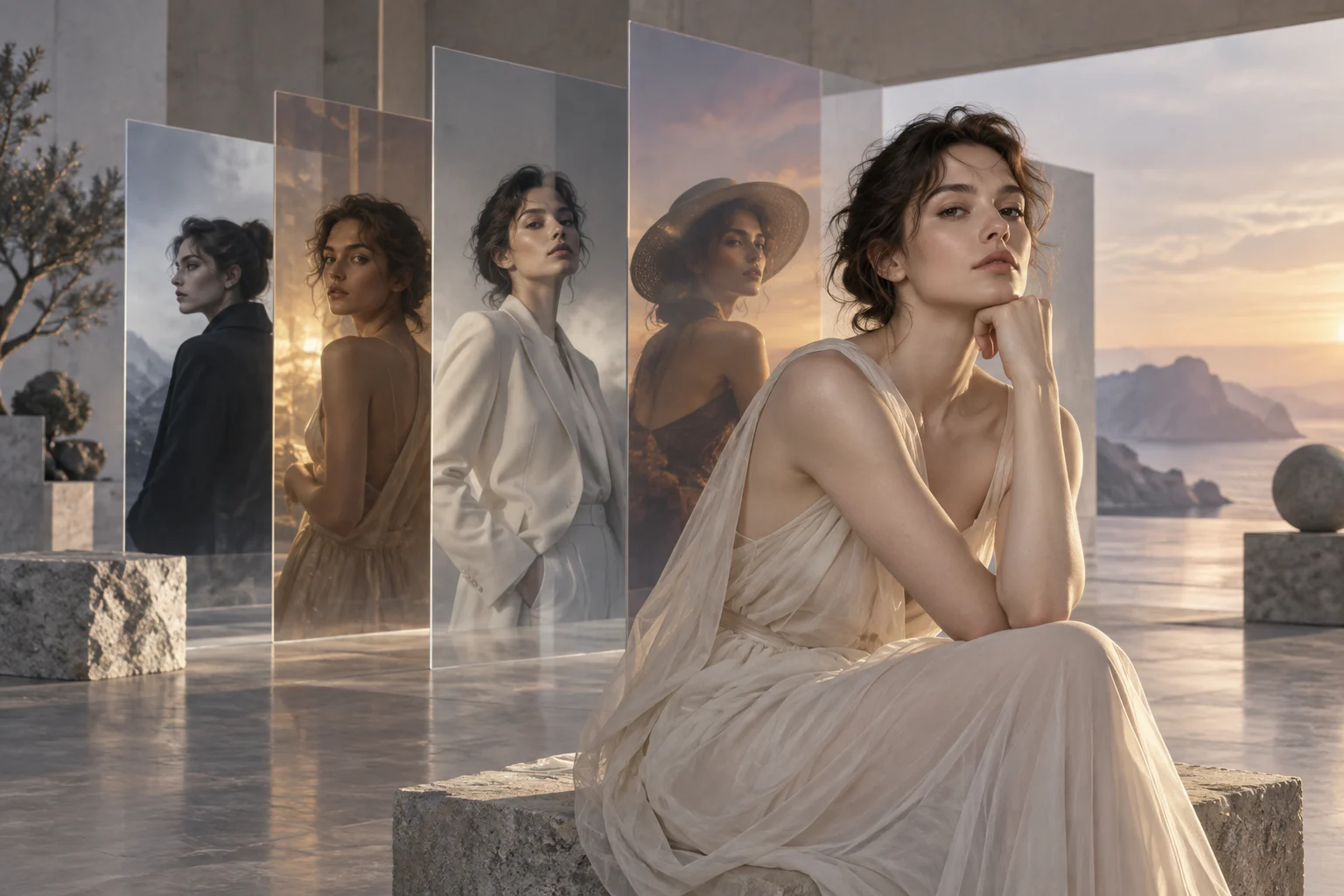
Seedream 5 on TongAI. Create, edit, and carry references into the next frame.
Seedream 5 is an image-model family available across prompt-based creation and reference-guided workflows. TongAI exposes Lite, Pro, and edit variants where each route is supported, so you can choose speed, cost, or a stronger reference workflow without leaving the same creative history.
Use Seedream 5 Text to image · Image editing · Reference-guided scenes · Storyboard frames
Original illustrative artwork for the Seedream 5 guide — not a guaranteed model output.
Creative freedom for your prompts and content.
TongAI has no prompt restrictions, including for adult creative themes. Choose the subject, tone, and visual style that fit your idea, and write the direction in your own words.
Use remains subject to our Acceptable Use Policy, consent and rights requirements, and model-provider policies. Generation depends on the selected model’s capabilities and availability.
Model overview
What is Seedream 5?
Seedream 5 is a family of AI image models used for generating a new image from text and, on compatible variants, rebuilding an existing image from a prompt and visual references. TongAI presents the available route rather than pretending every variant has the same inputs.
Use the prompt-only version when you want a new frame from written direction. Use an edit or reference version when composition, identity, clothing, an object, or an existing scene should guide the result. The exact model, reference allowance, aspect ratio, resolution, and credit price appear before generation.
Capabilities at a glance.
T2I
Yes — create a new image from a written prompt on supported Lite, Pro, and V5 routes.
I2I / editing
Yes — edit variants accept a source image and written direction; supported routes can also accept additional references.
References
Supported by edit and scene-recreation variants. The maximum number and role of references depend on the selected route.
Character consistency
Useful for identity guidance through saved characters and face/body references, but exact identity replication is not guaranteed.
Resolution
Current image routes commonly target high-detail output, including 2K on listed V5 routes. Studio shows the exact output controls available for the selected variant.
Pricing
Image and scene generations use credits per completed output. Current starting rates are listed below and confirmed again before submission.
01
When should you use references?
Choose an edit or scene workflow when the new image should inherit something visible: a face, full-body identity, garment, product, location, layout, or lighting idea. Saved TongAI characters keep a reusable face-and-body set together. References guide the model; they do not lock every pixel or guarantee an identical face.
02
Seedream 5 and consistent characters
For recurring characters, start with clear face and full-body references, select the same saved character again, and repeat important identity or wardrobe details in the prompt. Compare each output before continuing to another scene. Consistency is strongest when the inputs remain stable and the requested pose, crop, and lighting do not hide the defining features.
03
Unrestricted prompts and paid generation
Use Seedream 5 with no TongAI prompt restrictions, including for adult creative themes. Paid generation has no fixed daily cap while you have enough credits, and TongAI shows the exact per-image or per-scene price before you submit.
Current TongAI pricing
See the rate before you generate.
There is no fixed daily generation cap. Each completed generation uses credits at the rate shown for its workflow, model, resolution, and duration.
Current starting prices for Seedream 5 on TongAI
Workflow
Variant
Resolution
Starting rate
Create image
Seedream 5.0 Lite Spicy
Model default
12 credits / image
Create image
Seedream 5.0 Pro Spicy
Model default
18 credits / image
Edit image
Seedream 5.0 Lite Spicy Edit
Model default
13 credits / image
Edit image
Seedream 5.0 Pro Spicy Edit
Model default
16 credits / image
Recreate image
Seedream 5.0 Lite Spicy Edit
Model default
13 credits / scene
Recreate image
Seedream 5.0 Pro Spicy Edit
Model default
16 credits / scene
Create image
Seedream V5 Pro
Model default
19 credits / image
Edit image
Seedream V5 Pro
Model default
16 credits / image
Recreate image
Seedream V5 Pro
Model default
18 credits / scene
Director image
From prompt · Seedream 5.0 Lite Spicy
Model default
12 credits / image
Director image
From prompt · Seedream 5.0 Pro Spicy
Model default
18 credits / image
Director image
With references · Seedream 5.0 Lite Spicy Edit
Model default
13 credits / image
Director image
With references · Seedream 5.0 Pro Spicy Edit
Model default
16 credits / image
Director image
From prompt · Seedream V5 Pro
Model default
14 credits / image
Director image
With references · Seedream V5 Pro
Model default
13 credits / image
These are starting rates from TongAI’s public catalog. Higher resolutions and other settings may cost more; Studio shows the final total before submission.
Where Seedream 5 fits.
Prompt-based concept images and portraits
Restyling or rebuilding an existing frame
Recurring-character scene recreation
Reference-led Video Director storyboards
How to use Seedream 5 on TongAI.
Start from the input you already have, then choose the compatible model route and review its exact price.
01
Choose creation or editing
Start in Create Image for a prompt-only frame. Choose Edit an Image or Recreate an Image when source material and references should guide the result.
02
Select the Seedream variant
Open Setup and compare the currently available Lite, Pro, V5, and edit routes. TongAI only shows variants compatible with the active workflow.
03
Add precise direction
Describe the subject, setting, composition, light, camera distance, wardrobe, and finish. Add a saved character or other references when visual continuity matters.
04
Review the price and output
Confirm the exact credit charge before generation. Inspect identity, anatomy, text, objects, and small scene details before reusing the image downstream.
Prompt ideas
Example directions to try.
These are starting prompts, not verified example outputs or guarantees of a particular result.
Create Image
Editorial portrait
Close editorial portrait in soft north-window light, charcoal tailoring, restrained color palette, shallow depth of field, natural skin texture.
Recreate an Image
Same character, new location
Place the referenced character in a quiet modern hotel lobby at blue hour. Keep facial structure and the black jacket recognizable; use a waist-up composition.
Questions about Seedream 5.
Can Seedream 5 keep the same face?
It can use face, body, source-image, and saved-character references on supported routes, which can improve identity continuity. Every output is still a new interpretation, so review each face rather than treating consistency as guaranteed.
Can I use Seedream 5 for adult creative themes?
Yes. TongAI has no prompt restrictions, including for adult creative themes. Use remains subject to the Acceptable Use Policy and consent and rights requirements.
Is Seedream 5 priced per image?
Yes. TongAI displays a credit price for each completed image or scene. A new version is a new paid generation; failed generations release unused reserved credits.