
Image Generation
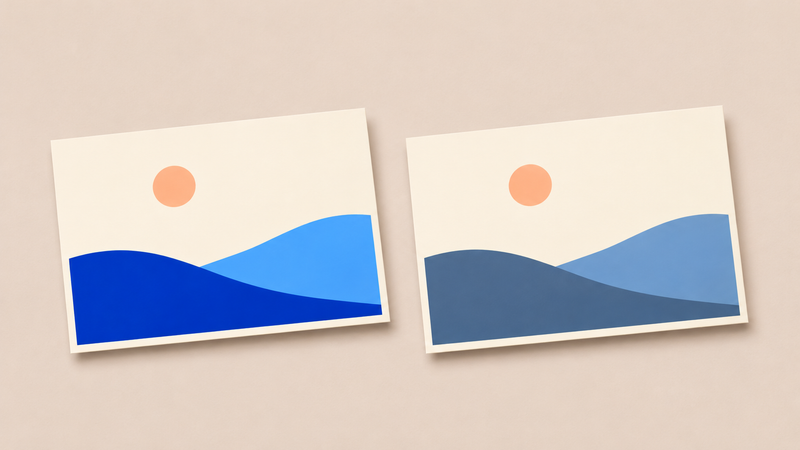
How to soft proof AI art before printing
Use the printer’s profile, check colors that need to stay distinct, and review a physical proof. A coastal postcard shows where to start.
Read articleUse the printer’s profile, check colors that need to stay distinct, and review a physical proof. A coastal postcard shows where to start.
Read article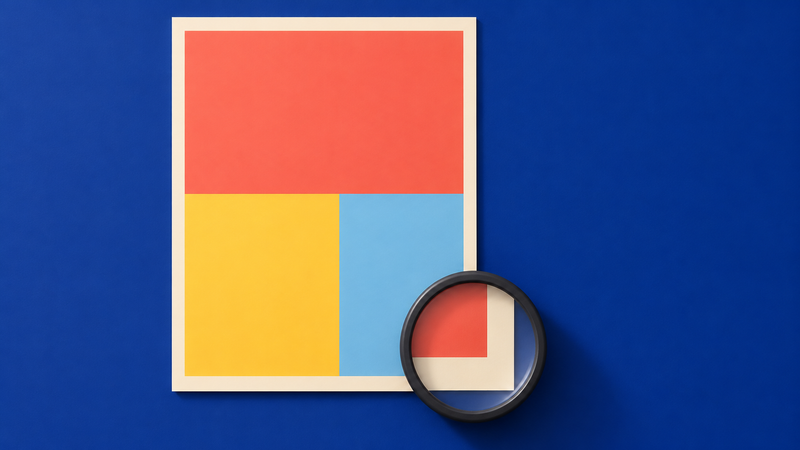
Proofread the words and test the smallest export before approving a generated poster. A bilingual exhibition brief shows what to check.
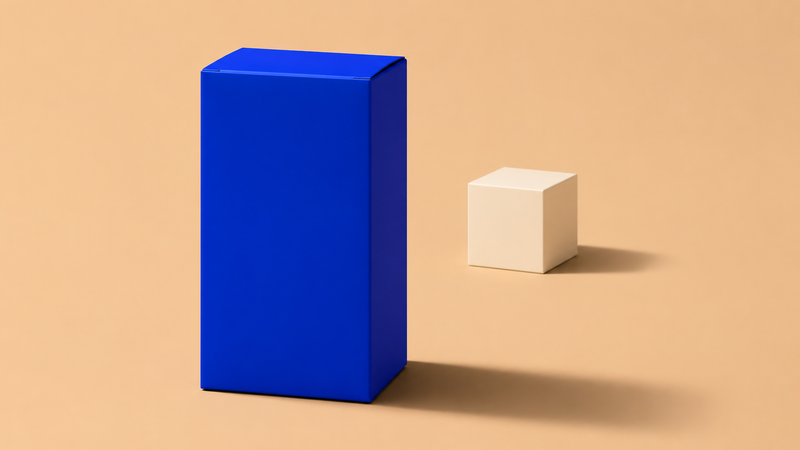
Set the product on the surface, read the existing light and build separate shadows for contact and direction. A simple carton shows what to check.
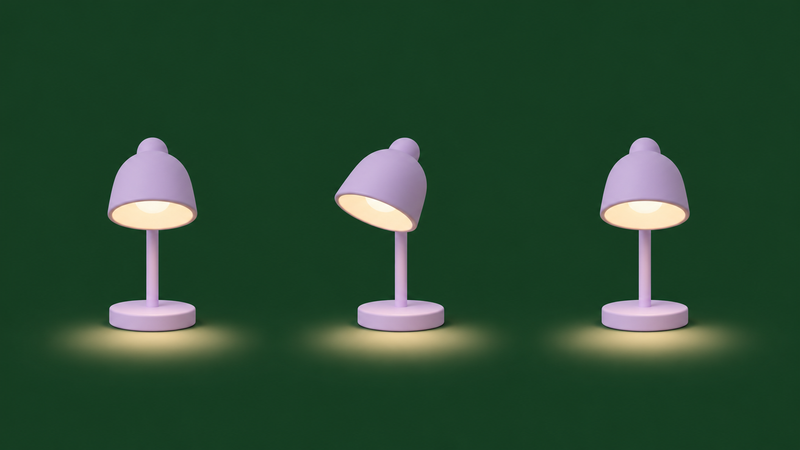
Give a short GIF one clear movement and a deliberate return. This desk lamp storyboard shows what to specify and what to check in the exported loop.
A removed background is only the start. Check real transparency, fine edges and the exported file before placing an image in a new design.
A larger file does not resolve every image problem. Diagnose whether the issue is pixel dimensions, a local mistake or the composition itself, then compare the result at the size your audience will see.

Build landscape, square and portrait images around the same idea without sacrificing the subject. Use a three-layout brief, protect essential details, and review the finished copy in each language.

Black Forest Labs’ October release combines image generation, editing and references. Here is a practical way to assess whether its workflow fits a creative brief.

Ideogram’s vector workflow turns prompts or existing images into scalable SVG artwork. Here is what that changes for creators preparing graphics for more than one size.