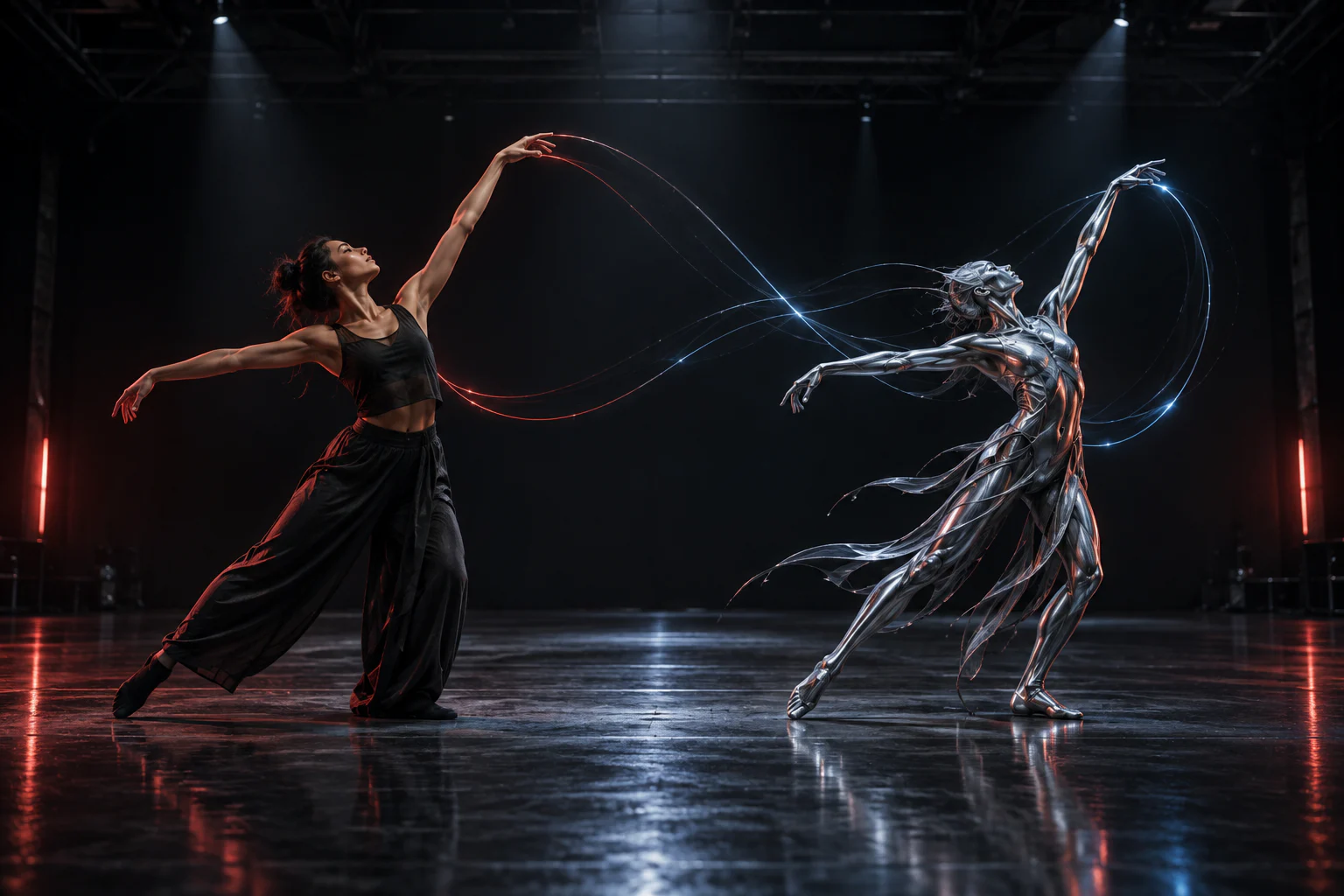
Kling 3 on TongAI. Generate a shot or recreate a performance.
TongAI offers Kling 3 through generation and motion-transfer workflows. Kling V3 Standard and Pro can create video from text or images, while Kling 3.0 Standard and Pro power Recreate Video for transferring a recorded performance to a character image.
Use Kling 3 Text to video · Image to video · Frame guidance · Recreate Video
Original illustrative artwork for the Kling 3 guide — not a guaranteed model output.
Creative freedom for your prompts and content.
TongAI has no prompt restrictions, including for adult creative themes. Choose the subject, tone, and visual style that fit your idea, and write the direction in your own words.
Use remains subject to our Acceptable Use Policy, consent and rights requirements, and model-provider policies. Generation depends on the selected model’s capabilities and availability.
Model overview
What is Kling 3?
Kling 3 on TongAI covers two related jobs. Generation routes create a new clip from a prompt or visual frame. Recreate Video starts from an existing performance and a character image, then uses motion transfer to produce a new interpretation of that performance.
These are not interchangeable inputs. Choose generation when the action should be invented from direction. Choose Recreate Video when timing, pose, and movement from recorded footage are the foundation. Standard and Pro variants differ in resolution and credit rate, and reference support depends on the exact Kling route.
Capabilities at a glance.
T2V
Yes — Kling V3 Standard and Pro generation routes support video from written direction.
Yes — Recreate Video uses Kling 3.0 Standard or Pro with a source performance video and character image.
References
General reference support varies. Kling O3 routes support broader reference binding; V3 focuses on prompt and frame routes.
Character consistency
Motion transfer can preserve performance structure while reinterpreting the supplied character; identity and timing are not exact guarantees.
Resolution
Current Kling V3 Standard is listed at 720p and V3 Pro at 1080p. Recreate Video also offers Standard and Pro price tiers.
01
Generation references and motion transfer solve different problems.
A starting frame guides the look and composition of a newly generated shot. Recreate Video instead reads movement from an uploaded MP4 or MOV and applies it to the supplied character image. For general multi-reference direction, choose a Kling route that explicitly exposes reference fields rather than assuming every Kling 3 variant accepts them.
02
Keeping a character recognizable in Kling video
Use a clear character image with visible facial and body structure, source footage with readable poses, and a prompt that does not ask for a conflicting identity. In generated video, keep reference choices stable between takes. In motion transfer, review the opening pose, profile angles, hands, rapid turns, and occlusion because these moments can change likeness.
03
Open-ended direction, paid by use
TongAI does not restrict the words you use to direct Kling 3, including for adult creative themes. Paid generation has no fixed daily cap while you have credits, and the price for the selected generation or motion-transfer route appears before submission.
Current TongAI pricing
See the rate before you generate.
There is no fixed daily generation cap. Each completed generation uses credits at the rate shown for its workflow, model, resolution, and duration.
Current starting prices for Kling 3 on TongAI
Workflow
Variant
Resolution
Starting rate
Text to video
Kling V3 Standard
720p
14 credits / second
Video from frames
Kling V3 Standard
720p
14 credits / second
Director video
Kling V3 Standard
720p
14 credits / second
Director video
Kling V3 Standard
720p
14 credits / second
Text to video
Kling V3 Pro
1080p
19 credits / second
Video from frames
Kling V3 Pro
1080p
19 credits / second
Director video
Kling V3 Pro
1080p
19 credits / second
Director video
Kling V3 Pro
1080p
19 credits / second
Recreate Video
Kling 3.0 Standard
Model default
11 credits / second
Recreate Video
Kling 3.0 Pro
Model default
15 credits / second
These are starting rates from TongAI’s public catalog. Higher resolutions and other settings may cost more; Studio shows the final total before submission.
Where Kling 3 fits.
Prompt-driven cinematic clips
Animating a designed opening frame
Guiding a shot toward an ending frame
Recreating a recorded performance with a new character
How to use Kling 3 on TongAI.
Start from the input you already have, then choose the compatible model route and review its exact price.
01
Decide between generation and motion transfer
Use Text to Video or Frames to invent a new shot. Use Recreate Video when an existing performance supplies the action and timing.
02
Choose Standard or Pro
Compare resolution, duration, audio behavior, and per-second rate. Pro is appropriate when its higher listed resolution matters to the delivery.
03
Prepare the right visual input
For frame generation, use a clean starting image. For motion transfer, upload supported performance footage and a clear character image within the displayed file limits.
04
Review and keep the useful take
Confirm the price, generate, inspect identity and motion, and download the completed take or reuse its inputs for another paid version.
Prompt ideas
Example directions to try.
These are starting prompts, not verified example outputs or guarantees of a particular result.
Create Video from Frames
Frame-guided product reveal
Slow clockwise camera move around the object as the background light rises from deep blue to warm amber. Keep the object centered and preserve its materials.
Recreate Video
Performance recreation
Keep the character's dark coat and graphic silhouette while following the source performance. Preserve the original room and natural sound.
Questions about Kling 3.
What is the difference between Kling V3 and Recreate Video?
Kling V3 generation routes create motion from prompts or frames. Recreate Video uses Kling 3.0 motion-transfer routes to reinterpret an uploaded performance with a character image.
Does Kling 3 accept reference images?
Frame-based routes accept visual guidance. Broader subject references are route-specific, so confirm that the selected Kling model exposes reference fields before preparing a multi-reference request.
Does Kling 3 allow adult prompts?
TongAI has no prompt restrictions, including for adult creative themes. Use remains subject to the Acceptable Use Policy and consent and rights requirements.