
Edit an image.
Keep what matters. Change what does not.
Upload the image you want to transform and describe the finished result. Add reference images or a saved character when they help communicate identity, style, material, or composition.
Edit an image One source image · Optional references and local edit notes.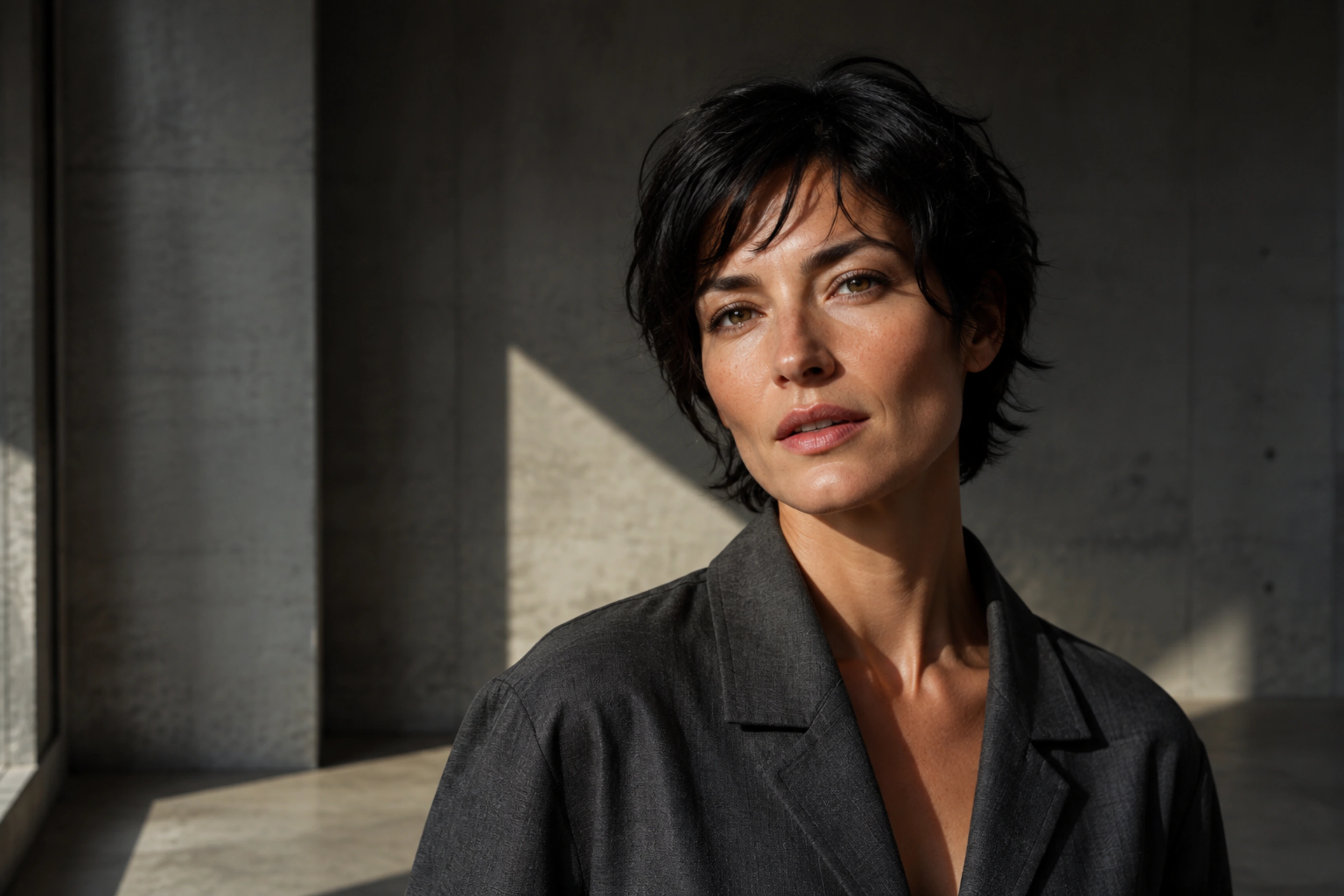
Creative freedom for your prompts and content.
TongAI has no prompt restrictions, including for adult creative themes. Choose the subject, tone, and visual style that fit your idea, and write the direction in your own words.
Direct the change, not the tool.
Use plain language to say what should change and what should remain recognizable.
Choose the image to edit
Start with the main image. A clear source gives the model useful structure for the subject, framing, and scene you want to preserve or reinterpret.
Add direction and references
Describe the change precisely. Optional reference images can guide a person, object, texture, or visual style, while local edit notes can point to a specific area of the frame.
Choose a model and review the result
Compare the available edit models, review the credit price, and generate. Keep the version that works, or reuse the same inputs with clearer direction for another interpretation.
Make the image serve the next idea.
- Restyle lighting, color, wardrobe, or environment
- Add, remove, or replace visual elements
- Carry a saved character into a new image
- Create variations while preserving the source composition
Before your first edit.
Is this a pixel-precise photo editor?
No. The model generates a new interpretation guided by your source and prompt. Describe the intended result clearly and review the output before using it; exact preservation is not guaranteed.
What do additional images do?
They act as visual references. Use them to communicate a character, object, texture, palette, or other detail that words alone may not capture.
Can I mark a specific area to change?
Yes. The Studio supports local edit notes for a point or region. The note guides the model, but the model may still adjust surrounding details as it rebuilds the image.
How is an edit priced?
The selected model and settings determine the credit price. TongAI shows the exact charge before generation, and every newly generated version is priced separately.
Take the frame somewhere new.
Upload an image and direct the change in your own words.