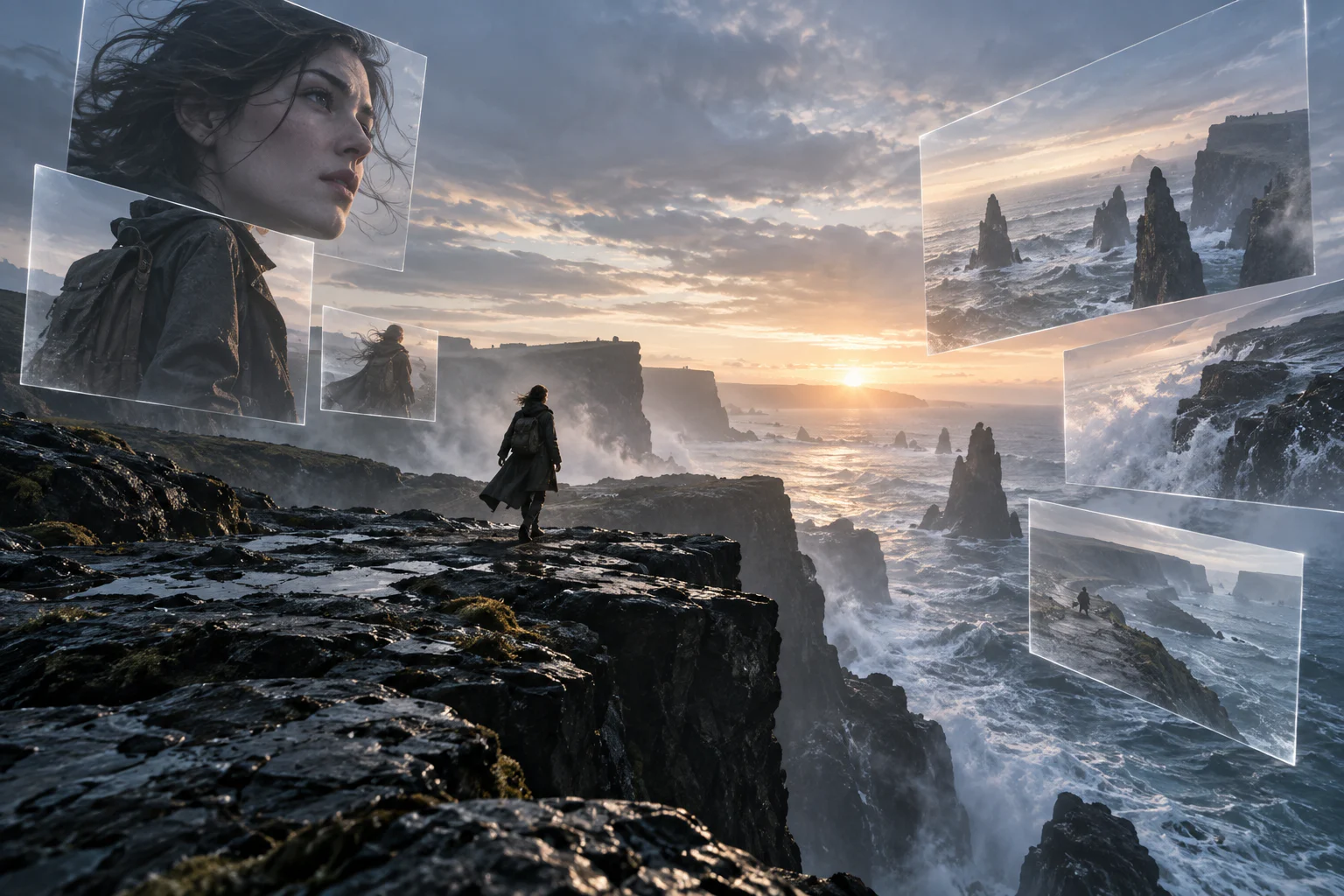
Wan 3 on TongAI. Longer clips, reference-led video, and high-resolution variants.
The Wan 3 family on TongAI includes standard, Prime, Pro, and Prime Pro routes. Depending on the variant, you can start from text, animate a frame, guide a clip with references, and choose output options extending from 480p through high-resolution Pro routes.
Use Wan 3 Text to video · Image to video · Reference video · Standard and Pro variants
Original illustrative artwork for the Wan 3 guide — not a guaranteed model output.
Creative freedom for your prompts and content.
TongAI has no prompt restrictions, including for adult creative themes. Choose the subject, tone, and visual style that fit your idea, and write the direction in your own words.
Use remains subject to our Acceptable Use Policy, consent and rights requirements, and model-provider policies. Generation depends on the selected model’s capabilities and availability.
Model overview
What is Wan 3?
Wan 3 is a video-model family built around several quality and routing tiers rather than one universal configuration. TongAI lists the available variant and workflow together, which helps distinguish prompt-only generation from frame-guided and reference-guided video.
Standard and Prime variants offer a broad range of common resolutions, while Pro variants expose higher-resolution choices on supported routes. Available durations, audio behavior, references, and prices remain model-specific. Always rely on the current Setup panel and price shown before generation rather than assuming two Wan variants behave identically.
Capabilities at a glance.
T2V
Yes — current Wan 3 variants support prompt-only video generation.
I2V / frames
Yes — compatible routes animate a starting frame and can guide video from frame inputs.
References
Yes — supported Wan 3 reference routes accept image and other media inputs, with route-specific totals and duration limits.
Character consistency
Suitable for reference-led character video, but identity, clothing, and anatomy must be reviewed throughout the motion.
Resolution
Standard and Prime routes list 480p, 720p, and 1080p. Pro and Prime Pro routes can expose 1080p, 2K, and 4K.
Audio
Optional audio is available on supported Wan 3 routes; reference media and output-duration limits still apply.
01
Wan 3 can use more than a single starting image.
On supported reference routes, Wan 3 can work with multiple images and compatible video, audio, or document/webpage guidance. Attach only media you have the right to use, bind each reference clearly, and mention what it controls. Input limits vary by route and the combined duration of reference footage and output can be capped.
02
Using Wan 3 for the same character
Group several readable views of the same person or object, give the subject a clear role in the prompt, and avoid mixing contradictory ages, clothing, or facial details. Reuse the same reference set across takes. Wan 3 can use those references as guidance, but a long clip, dramatic angle change, or fast movement may still change identity details.
03
Unrestricted prompts with usage-based pricing
TongAI places no prompt restrictions on Wan 3, including for adult creative themes. Generate without a fixed daily cap while you have credits, and see the exact rate for the selected variant, resolution, and duration before submission.
Current TongAI pricing
See the rate before you generate.
There is no fixed daily generation cap. Each completed generation uses credits at the rate shown for its workflow, model, resolution, and duration.
Current starting prices for Wan 3 on TongAI
Workflow
Variant
Resolution
Starting rate
Text to video
Wan 3.0
480p
6 credits / second
Reference video
Wan 3.0
480p
6 credits / second
Video from frames
Wan 3.0
480p
6 credits / second
Text to video
Wan 3.0 Prime
480p
8 credits / second
Reference video
Wan 3.0 Prime
480p
8 credits / second
Video from frames
Wan 3.0 Prime
480p
8 credits / second
Text to video
Wan 3.0 Pro
1080p
34 credits / second
Reference video
Wan 3.0 Pro
1080p
34 credits / second
Video from frames
Wan 3.0 Pro
1080p
34 credits / second
Text to video
Wan 3.0 Prime Pro
1080p
48 credits / second
Reference video
Wan 3.0 Prime Pro
1080p
48 credits / second
Video from frames
Wan 3.0 Prime Pro
1080p
48 credits / second
Director video
Wan 3.0
480p
6 credits / second
Director video
Wan 3.0 Prime
480p
8 credits / second
Director video
Wan 3.0 Pro
1080p
34 credits / second
Director video
Wan 3.0 Prime Pro
1080p
48 credits / second
Director video
Wan 3.0
480p
6 credits / second
Director video
Wan 3.0 Prime
480p
8 credits / second
Director video
Wan 3.0 Pro
1080p
34 credits / second
Director video
Wan 3.0 Prime Pro
1080p
48 credits / second
These are starting rates from TongAI’s public catalog. Higher resolutions and other settings may cost more; Studio shows the final total before submission.
Where Wan 3 fits.
Longer prompt-driven video concepts
Frame-led animation with a designed opening
Character and object reference videos
High-resolution Pro-route experiments
How to use Wan 3 on TongAI.
Start from the input you already have, then choose the compatible model route and review its exact price.
01
Choose a Wan 3 route
Start with Text to Video for a written shot, Frames for a designed opening, or Create Video when references should guide subjects and visual continuity.
02
Compare the variant
Standard, Prime, Pro, and Prime Pro differ in available resolution and rate. Select the tier that fits the delivery rather than automatically choosing the largest output.
03
Bind and describe references
Use clear reference labels and say what each image, video, audio file, or document should influence. Keep the primary action and camera direction easy to follow.
04
Review timing, price, and result
Confirm billable seconds and the live credit total. After generation, check subject continuity, reference adherence, audio, camera motion, and the ending.
Prompt ideas
Example directions to try.
These are starting prompts, not verified example outputs or guarantees of a particular result.
Create Video
Reference-led performance
Keep the referenced performer recognizable in the same navy coat. One continuous lateral tracking shot as they cross the station platform, with restrained natural motion.
Text to Video
High-resolution landscape shot
Aerial drift above wind-shaped coastal cliffs just after sunrise, low mist moving inland, slow parallax, realistic atmosphere, no abrupt cuts.
Questions about Wan 3.
Can Wan 3 use character references?
Yes on supported reference-to-video routes. TongAI shows the allowed media fields and counts for the selected variant. References guide identity but do not guarantee exact replication.
Can Wan 3 generate 4K video?
Current Wan 3 Pro and Prime Pro definitions expose 4K on supported routes. Confirm the selected workflow, availability, and exact price in Studio before generating.
Is Wan 3 unlimited on TongAI?
Paid Wan 3 generation has no fixed daily cap while your account has credits. Each generation uses credits at the displayed per-second rate for the selected variant and resolution.