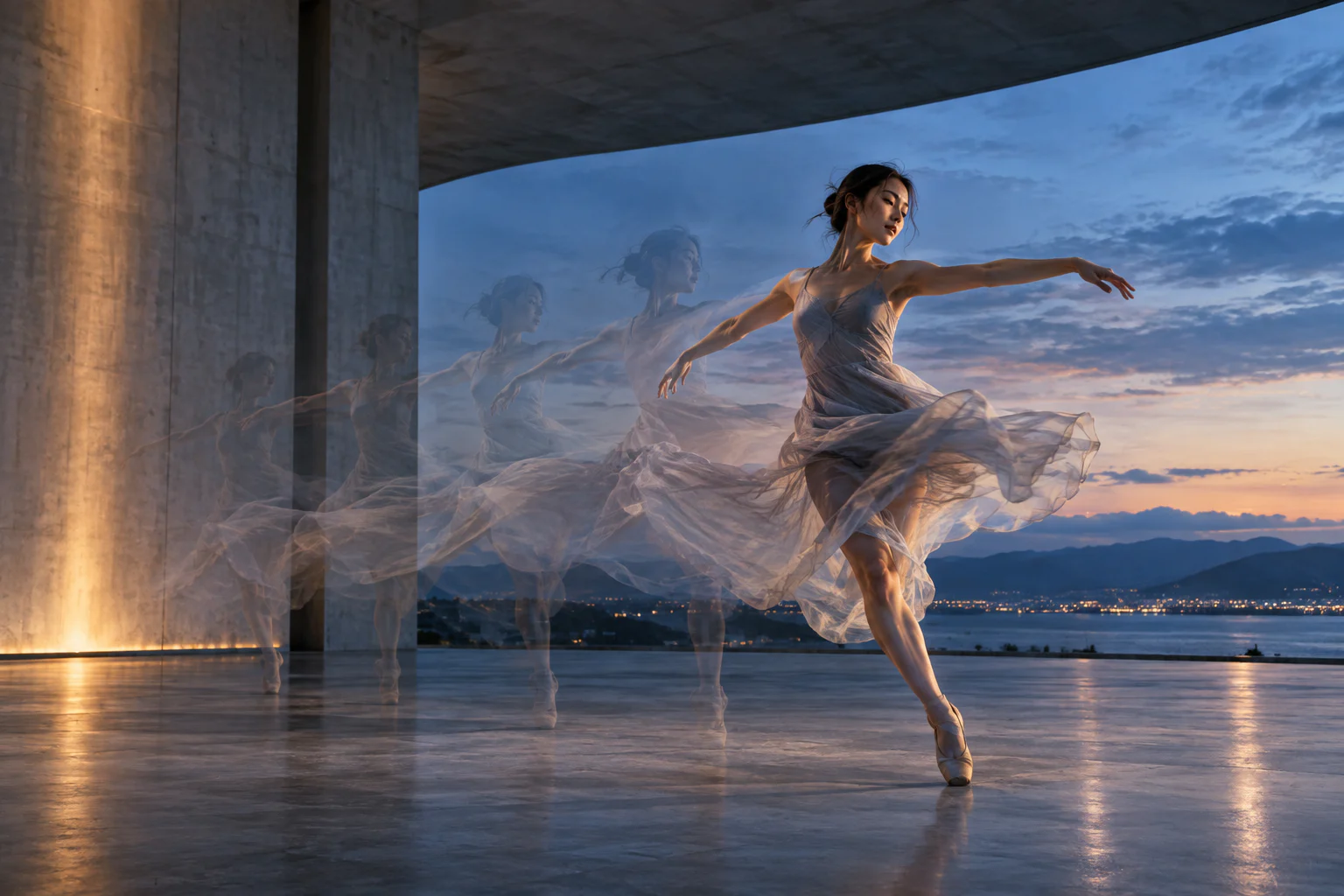
Seedance 2.5 on TongAI. Move from a written shot or a reference into video.
Seedance 2.5 is available across several TongAI video workflows: prompt-only video, image animation, starting-and-ending frames, and character-reference video. Choose the route that matches the control you actually need, then review the exact per-second credit price before generation.
Use Seedance 2.5 Text to video · Image to video · First/last frames · Character references
Original illustrative artwork for the Seedance 2.5 guide — not a guaranteed model output.
Creative freedom for your prompts and content.
TongAI has no prompt restrictions, including for adult creative themes. Choose the subject, tone, and visual style that fit your idea, and write the direction in your own words.
Use remains subject to our Acceptable Use Policy, consent and rights requirements, and model-provider policies. Generation depends on the selected model’s capabilities and availability.
Model overview
What is Seedance 2.5?
Seedance 2.5 is a video-generation model that can create motion from text or use visual media to guide the clip. On TongAI, its capabilities are separated into clear workflows so a prompt-only request is not confused with image-to-video or reference-to-video generation.
It is a practical choice when you want one model family to cover several starting points. Current TongAI routes expose 480p and 720p pricing, optional audio behavior where supported, and a duration-dependent total. The selected workflow and input combination determine which controls appear.
Capabilities at a glance.
T2V
Yes — generate a video directly from written scene, action, camera, timing, and style direction.
I2V
Yes — animate a starting image; the image establishes appearance and composition while the prompt directs motion.
First/last frames
Yes — supported in the Frames workflow for guiding both the opening and intended finish.
References
Yes on compatible character-video routes, including multiple image and optional media references. Studio shows the current limits.
Character consistency
Reference inputs can guide identity and wardrobe across a clip, but motion and changing angles can still alter details.
Resolution
Current TongAI Seedance 2.5 routes list 480p and 720p options. The selected resolution changes the per-second price.
01
Choose the input that gives the right kind of control.
Text-to-video is best when the model can invent the entire shot. Image-to-video is better when the first composition already matters. Use first and last frames when the ending needs visual guidance, and use Create Video when a recurring person, object, or style needs a reference set. More references are not automatically better; use only clear, relevant media.
02
Seedance 2.5 and character continuity
A strong character video begins with readable face and body images, a motion prompt that does not contradict those images, and a camera plan that keeps defining features visible. Reuse the same saved character and describe wardrobe continuity. Review the finished clip frame by frame because rapid motion, occlusion, profile angles, and scene changes can reduce identity fidelity.
03
No fixed daily generation cap
Use Seedance 2.5 with no TongAI prompt restrictions, including for adult creative themes. Continue creating while you have enough credits; the selected duration and resolution determine the paid total shown before generation.
Current TongAI pricing
See the rate before you generate.
There is no fixed daily generation cap. Each completed generation uses credits at the rate shown for its workflow, model, resolution, and duration.
Current starting prices for Seedance 2.5 on TongAI
Workflow
Variant
Resolution
Starting rate
Video from frames
Seedance 2.5
480p
14 credits / second
Reference video
Seedance 2.5
480p
21 credits / second
Text to video
Seedance 2.5
480p
21 credits / second
Director video
Seedance 2.5
480p
14 credits / second
Director video
Seedance 2.5
480p
21 credits / second
These are starting rates from TongAI’s public catalog. Higher resolutions and other settings may cost more; Studio shows the final total before submission.
Where Seedance 2.5 fits.
Prompt-only cinematic or natural-phone shots
Animating a designed starting frame
Transitions guided by opening and closing images
Character-led clips from reusable references
How to use Seedance 2.5 on TongAI.
Start from the input you already have, then choose the compatible model route and review its exact price.
01
Pick the right Seedance workflow
Choose Text to Video, Animate an Image, Create Video from Frames, or Create Video according to whether you have no visual input, one frame, two frames, or a reference set.
02
Describe motion over time
Write the subject's action, camera movement, pace, environment, and ending. A video prompt should explain change, not only describe a still image.
03
Set duration, resolution, and audio
Review the options exposed for the route. The total price changes with billable seconds and resolution, while audio controls depend on current model support.
04
Generate and inspect continuity
Confirm the credit total, follow progress in the workspace, and inspect motion, hands, faces, cuts, sound, and the final frame before using the clip.
Prompt ideas
Example directions to try.
These are starting prompts, not verified example outputs or guarantees of a particular result.
Text to Video
Prompt-only establishing shot
Slow handheld push through a rain-lit night market. A woman in a red coat turns toward camera as steam crosses the foreground; natural street audio and restrained movement.
Create Video
Character reference clip
The referenced character walks from the doorway to the window, pauses, and looks outside. Keep the camera at chest height with one continuous, gentle move.
Questions about Seedance 2.5.
Does Seedance 2.5 support image-to-video?
Yes. TongAI offers compatible image animation, first/last-frame, and character-reference workflows in addition to text-to-video.
Is there a fixed daily Seedance limit?
No. TongAI has no fixed daily generation cap. You may continue generating while you have enough credits, with each request priced at the displayed per-second rate.
How is Seedance 2.5 priced?
Video is priced per generated second, with the rate determined by the active workflow and resolution. TongAI shows the exact total before submission.