
Create an image.
Start with words. Shape every detail.
Describe the subject, setting, composition, light, and visual style you want. TongAI turns your direction into a new image without requiring a reference.
Create an image Prompt-only creation · No reference image needed.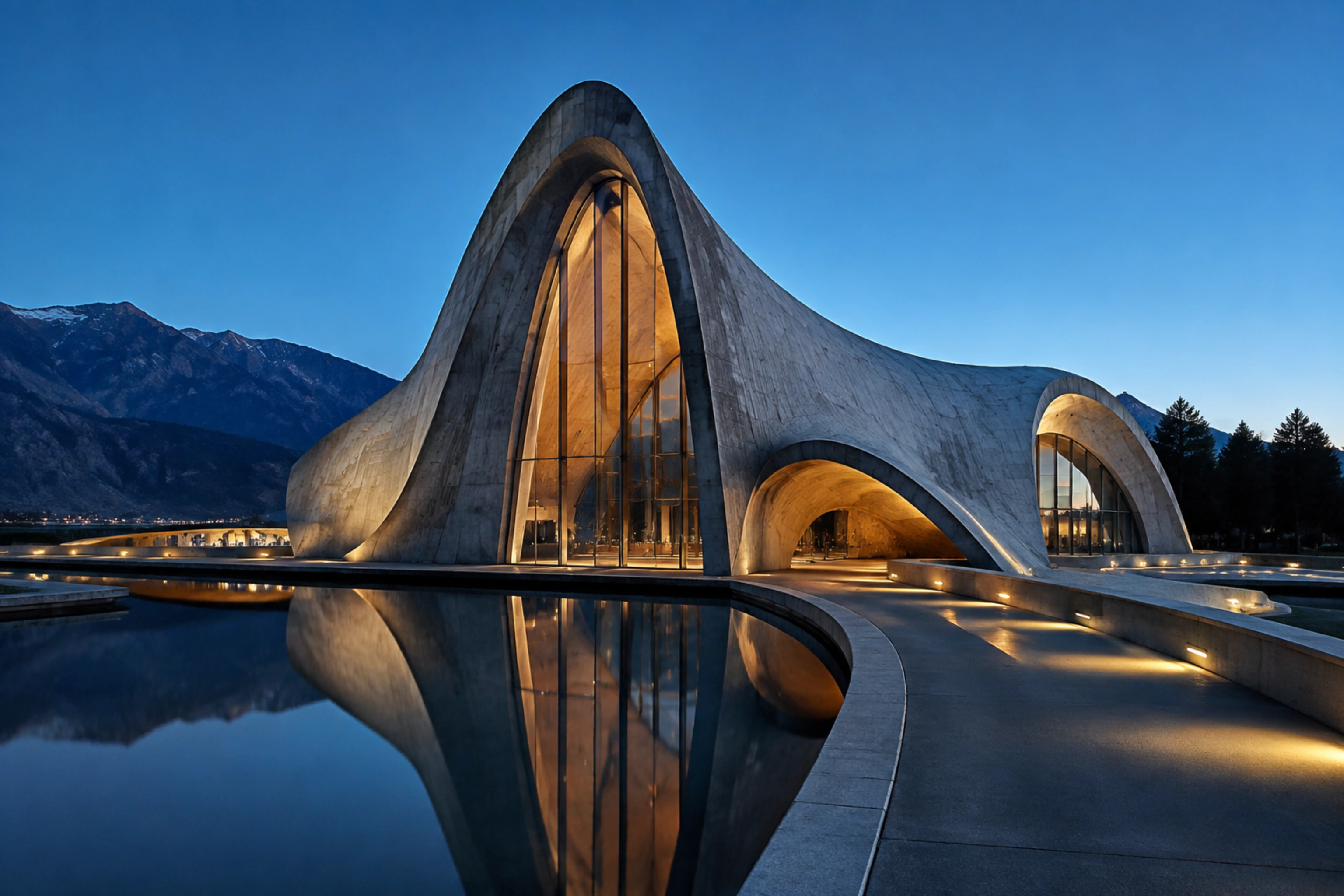
Creative freedom for your prompts and content.
TongAI has no prompt restrictions, including for adult creative themes. Choose the subject, tone, and visual style that fit your idea, and write the direction in your own words.
From an idea to a finished frame.
Create Image keeps the first step simple while leaving the visual decisions with you.
Write the scene in your own words
Name the subject and action, then add the details that matter: setting, framing, lighting, material, mood, and style. A concise prompt can establish the idea; a more specific one can guide the composition.
Choose the model and format
Open Setup to compare the available image models and select the aspect ratio that fits the destination. Optional settings let you tune the result without changing the core prompt.
Review the price and create
TongAI shows the exact credit price before submission. Generate the image, compare it with your direction, then download it, keep it in your Library, or reuse it as the start of another creation.
One prompt can open many directions.
- Editorial and campaign concepts
- Characters, environments, and visual development
- Portraits, product scenes, and social artwork
- Reference frames for later image or video work
Before your first image.
Do I need a reference image?
No. Create Image is a prompt-only workflow. If you already have an image you want to change, use Edit an Image instead.
How specific should my prompt be?
Start with the subject and the intended scene. Add composition, camera distance, lighting, color, material, and style when those choices matter. You can revise the wording and create another version whenever you want a different interpretation.
How is the image priced?
The price depends on the selected model and settings. TongAI shows the exact credit amount before generation. Each new generated image is a new purchase.
Can I use the result in another workflow?
Yes. Finished images remain available in your Library and can be downloaded or reused as references in supported image and video workflows.
Your direction. A new frame.
Begin with the image you can already see in your head.