
Build a reusable character.
Bring the same identity into new work.
Organize the reference images that define a character once, save the profile, and select it again when you create scenes, edit images, or direct supported videos.
Create a character Saved references · Reusable across supported workflows.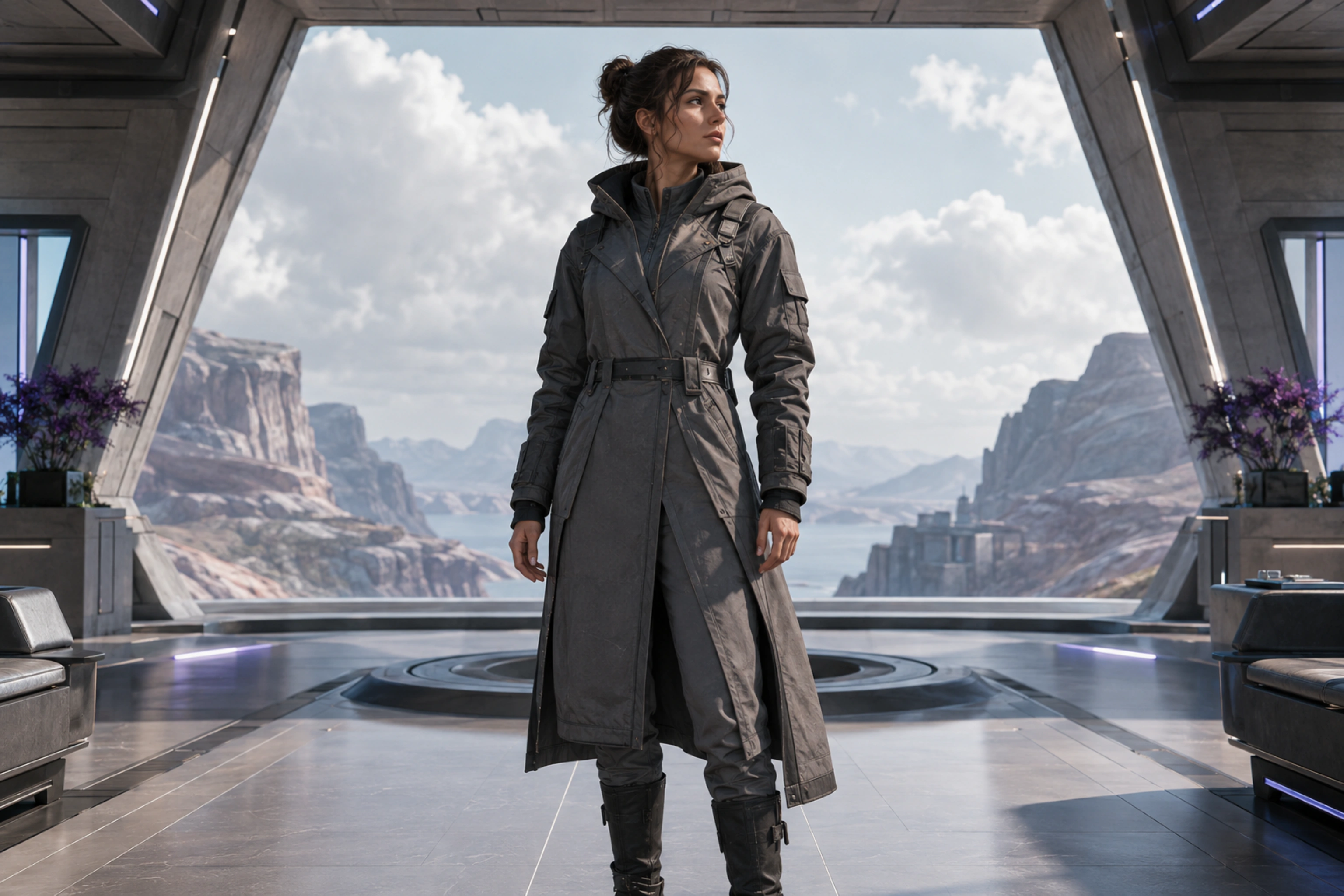
Creative freedom for your prompts and content.
TongAI has no prompt restrictions, including for adult creative themes. Choose the subject, tone, and visual style that fit your idea, and write the direction in your own words.
A clearer reference set, ready when you are.
Character profiles keep the identity inputs together without promising exact replication.
Name the character
Create a profile that is easy to recognize in your workspace. The profile becomes the reusable home for the character’s reference images.
Add clear face and body references
Use images that clearly show the character’s defining facial and full-body features. Optional additional references can provide more context for supported workflows.
Select the profile while creating
Choose the saved character in supported image and video workflows. TongAI adds the saved references to that creation, so you do not need to locate and upload the same files each time.
Keep a visual identity within reach.
- Recurring characters across scene recreations
- Faster setup for image edits and character videos
- A single place to update the reference set
- Named profiles for distinct people or fictional characters
Before you build a character.
What references are required?
A clear face reference and a full-body reference are the core inputs. The character editor shows which slots are required and which additional images are optional.
Does a saved character guarantee perfect consistency?
No. References guide the selected model, but every generation is a new interpretation. Review facial features, anatomy, wardrobe, and other identity details in each result.
Does saving a character generate media?
No. Creating or updating the profile organizes your uploaded references. Charges apply when you use those references in a paid generation workflow.
Can I edit the references later?
Yes. Return to Characters in Studio to update the name or reference set. Existing generated media remains separate from the profile.
Create once. Reference again.
Build the profile that can follow your character into the next scene.