
Recreate an image.
A new setting. The character you chose.
Add the scene images you want to reinterpret, then provide clear face and full-body references for the person. TongAI creates a new image for each scene using the same shared character direction.
Recreate an image One to twelve scenes · Shared character references.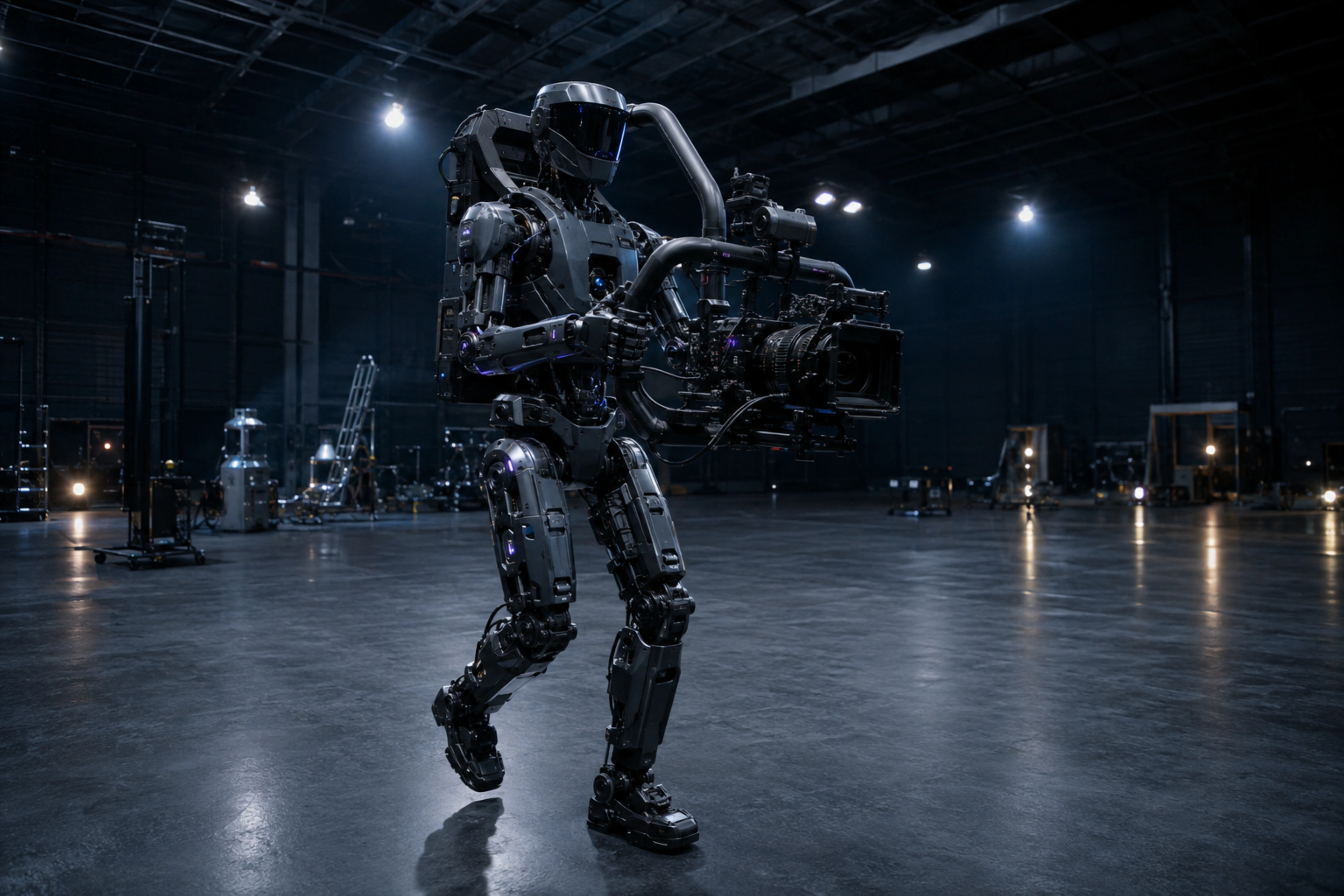
Creative freedom for your prompts and content.
TongAI has no prompt restrictions, including for adult creative themes. Choose the subject, tone, and visual style that fit your idea, and write the direction in your own words.
Use the scene as structure and the references as identity guidance.
Batch several scenes while reusing one character reference set across all of them.
Add the scenes
Choose one or more images whose setting, pose, or composition you want to recreate. Each scene becomes its own image generation and can be reviewed separately.
Define the shared character
Add clear face and full-body references, or select a saved character. The same character inputs are reused automatically for every scene in the batch.
Describe the result and review the price
Use the prompt to clarify wardrobe, mood, styling, or scene changes. Review the itemized price, create the images, and keep the versions that fit your project.
Carry one character through many settings.
- Reinterpret an existing composition with a chosen character
- Create a small set of related scene images
- Reuse one face-and-body reference set across a batch
- Develop visual options before moving into video
Before you recreate an image.
How many scene images can I add?
The workflow accepts one to twelve scene images. Each one becomes a separate generated output that uses the shared character references.
What makes a useful character reference?
Use a clear face image and a full-body image with visible features and minimal obstruction. Similar framing and readable details give the model stronger guidance.
Will the recreated image be identical to the source scene?
No. The source guides the generation, but the model rebuilds the image. Composition, pose, background details, and identity may vary, so review every result.
How is a batch priced?
Each output is priced as its own image generation. TongAI shows the total before submission, based on the selected model and the number of scenes.
Give the scene a new lead.
Add the composition, choose the character, and direct the recreation.