
In this article
Use Premiere Generate Soundscape on a short edit with clear visual cues. Listen to the ambient clips on their own, then judge each foreground sound against the action it is meant to support. Keep only what helps the viewer understand the scene. A clip can be synchronized and still be too loud, too close, or simply unnecessary.
What Premiere adds to the timeline
Adobe lists Generate Soundscape in Premiere desktop 27.0, the November 2026 release. Its help guide says it analyzes up to 15 seconds of visible timeline video and adds four synchronized clips: two ambient layers and two foreground effects. The guide also describes previewing variations and trimming or moving the resulting clips. Choose a range that contains one coherent action or place. Review the footage visible in that range before generating.
Write down three cues before listening
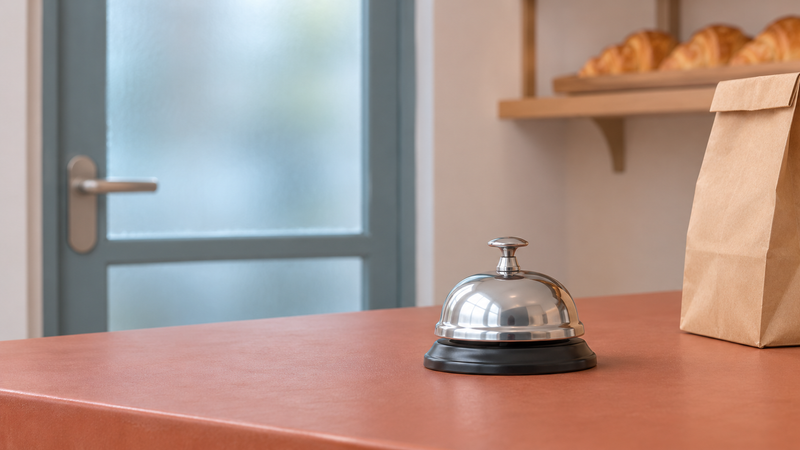
Imagine an eleven-second bakery shot. The entrance opens near the start, a customer taps the counter bell midway through, and the room settles afterward. Write three short cues: quiet indoor background throughout, door latch as the handle moves, and one ring at the bell press. Those cues describe your intentions. They are examples to check against the result, not a prediction of what Premiere will generate. If the cut also has quiet speech, write down the phrase you most need to hear.
Audition the background first
Solo the ambient clips one at a time. A steady bed can keep the bakery present while the camera moves from the door to the counter. A sudden stereo movement or a conspicuous mechanical whine can pull attention away. If two beds are doing the same job, start with the clearer one. Listen across the edit into the next shot as well. A clean ambience on its own can still create an abrupt change at a cut. Try extending the usable bed with suitable material or shaping a short fade where the sound naturally falls away.
Check each foreground sound for timing and distance
Watch the first frame where the bell is pressed. Listen for the onset of the ring at normal speed and then inspect it on the timeline. Move a late ring if the sound itself fits. Choose a different variation or remove it if it rings twice when the frame shows one press. Make the same judgment for the latch. A latch caught from across the room usually wants less presence than a close counter bell. Give each effect only as much level and clarity as the shot needs. If a source is already audible in the original recording, listen for doubling before keeping the added effect.