
In this article
Seedream 5.5 is available in Tong for creating images, editing them with references, and recreating scenes with the same character. It is also available for still-image work in Assistant and Film Maker. The model gives you a way to start with a written idea and carry a selected image through successive revisions.
Create the first image, then revise it
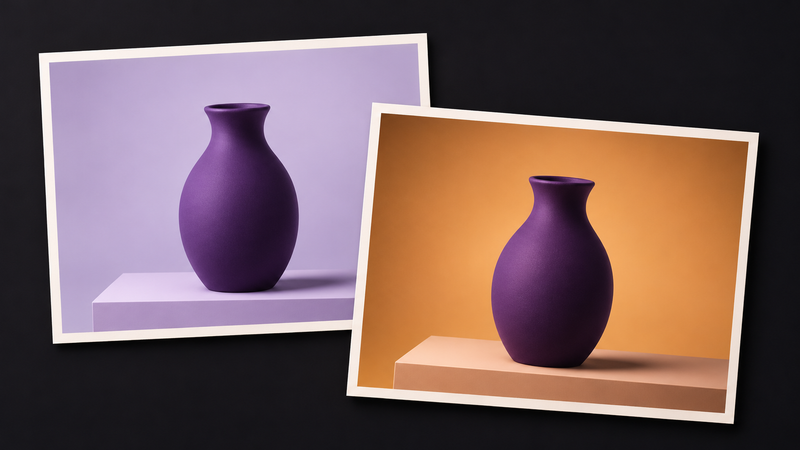
Start in Create image and select Seedream 5.5 in the model picker. Describe the subject, framing, and light. For a product image, try “A violet ceramic vase centered on a low plinth, soft window light from the left, room above the vase for a headline.” Choose the framing you need for the final use before you generate.
When the composition works, take that image into Create image from reference. Name one change and the details that should stay consistent. For example, “Change the background to warm amber. Keep the vase silhouette, crop, and camera angle.” Compare the rim, base, and contact shadow before moving to the next edit. ByteDance describes improved stability across repeated edits. Check the details that matter in each result, especially when they need to match an approved image.
Bring the same character into a new scene
In Recreate an image, add the scene images and your character photos in their respective slots. The scene supplies the setting and composition. The character photos supply the likeness. Tong creates one result per scene using the same character references. If one result needs more work, use it as the source for a focused edit.
In Film Maker, you can use Seedream 5.5 for storyboard stills, cast portraits, and location images. A finished still can become an opening or closing frame. A video model then animates it. The Tong Academy covers composition and reference preparation. Review the credit price Tong displays before each generation.